Case study
Dobrodoc
10,000+ consultations in year one: the Dobrodoc telemedicine platform — a patient app for booking online doctor visits, plus a back office for clinics.
DobroDoc. A doctor in your pocket, and the clinic behind it
- Patient app
- Web platform
- Brand
Access to medical care without the waiting room
DobroDoc provides access to a wide range of medical services. You contact a doctor and ask questions about your health directly from your smartphone — no more waiting for an answer to a call to an ambulance or a clinic.
Logotype
The mark and wordmark were redrawn next to the original version.
Icons
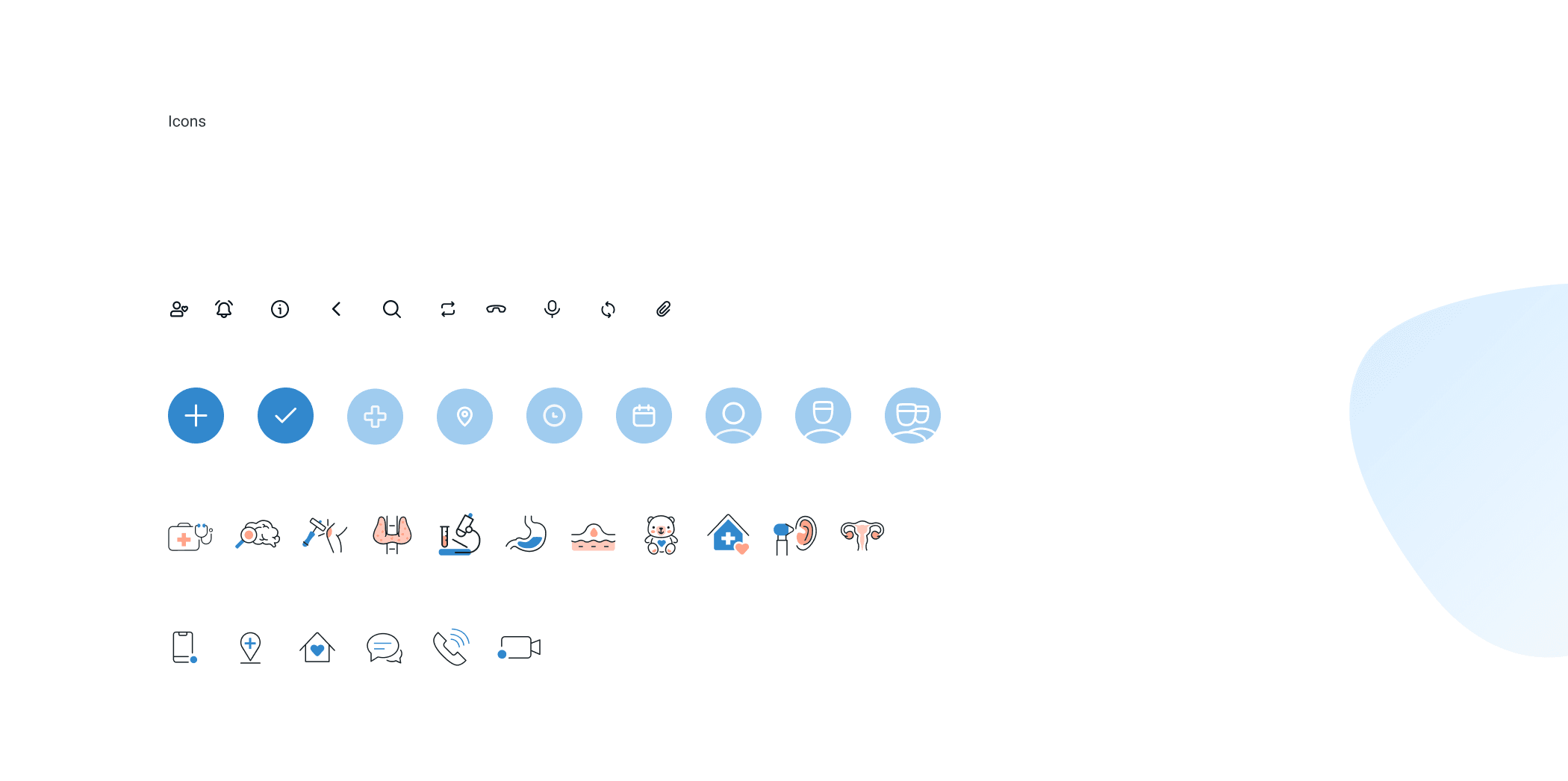
Medical, navigation and communication symbols drawn on one grid, and the app icon on the home screen.
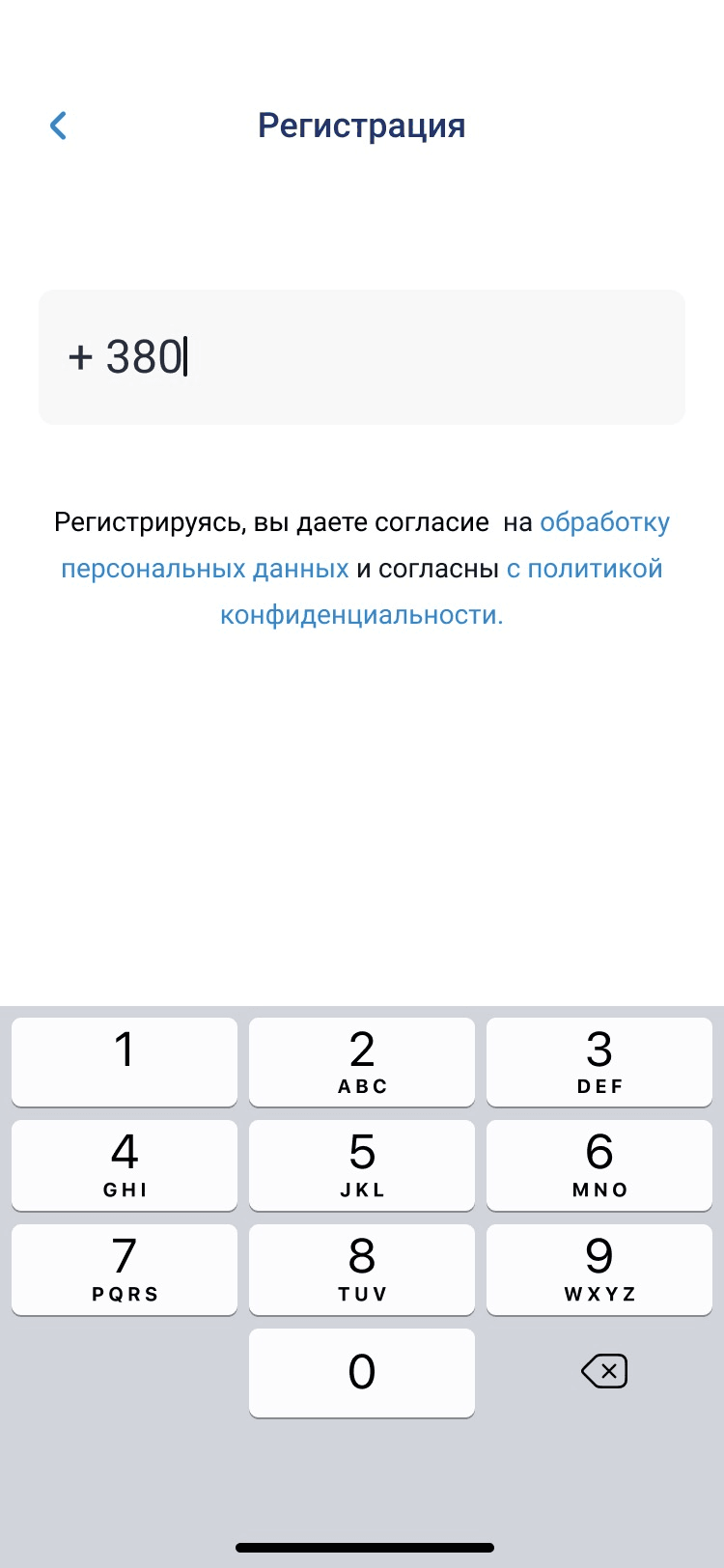
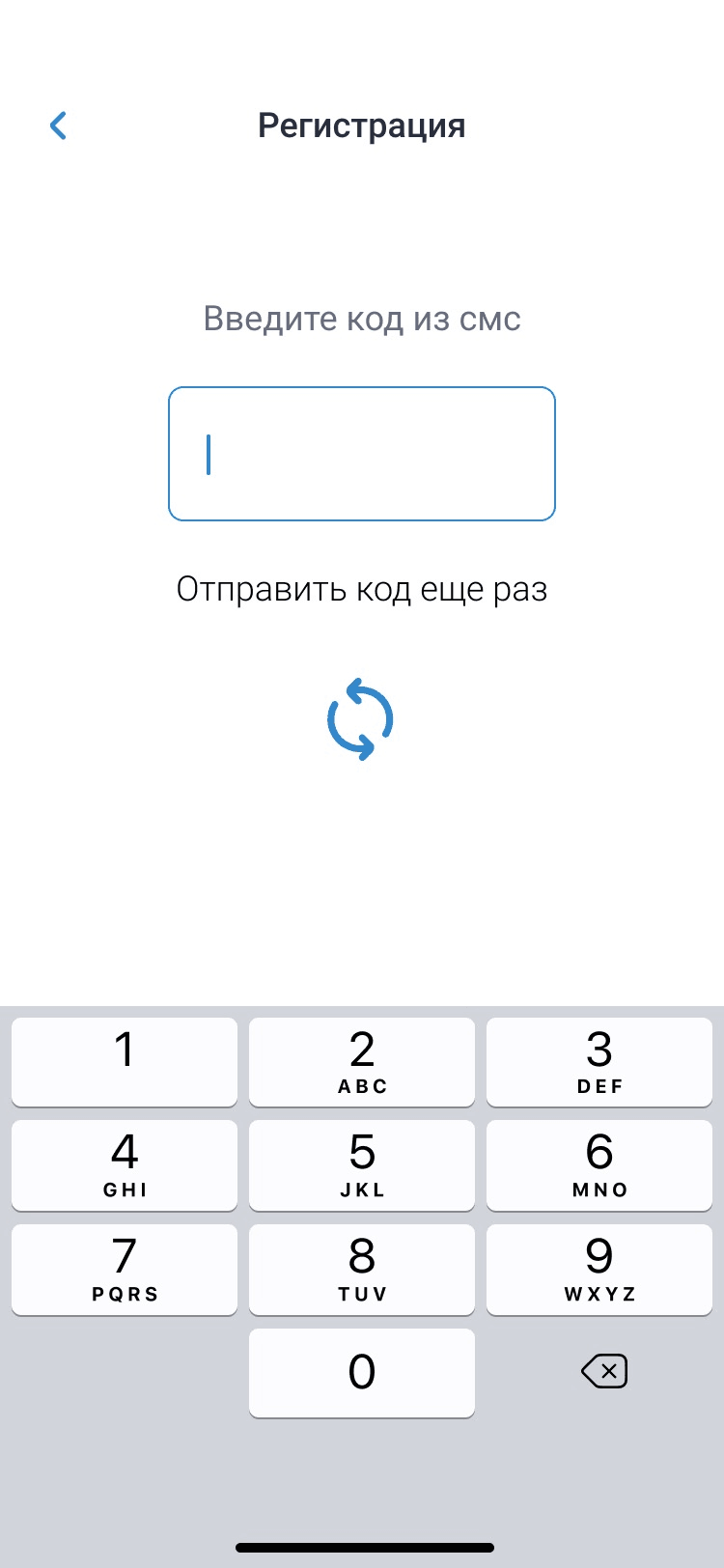
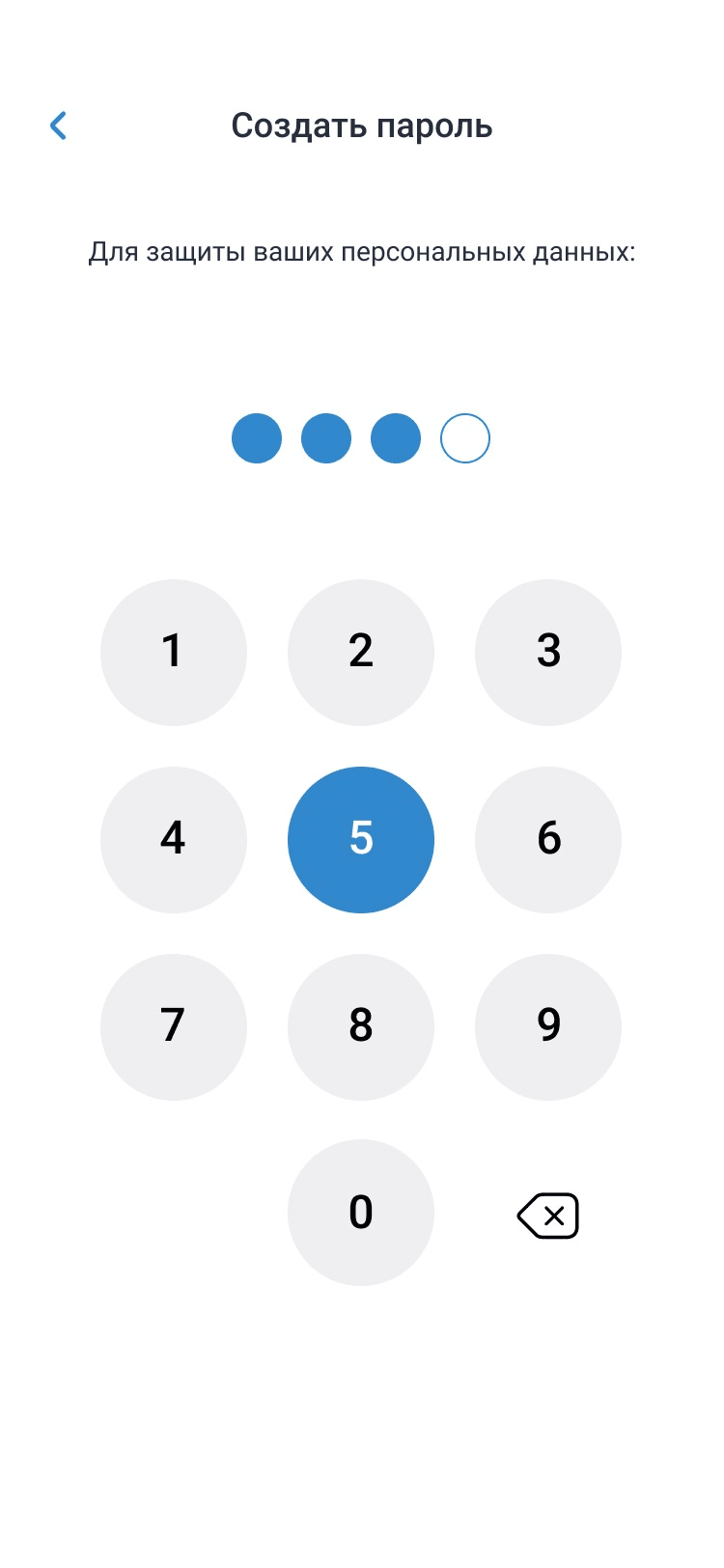
Easy user registration
A phone number, the code from the SMS and a four-digit PIN — and the patient is in.
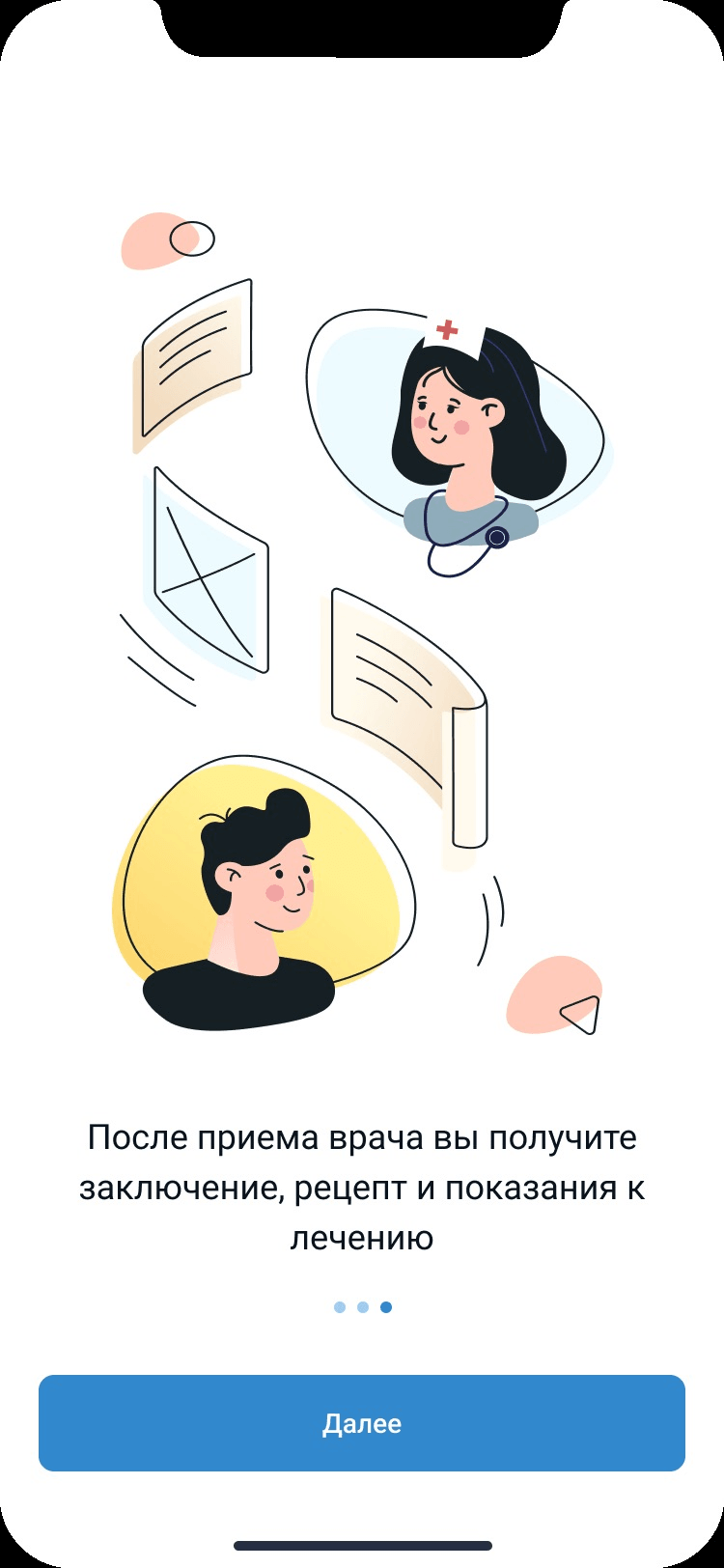
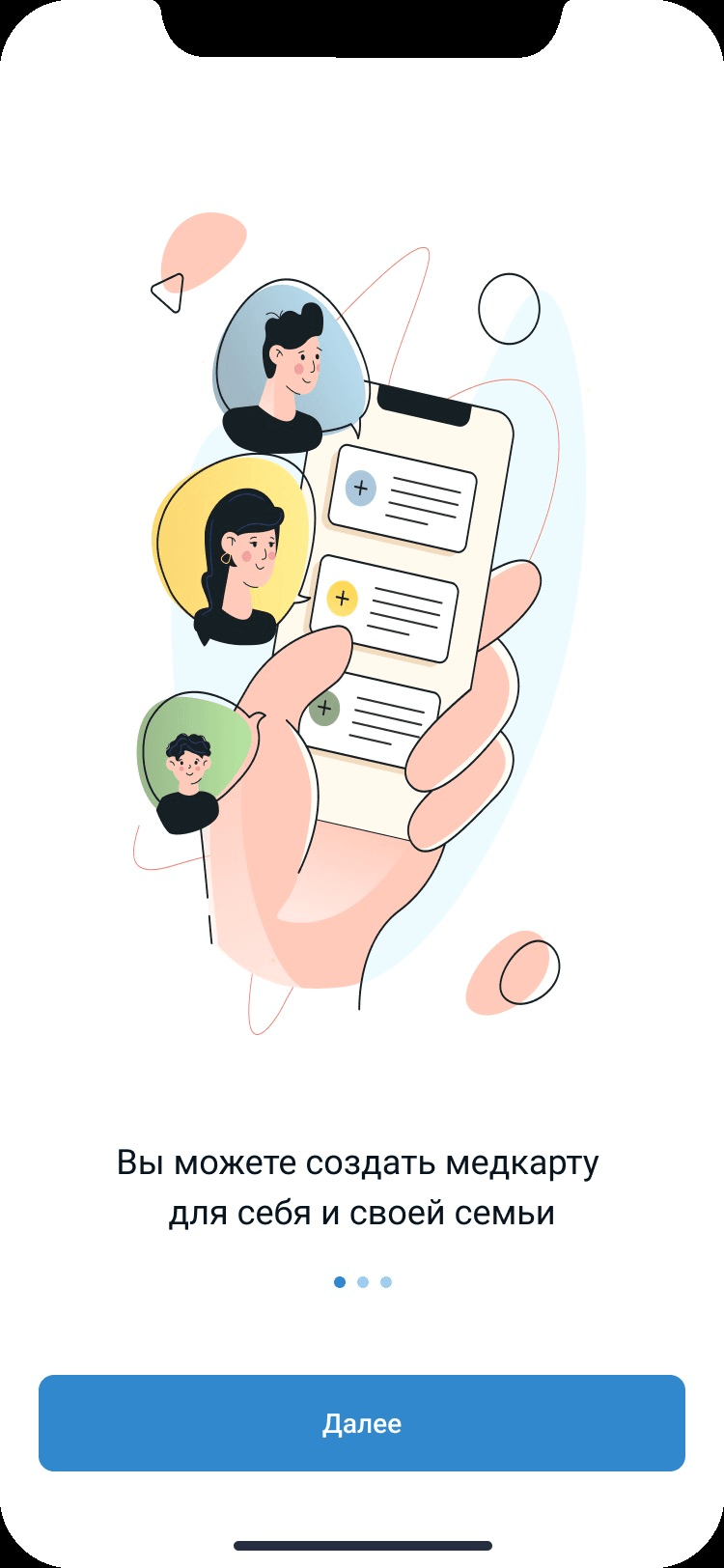
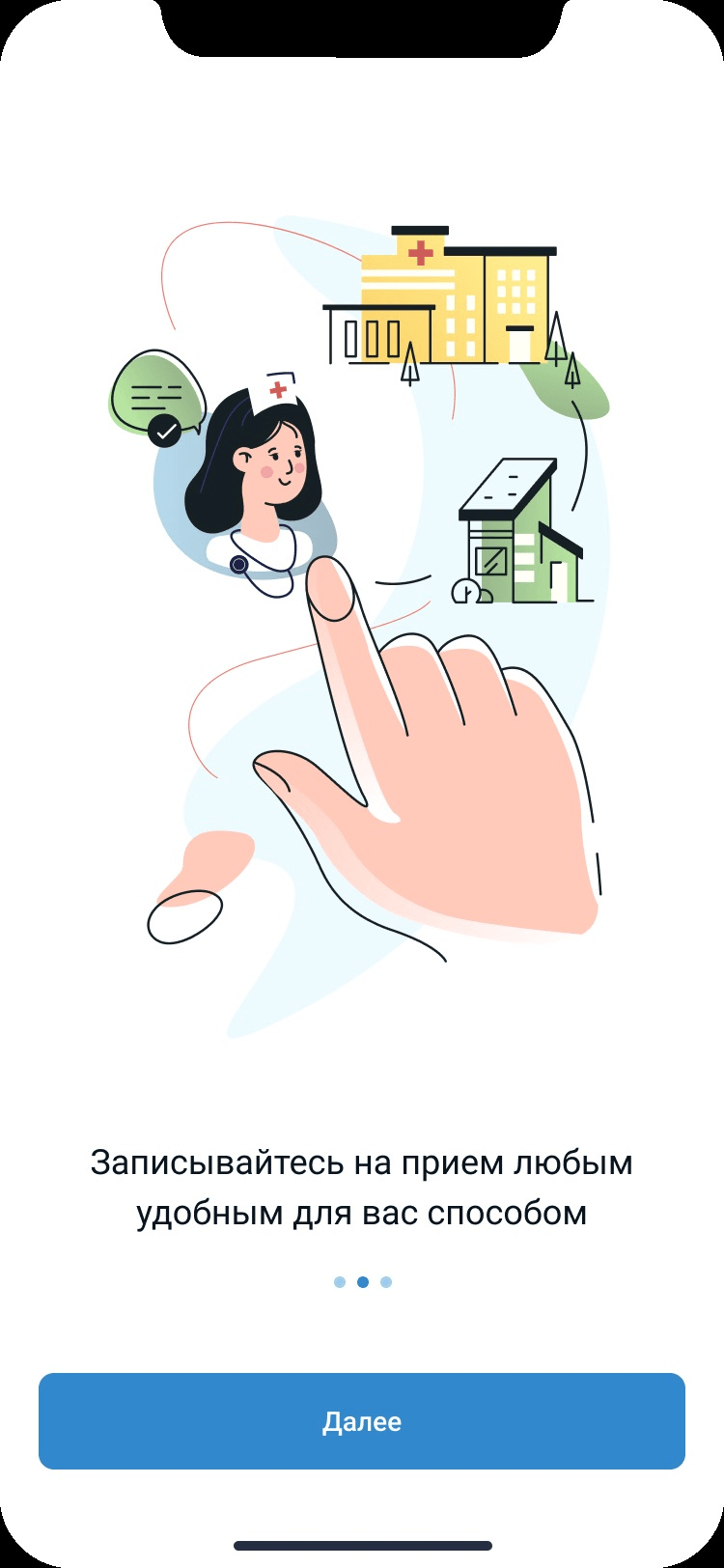
Step-by-step instructions for easy use
Three illustrated steps explain what a consultation gives you, who a medical card is for, and how to book.
The main screen of the application
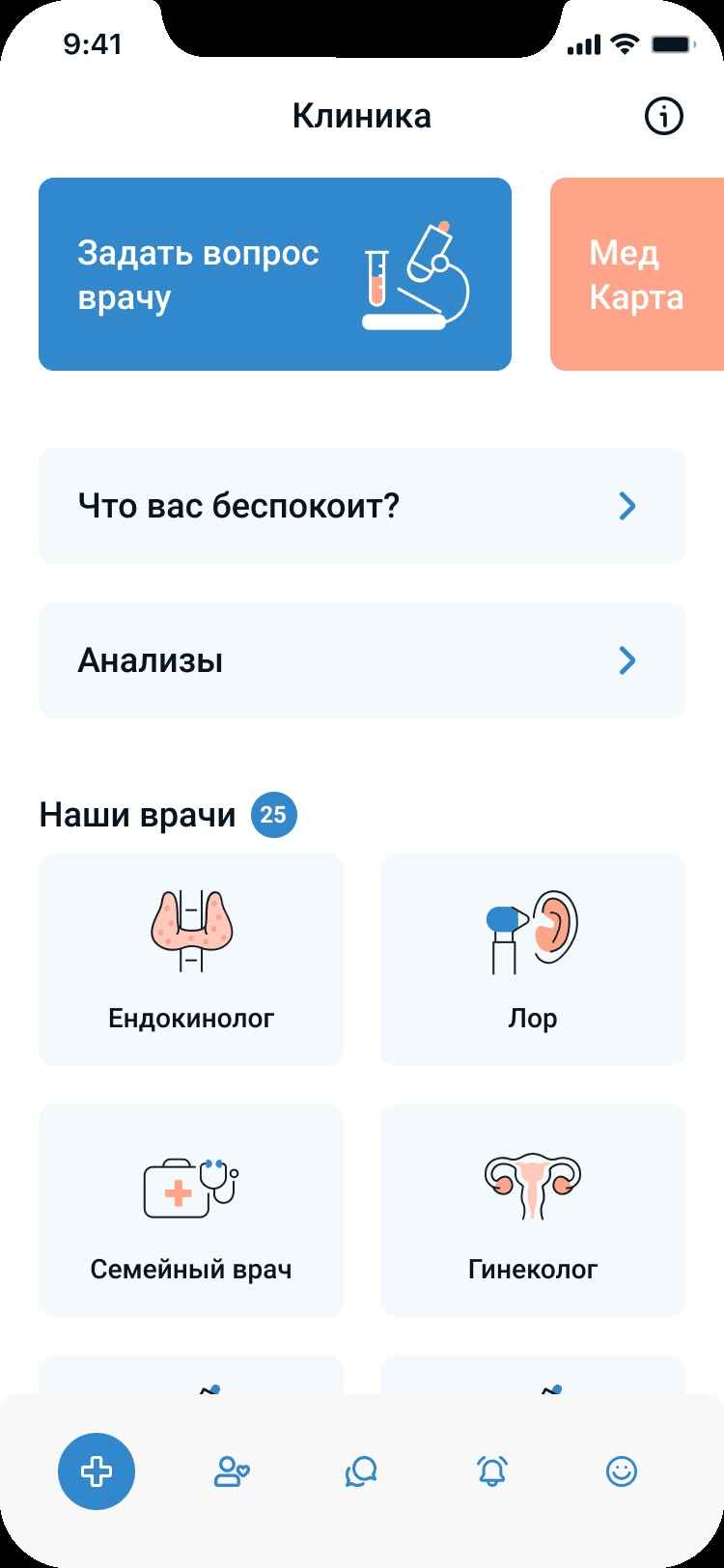
Ask a question to a doctor, view your tests, or choose a doctor for a consultation — the clinic screen puts the three things a patient comes for at the top, with the specialists underneath.
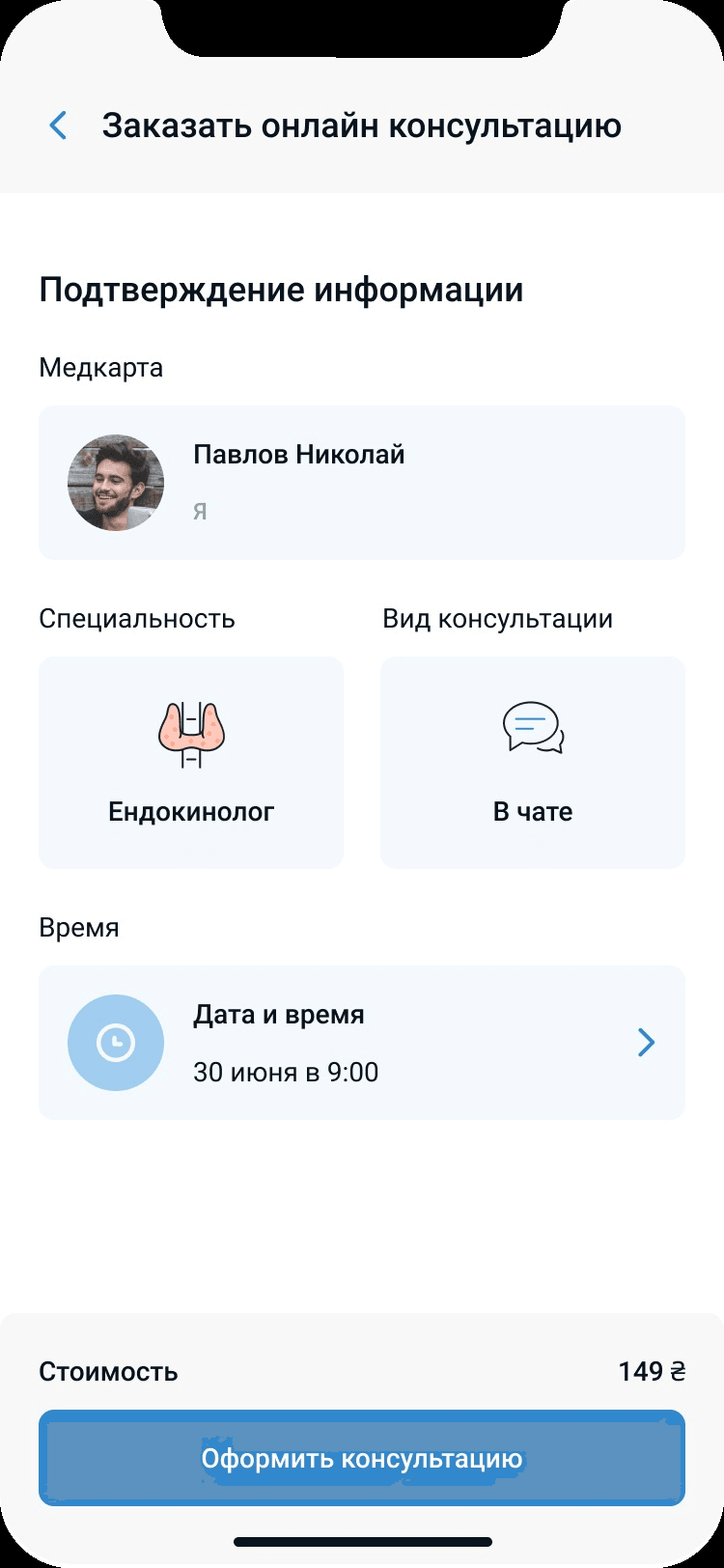
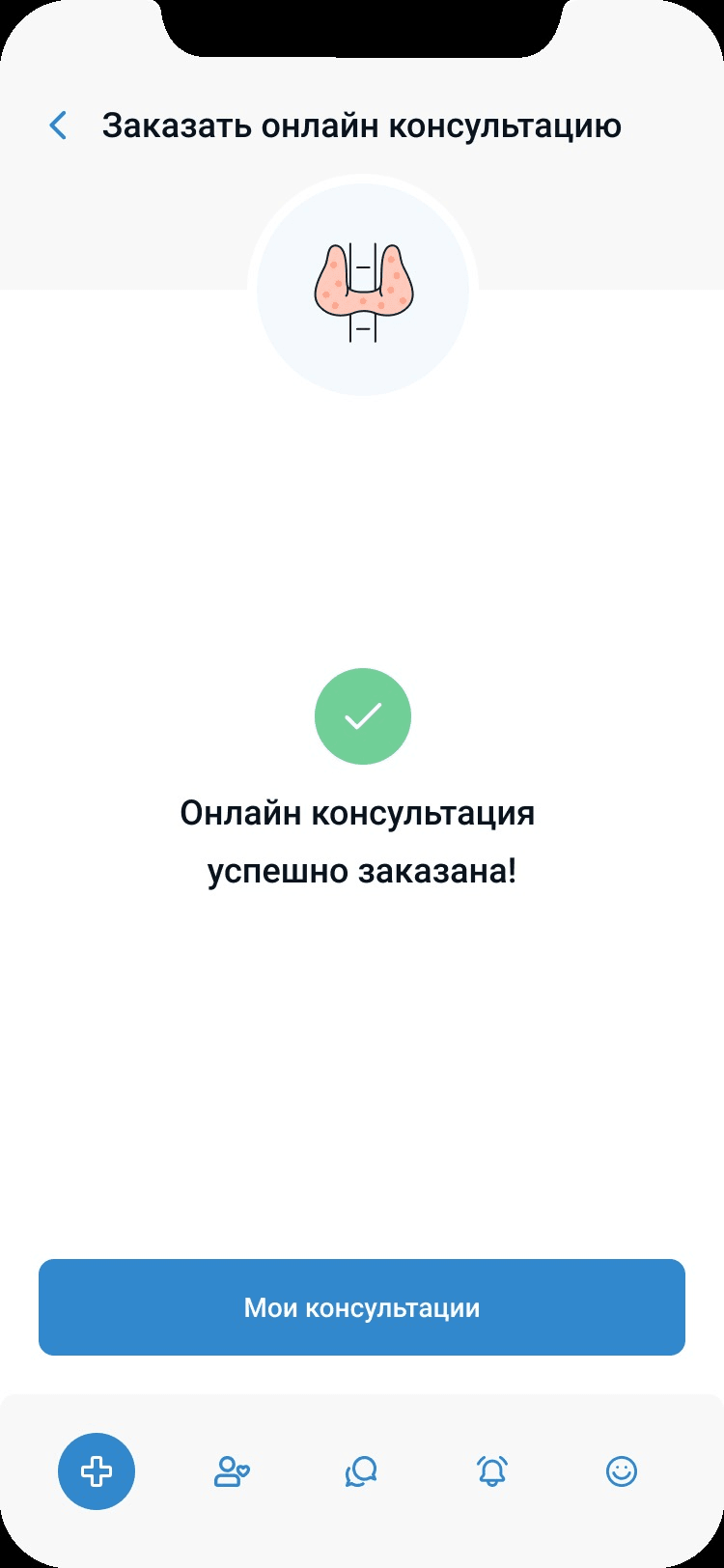
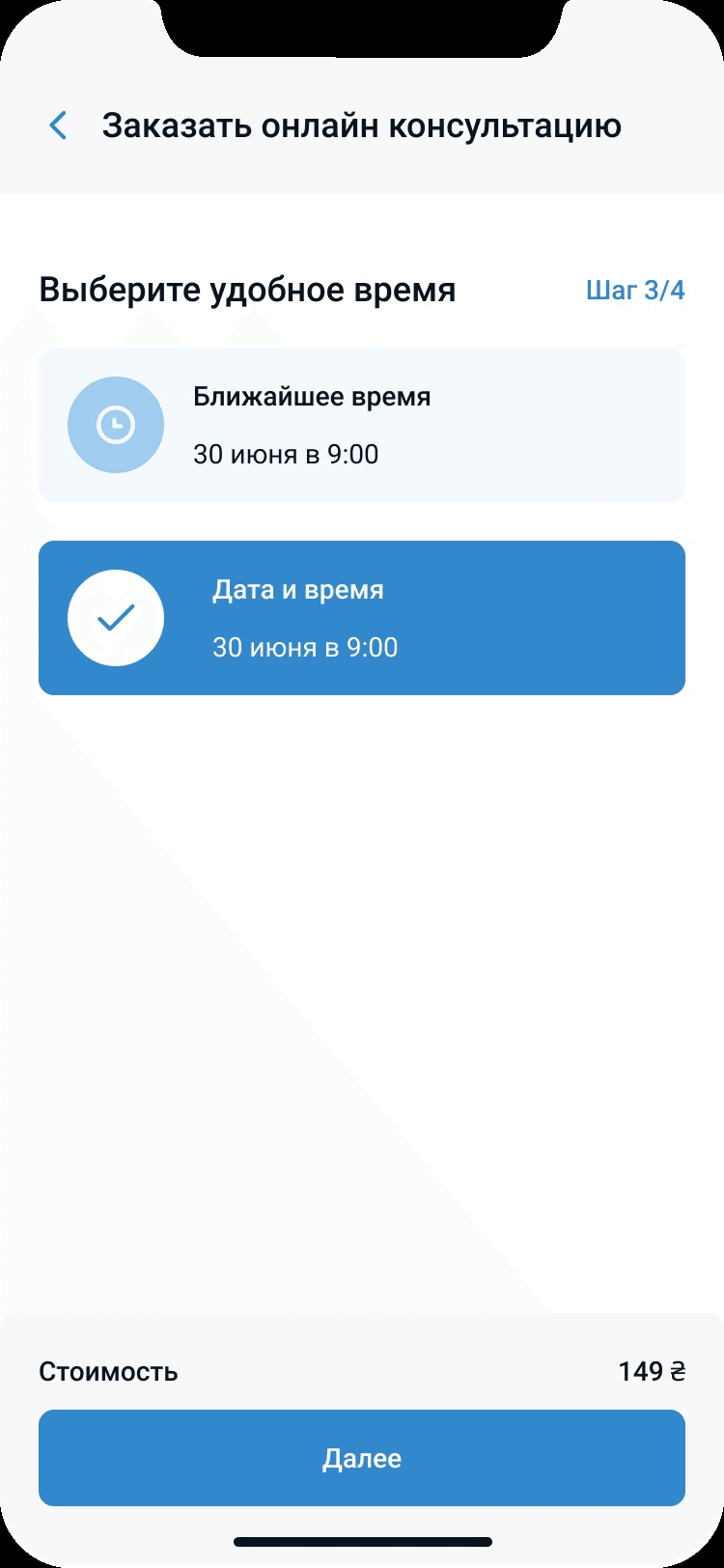
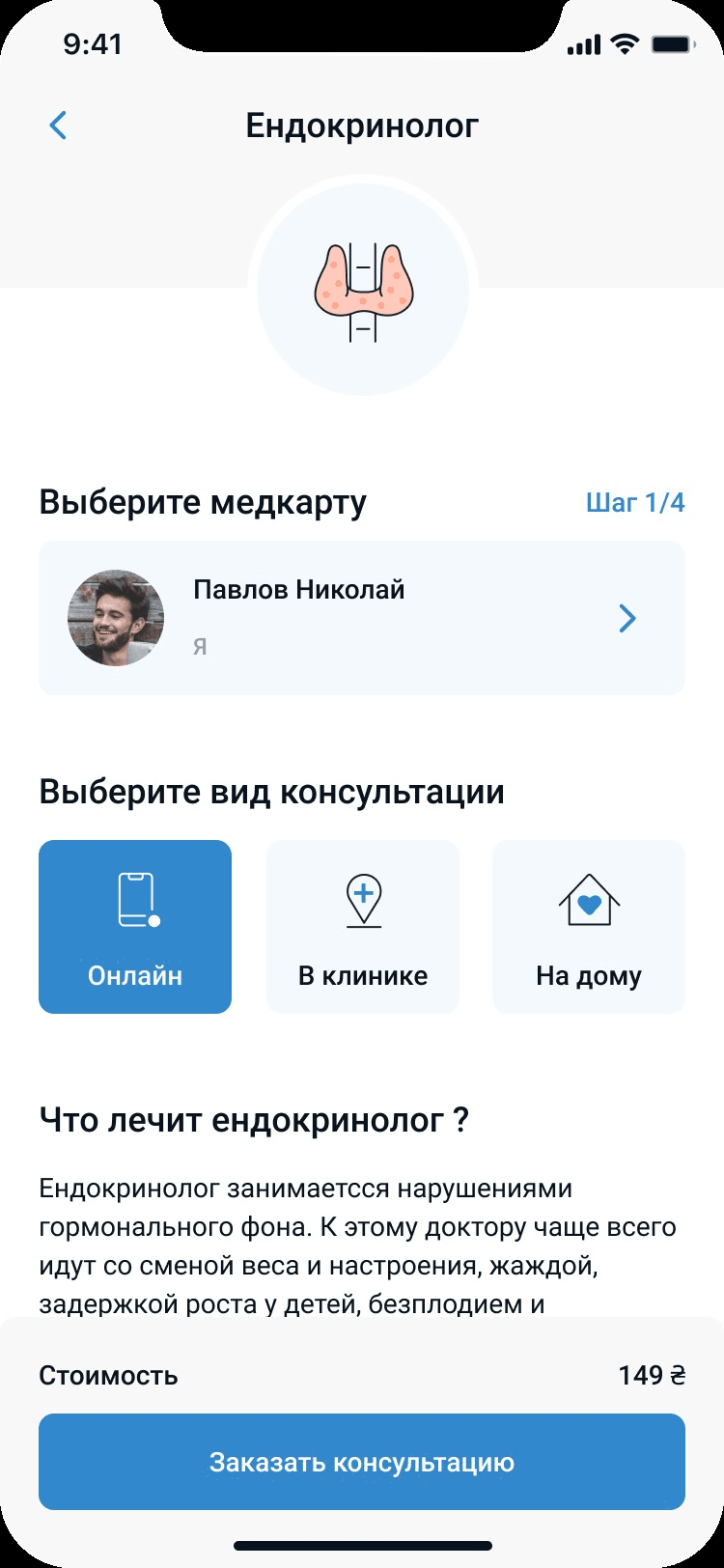
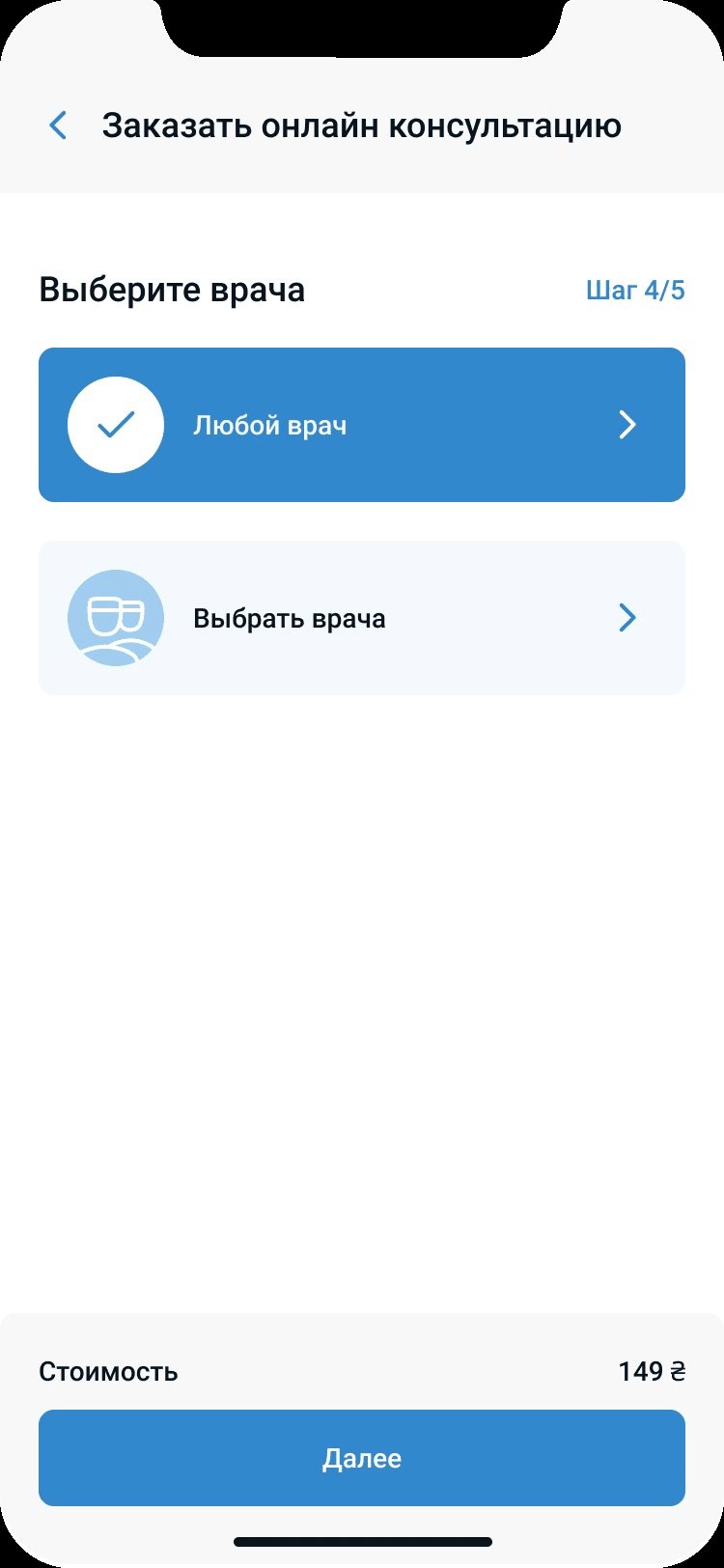
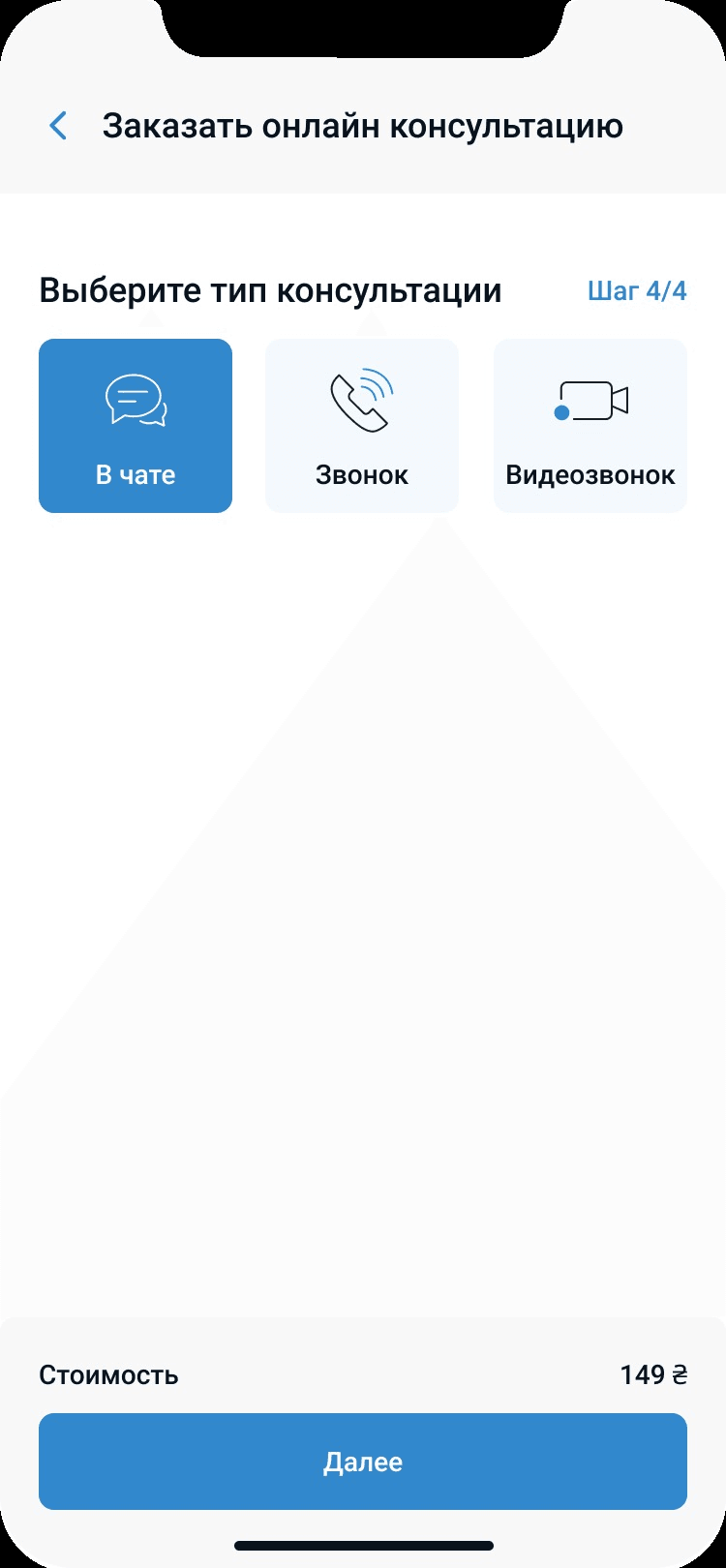
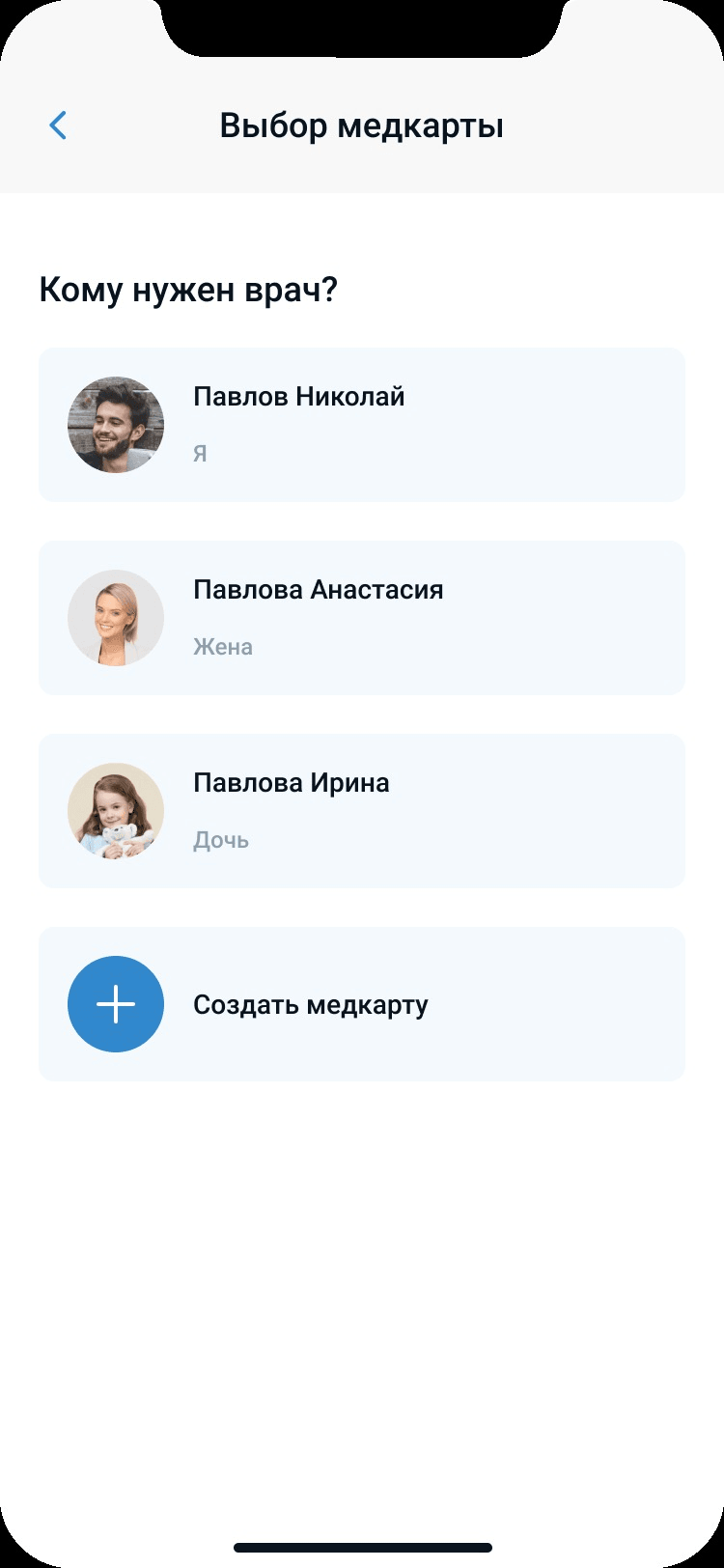
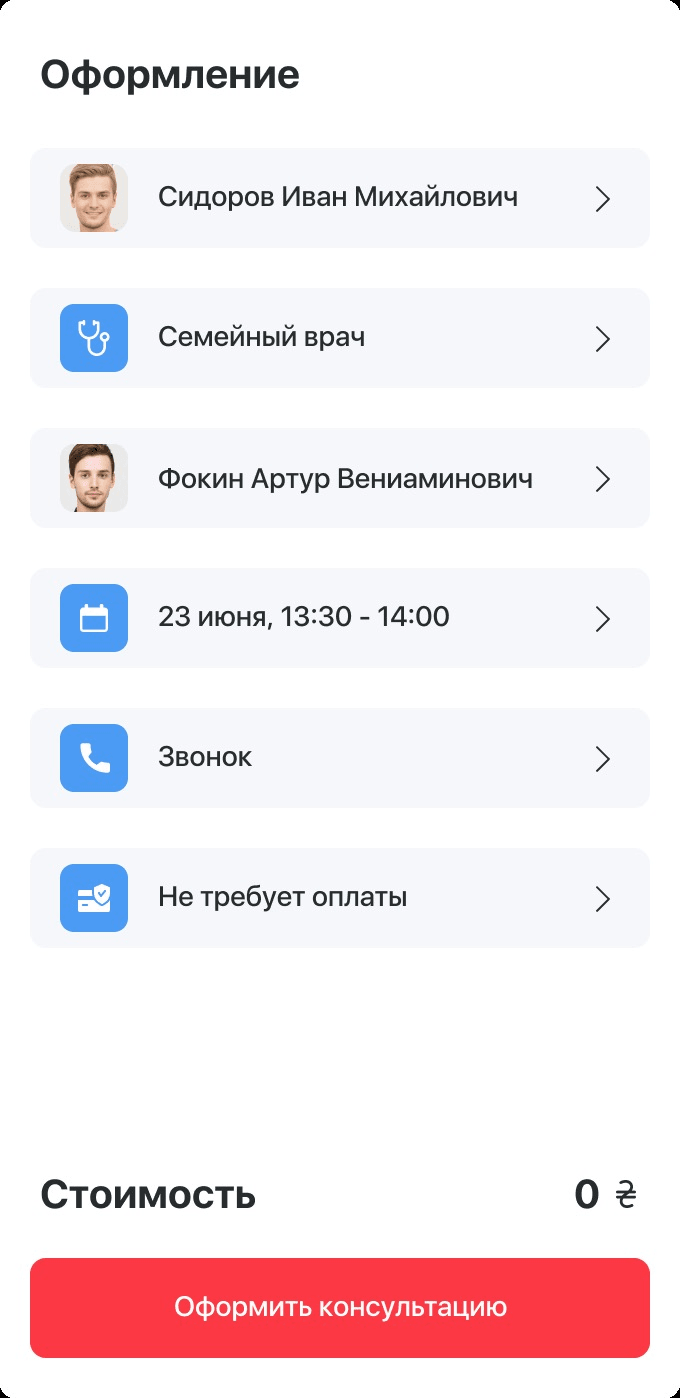
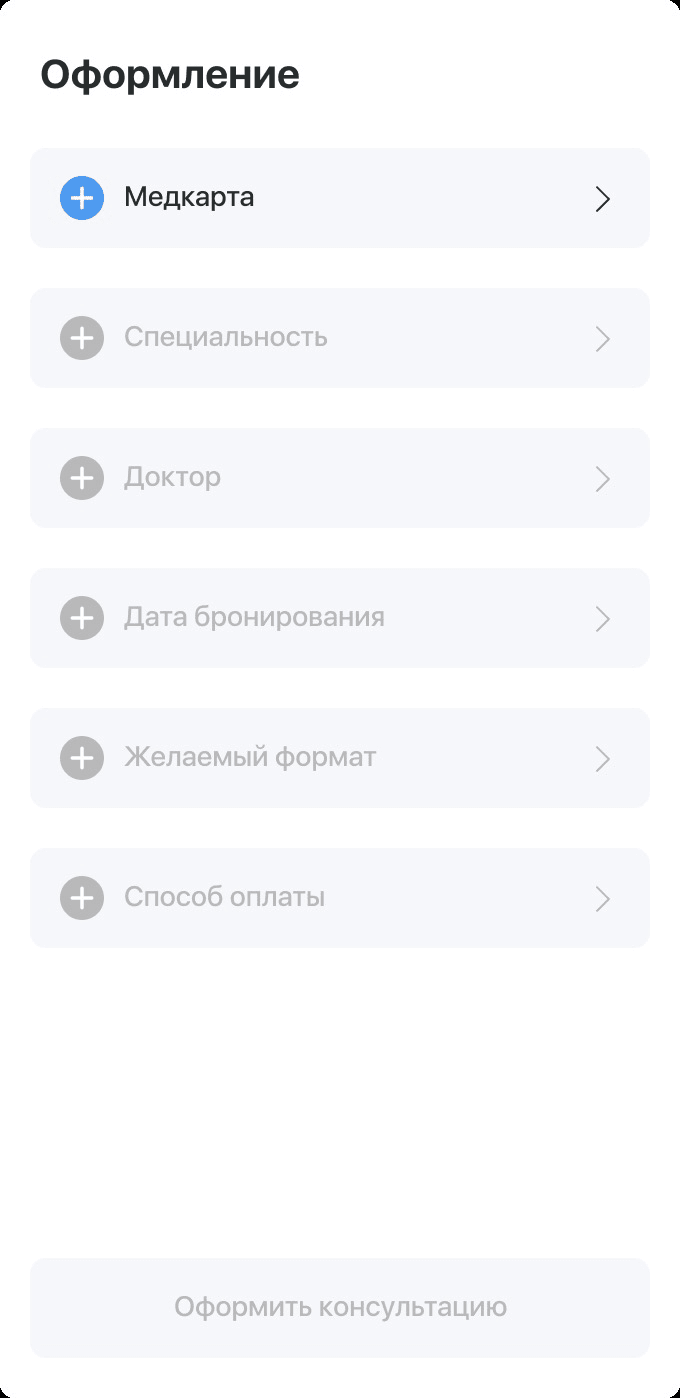
A consultation in four steps
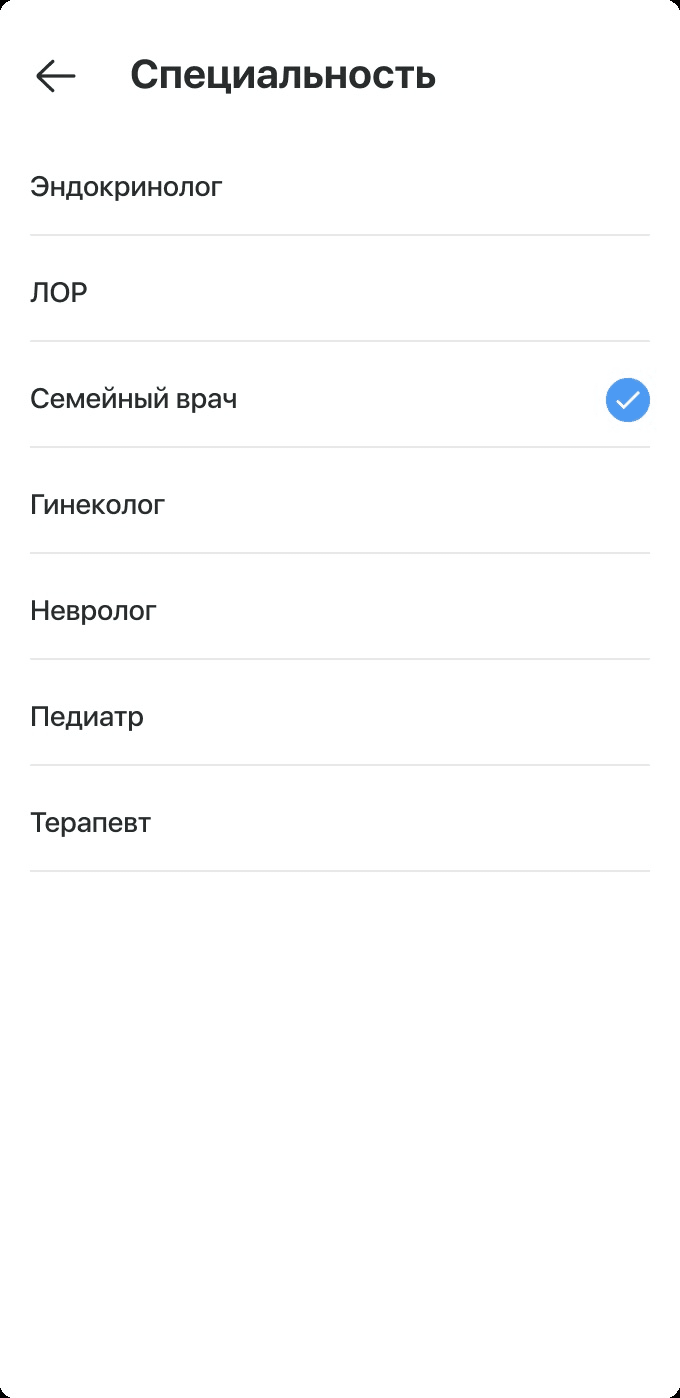
The application provides the services of 25 doctors of different specialties and three types of consultation — online, in a clinic, or a home visit. The ordering flow was designed to be quick.
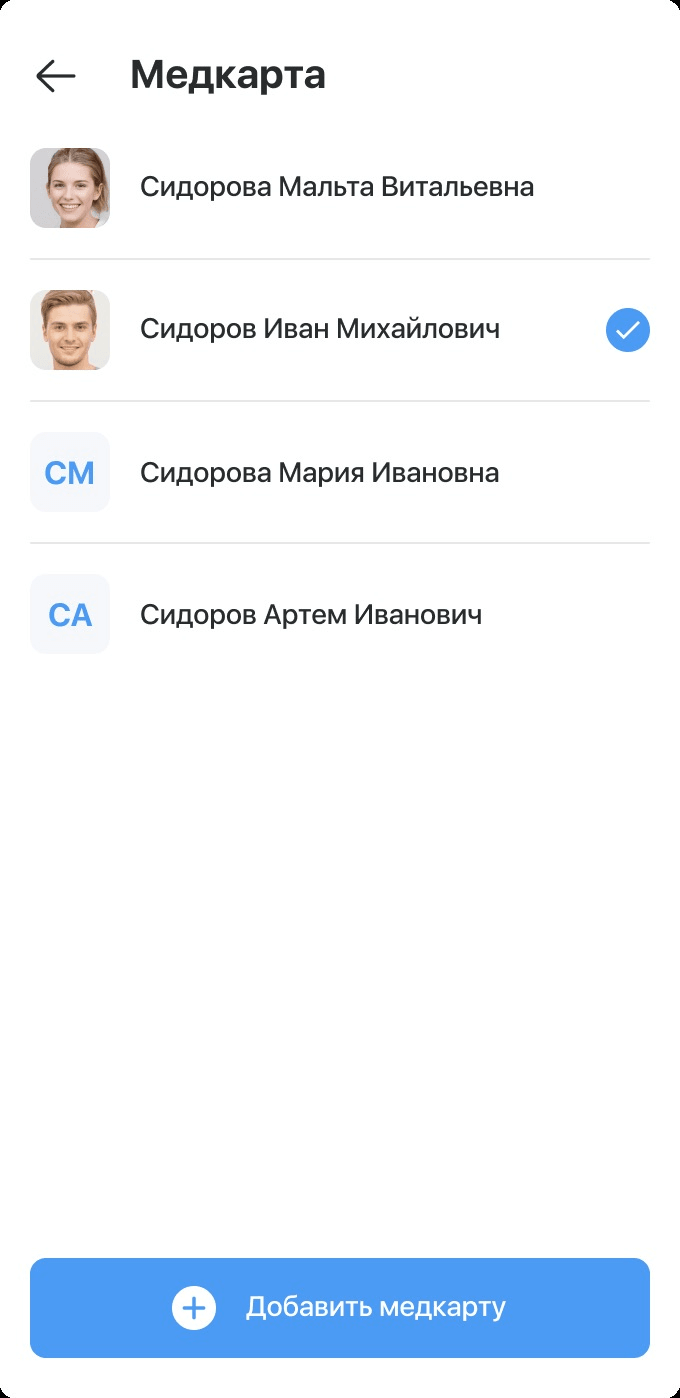
Medical record
Choose which family member the consultation is for.
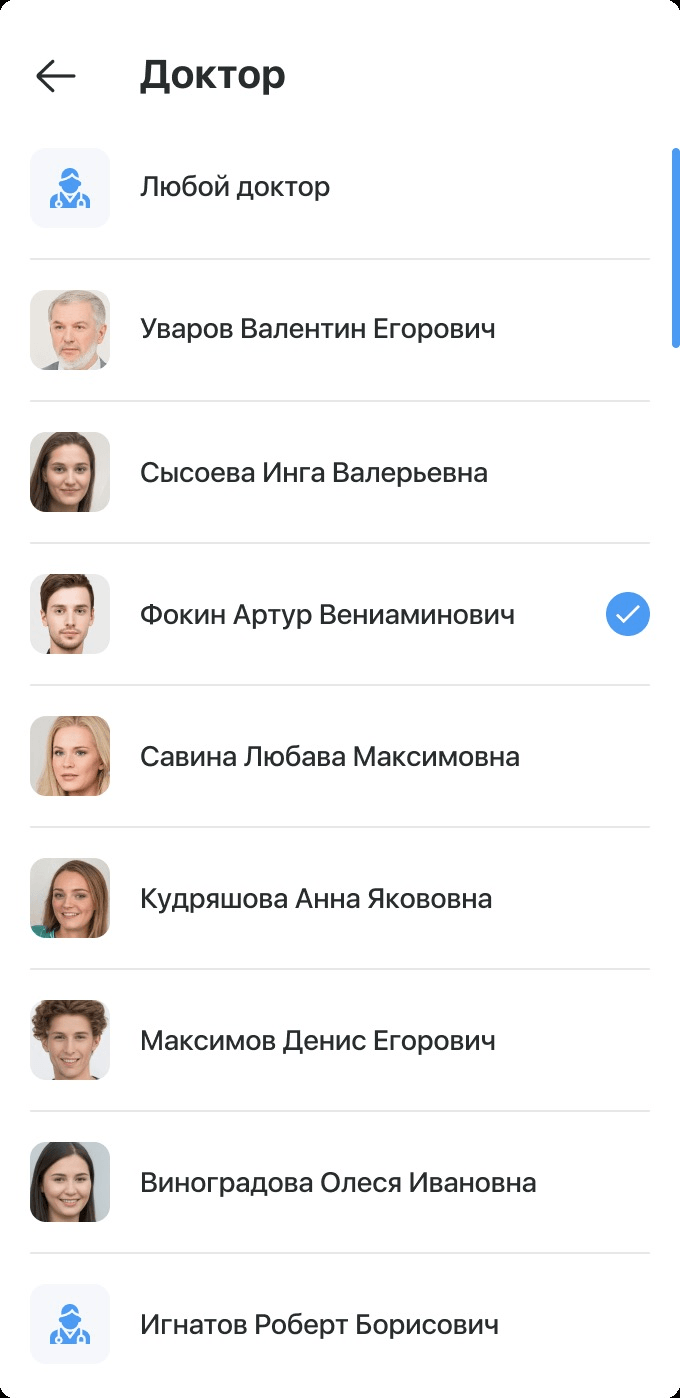
Doctor
Any available doctor, or a specific one by specialty.
Time
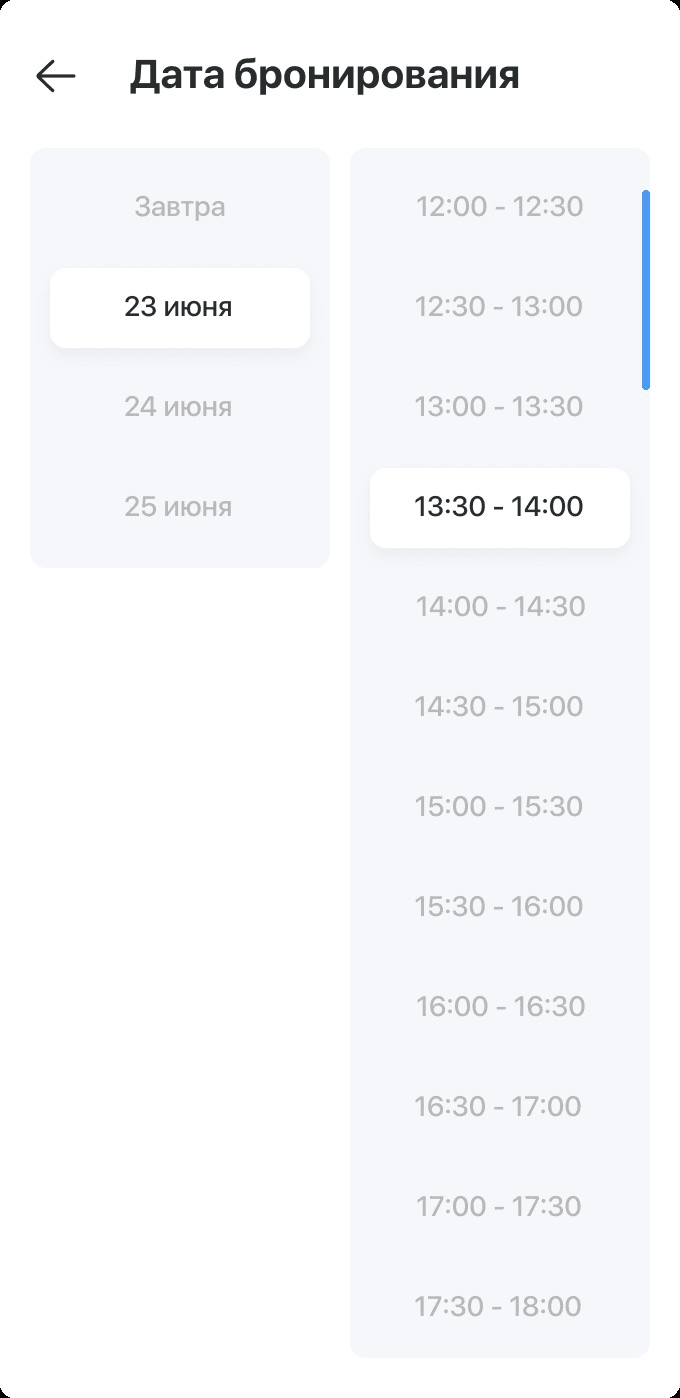
The nearest slot, or a date and time that suits.
Type
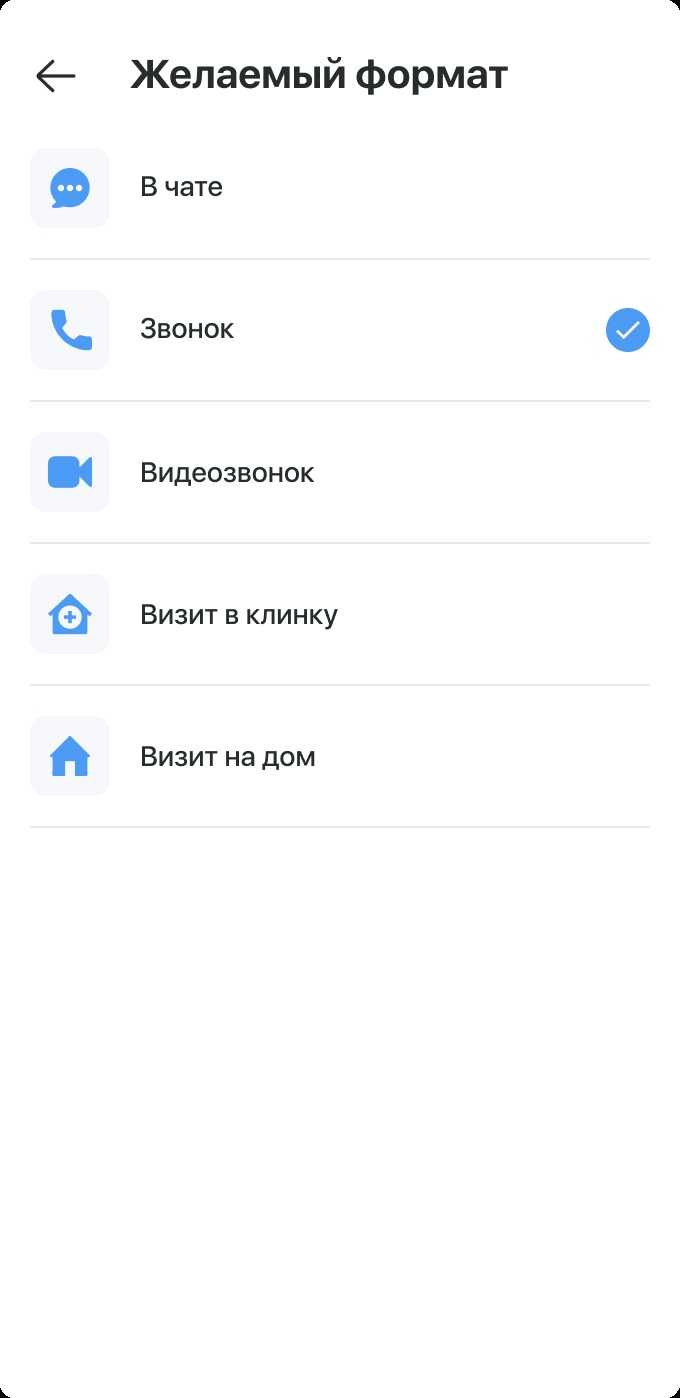
Chat, call, video call, a clinic visit or a home visit.
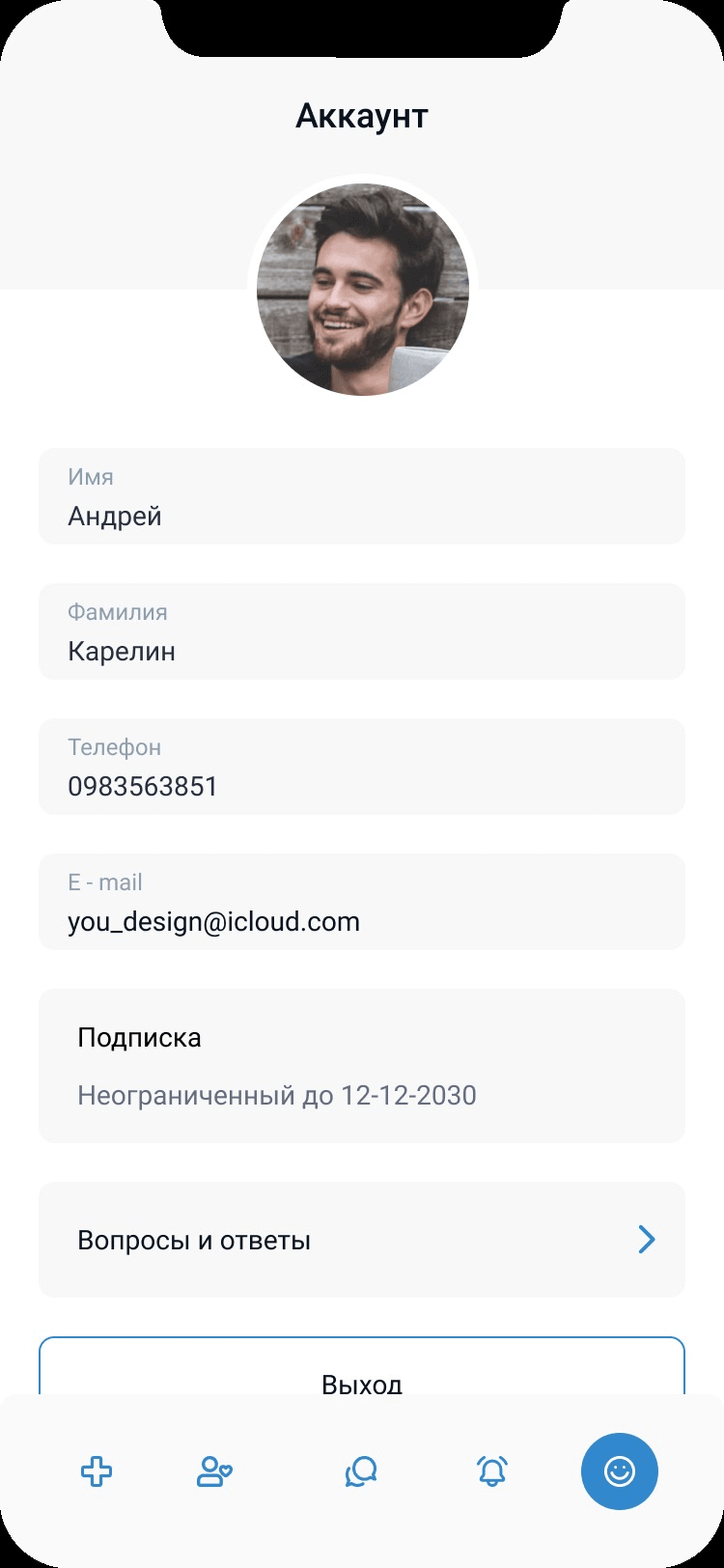
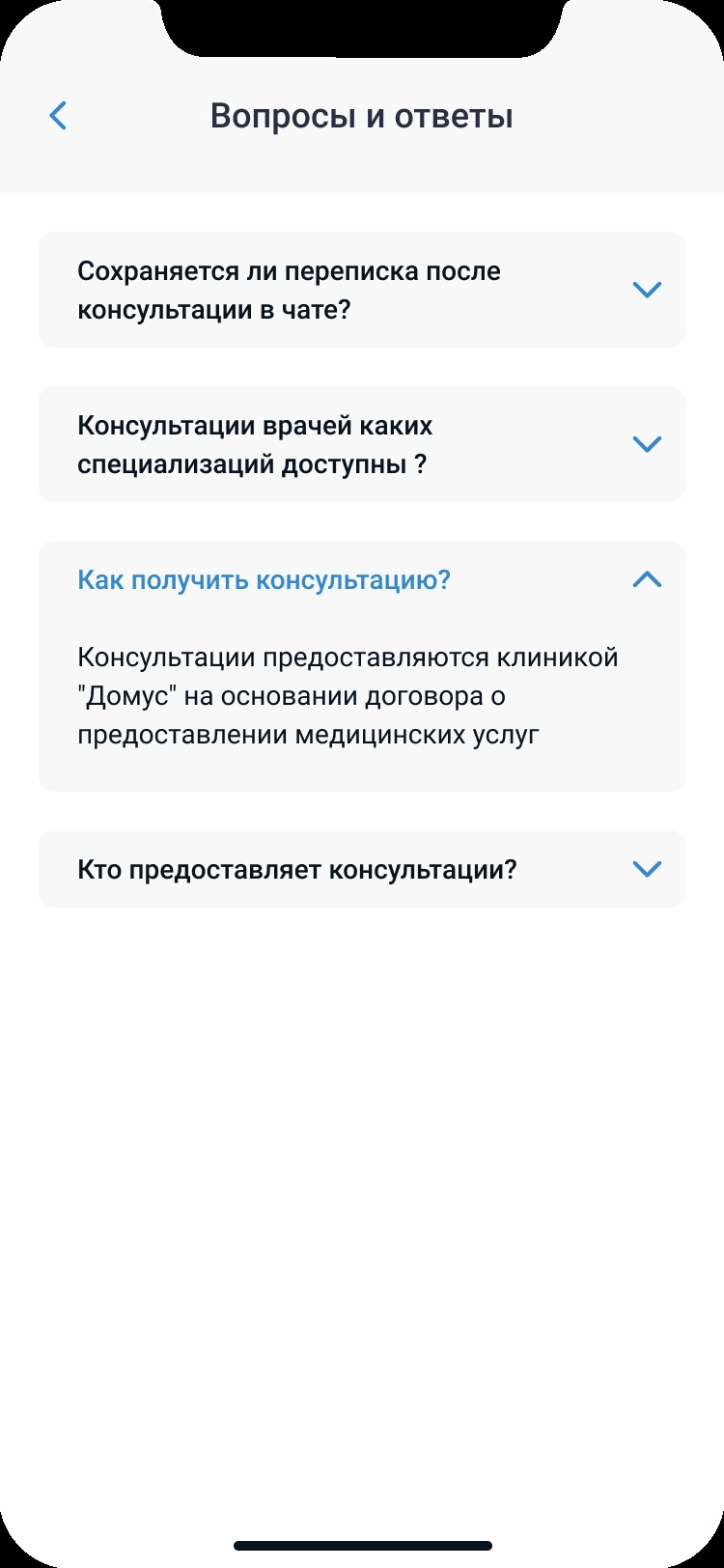
Personal data, subscription, answers
Add personal data and a photo, manage the subscription, and find answers to the important questions without calling the clinic.
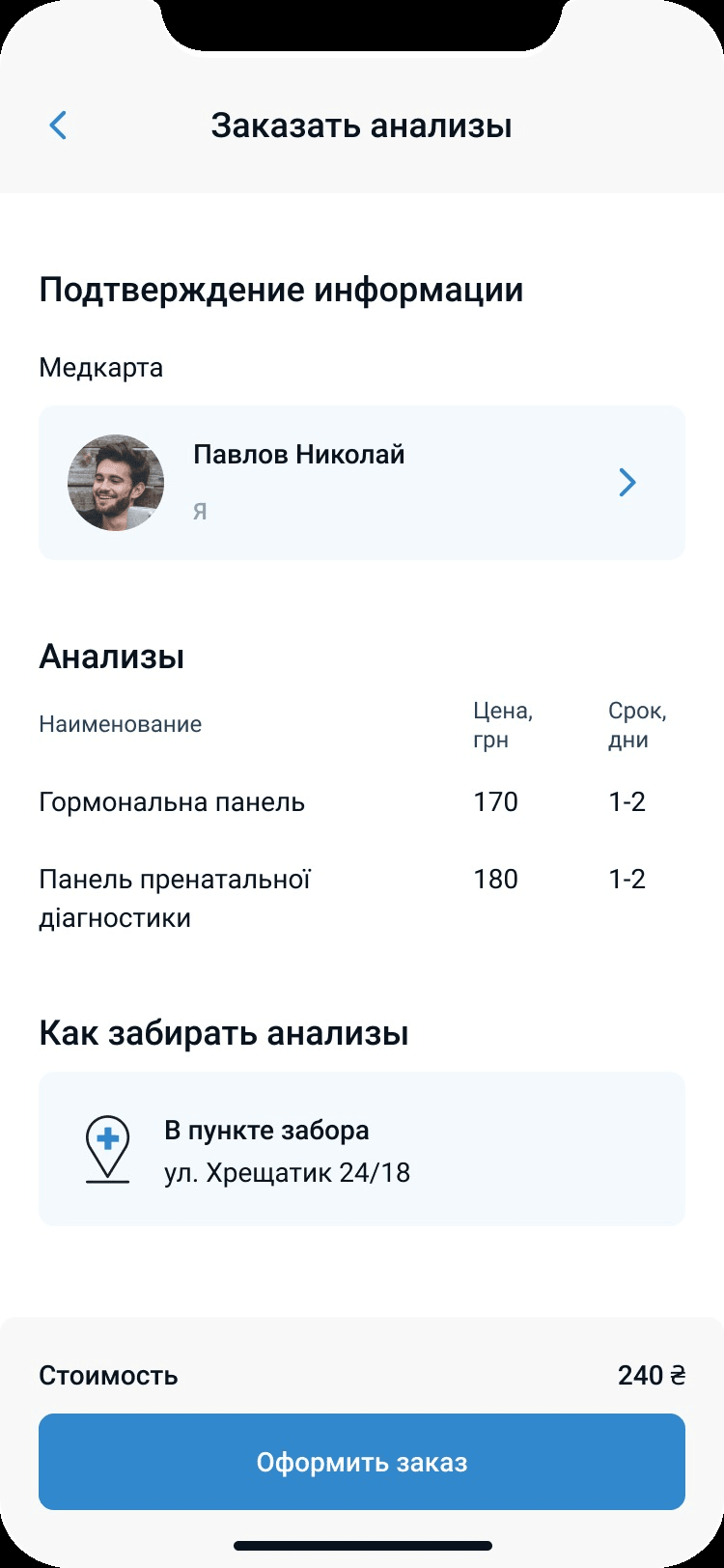
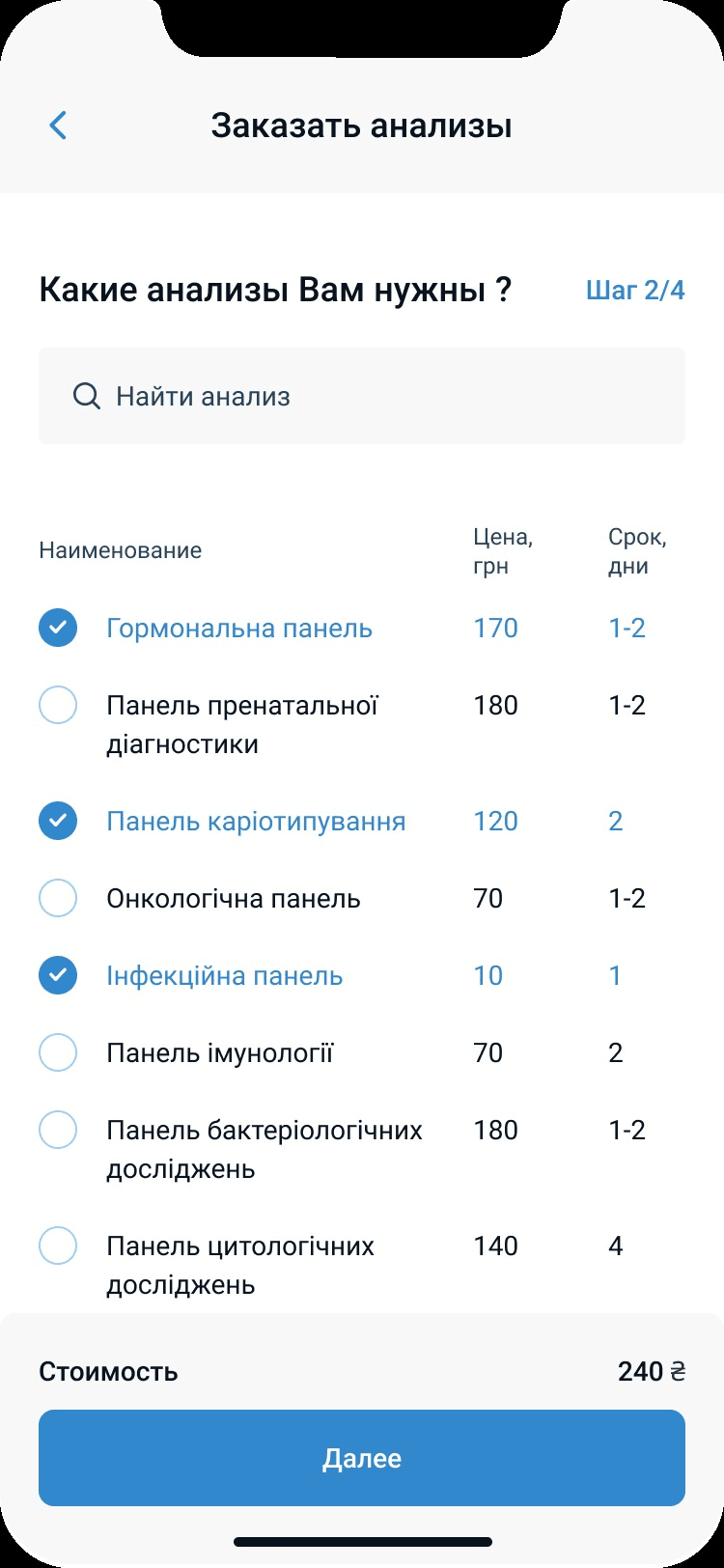
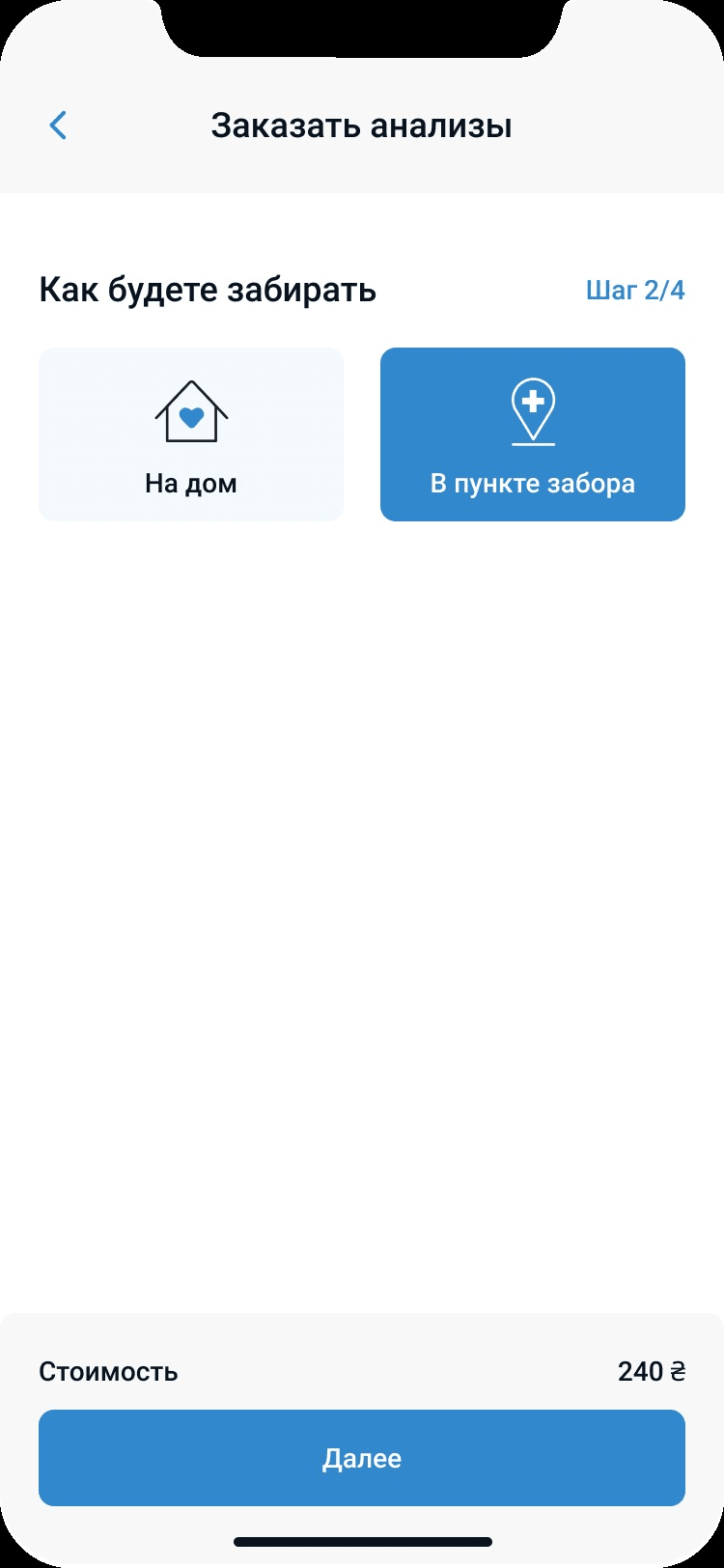
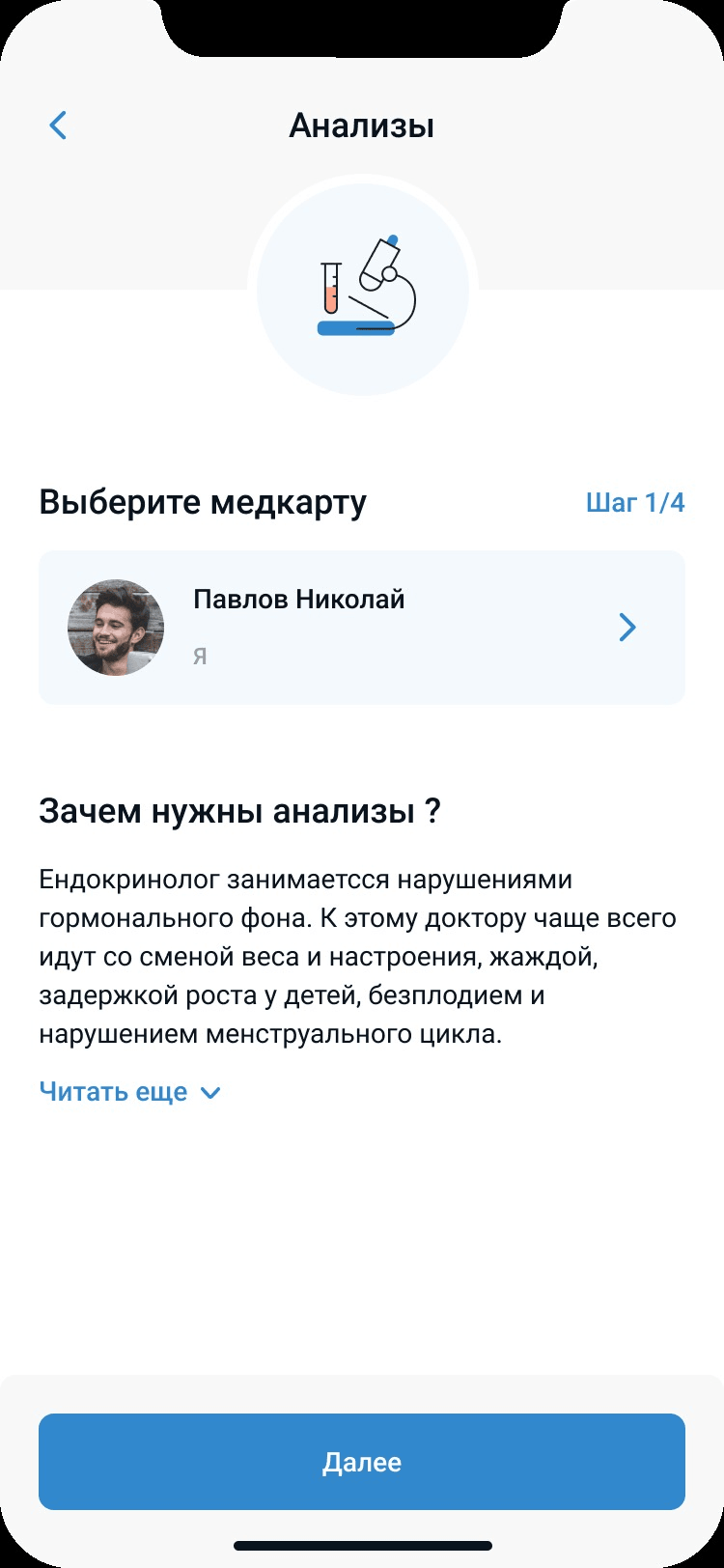
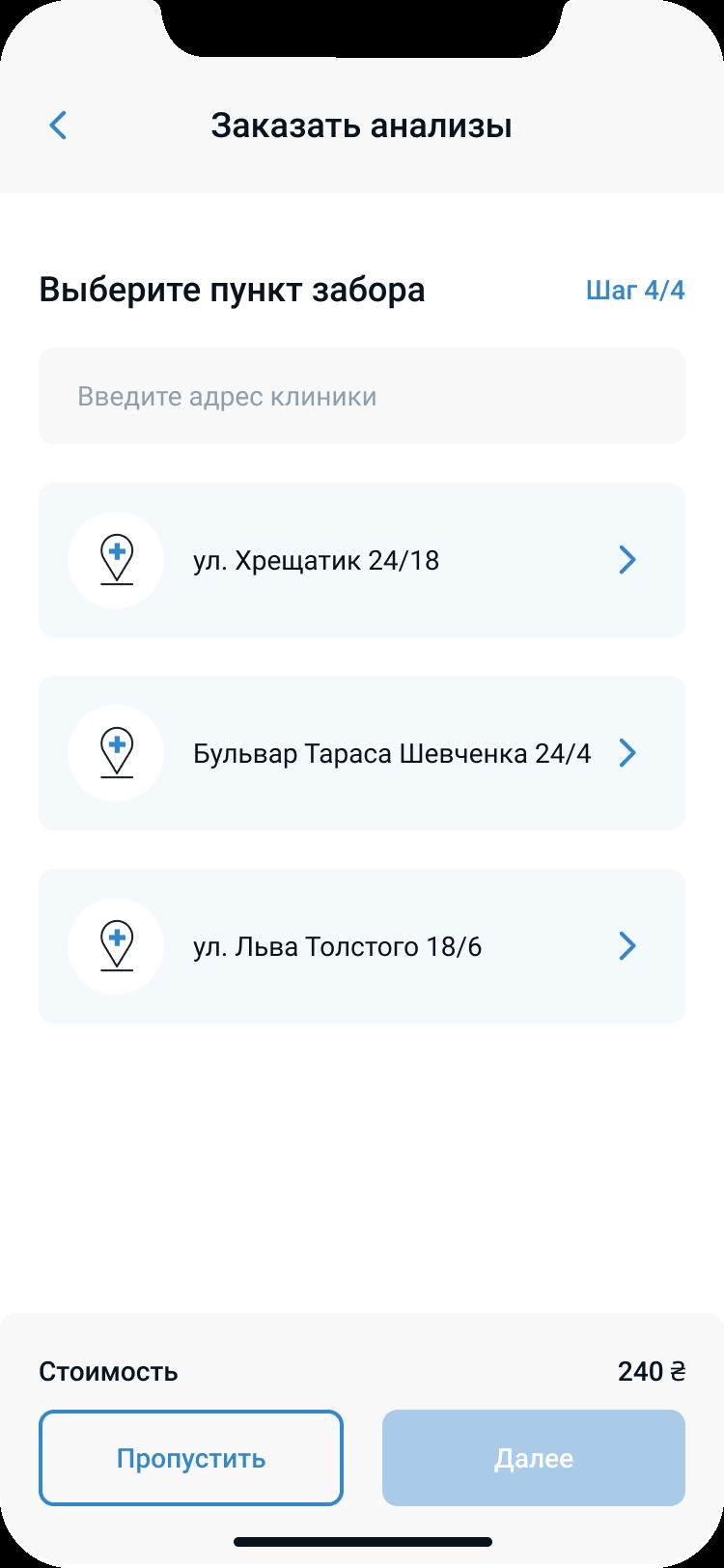
Lab tests, at home or at a pickup point
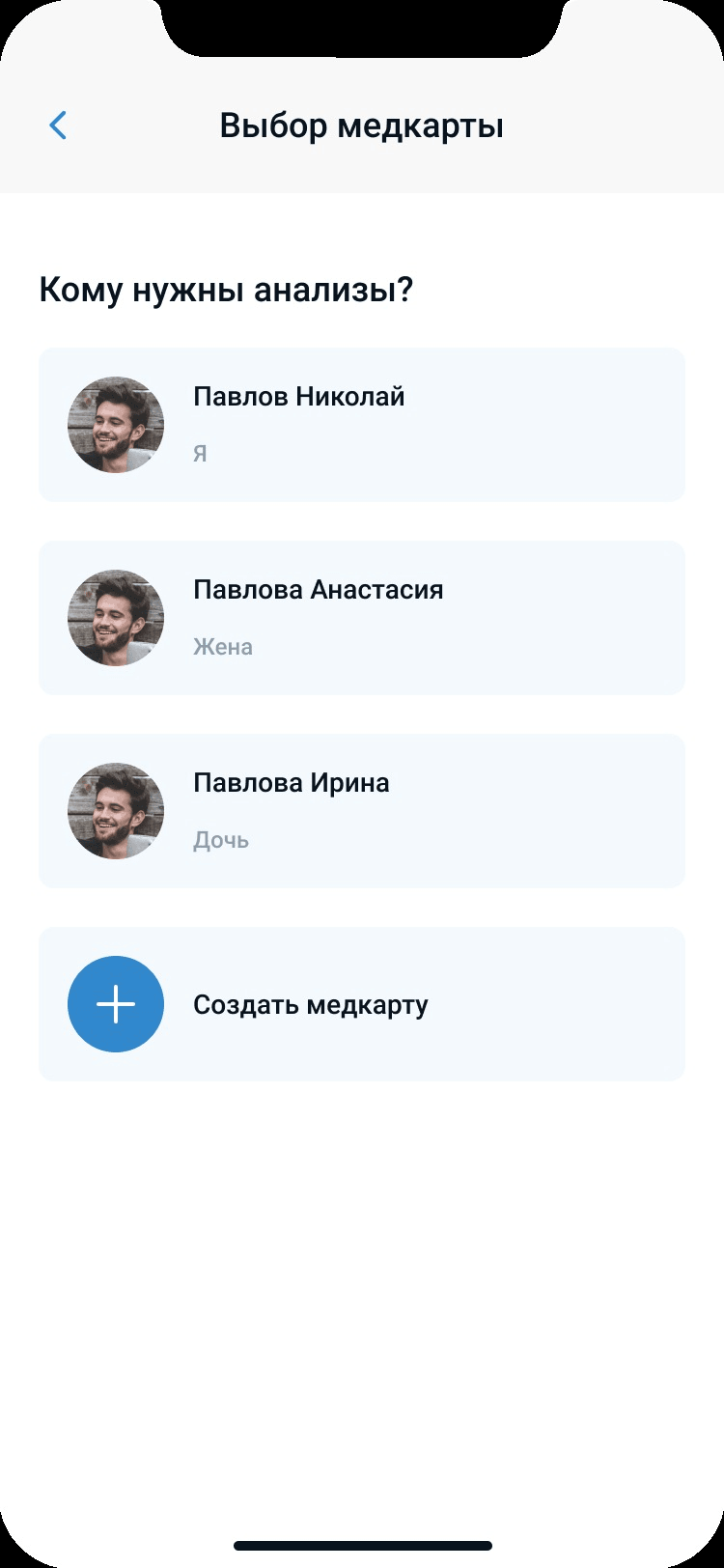
Choose which tests to take, whose medical card they belong to, and how to hand in the samples — at home or at a collection point.
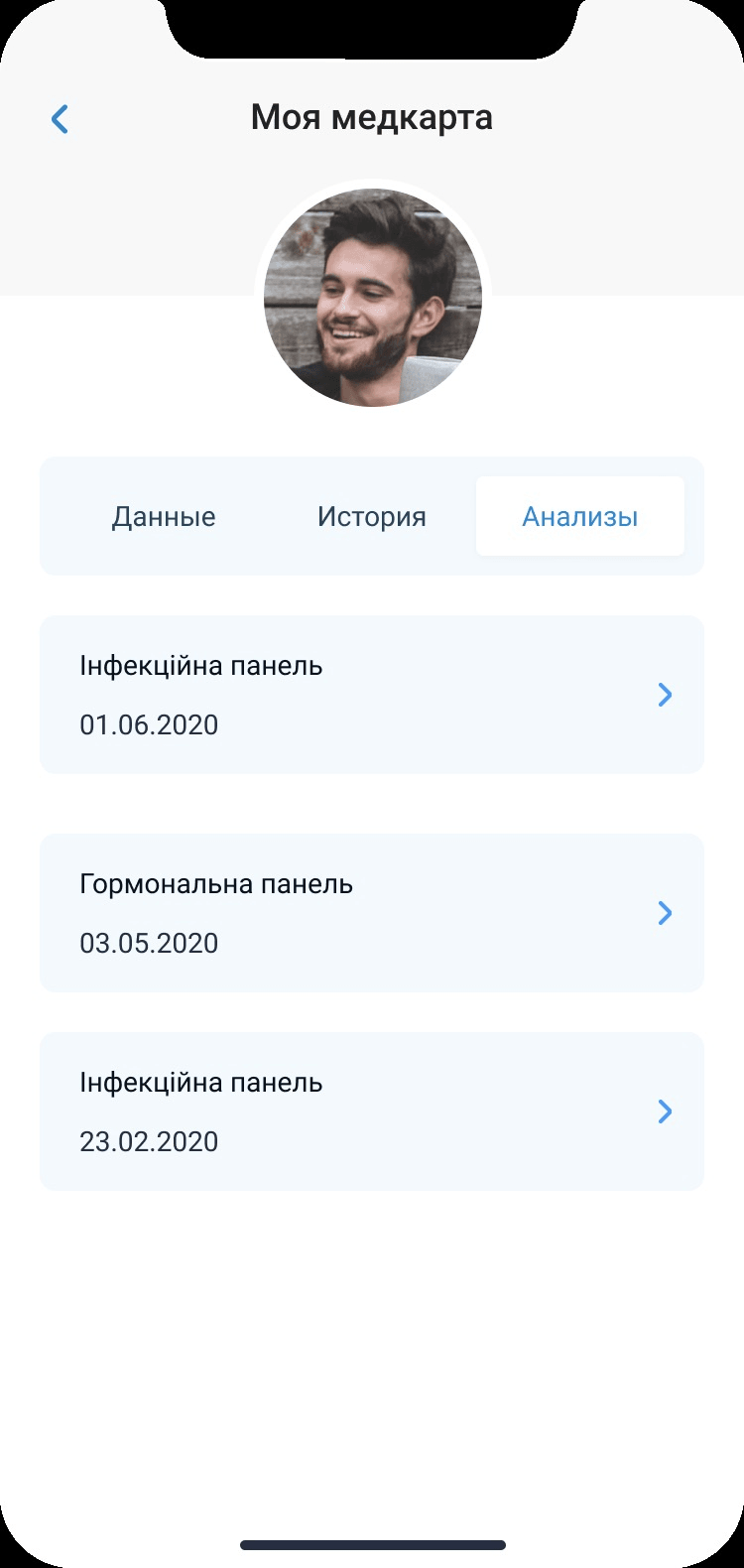
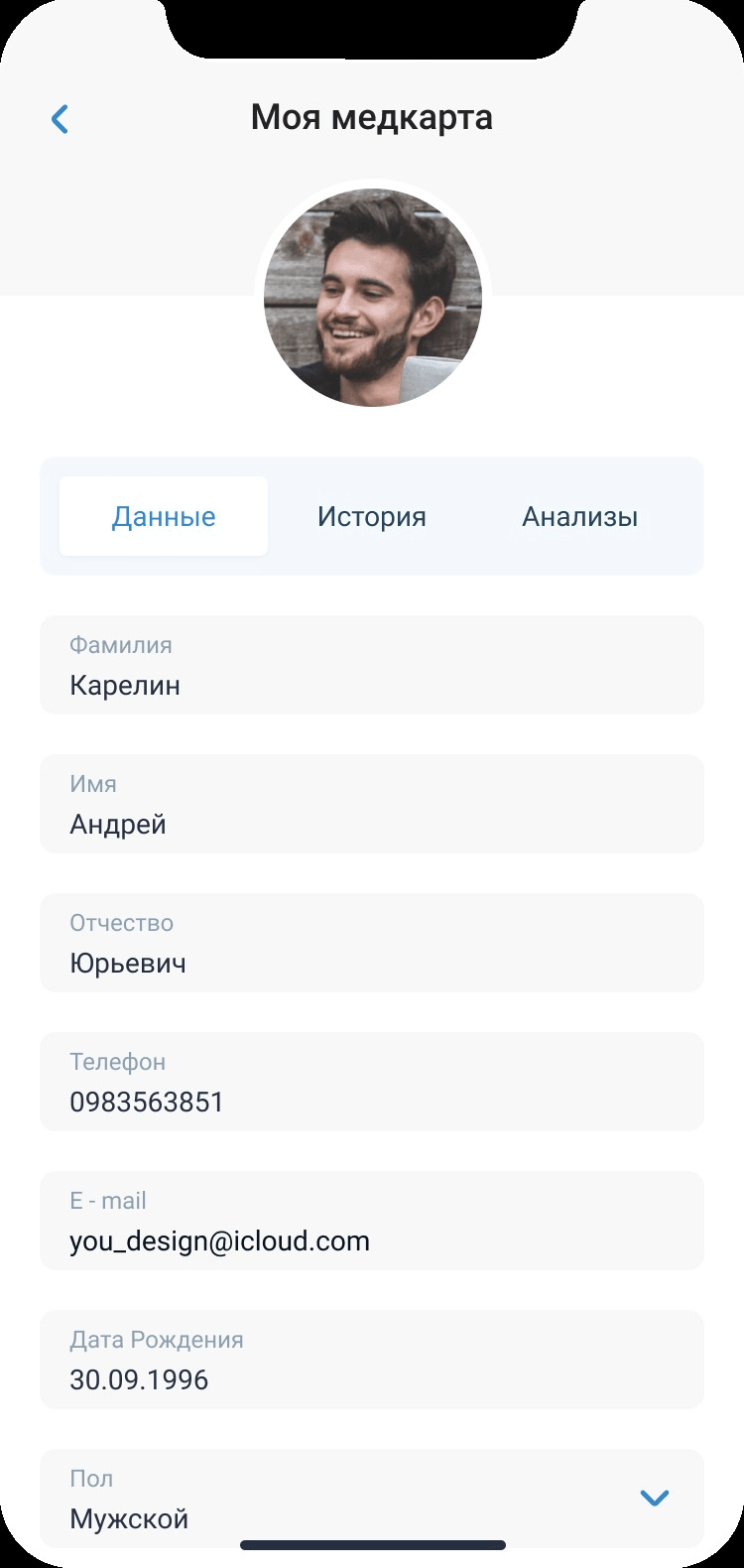
One record for the whole history
The patient creates a medical card where personal data, the history of consultations and the lab results are stored — one per family member.
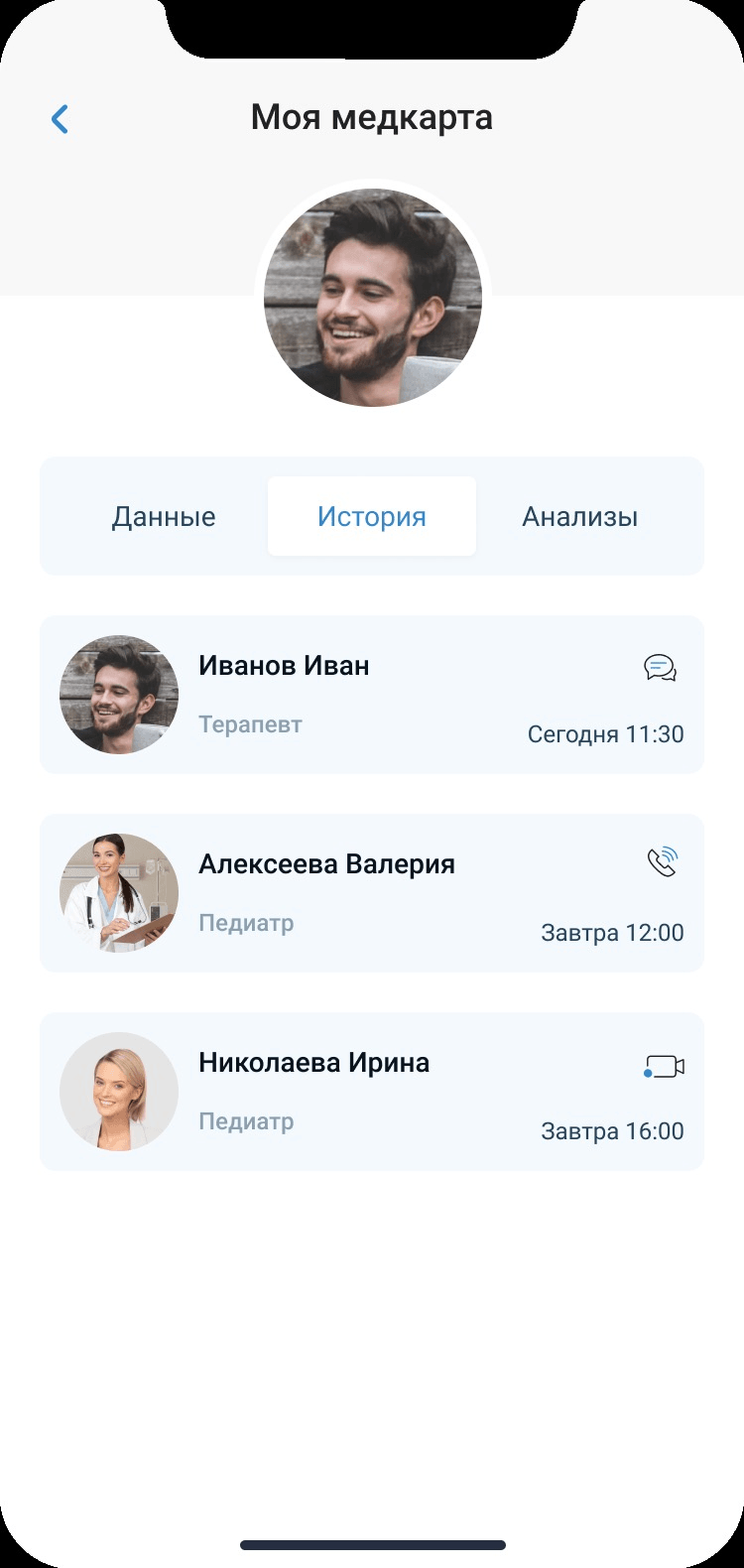
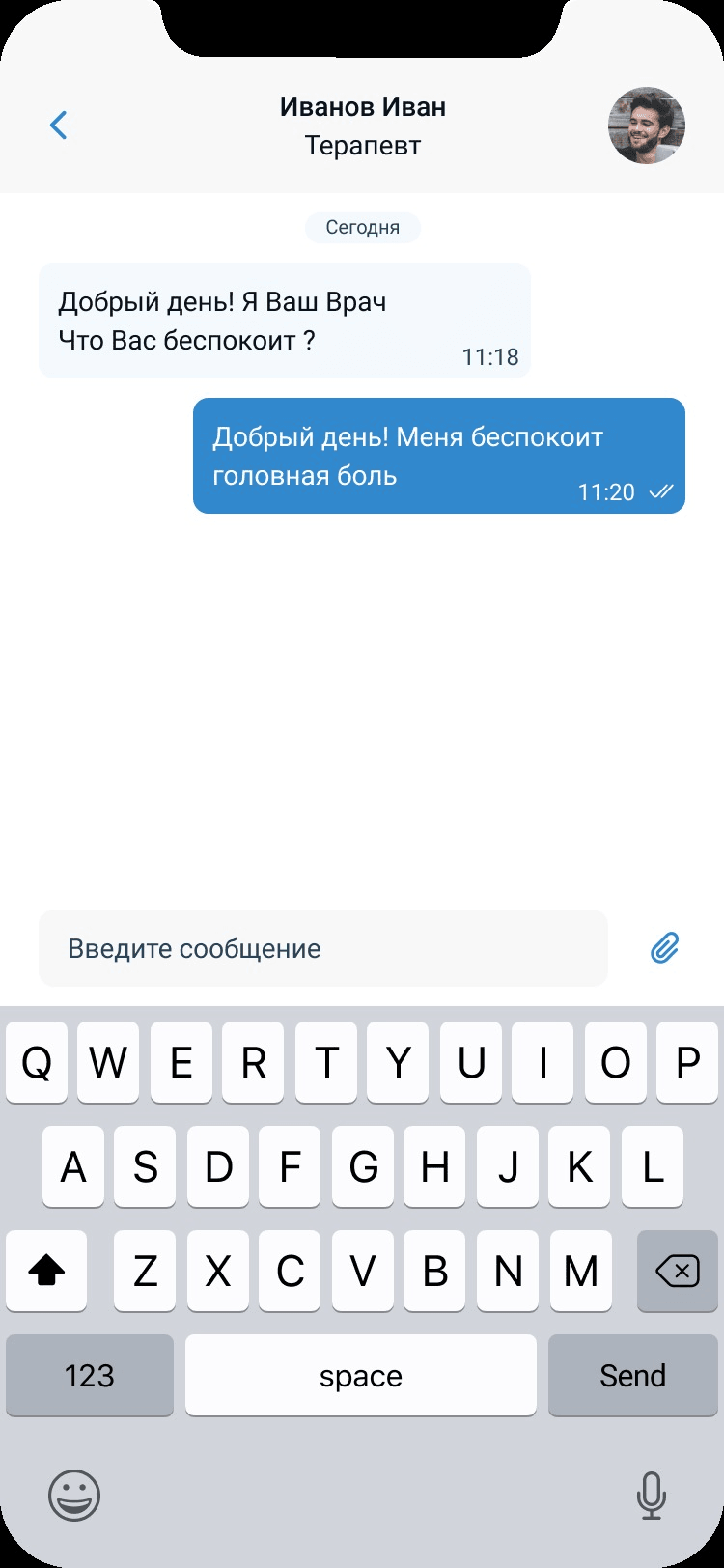
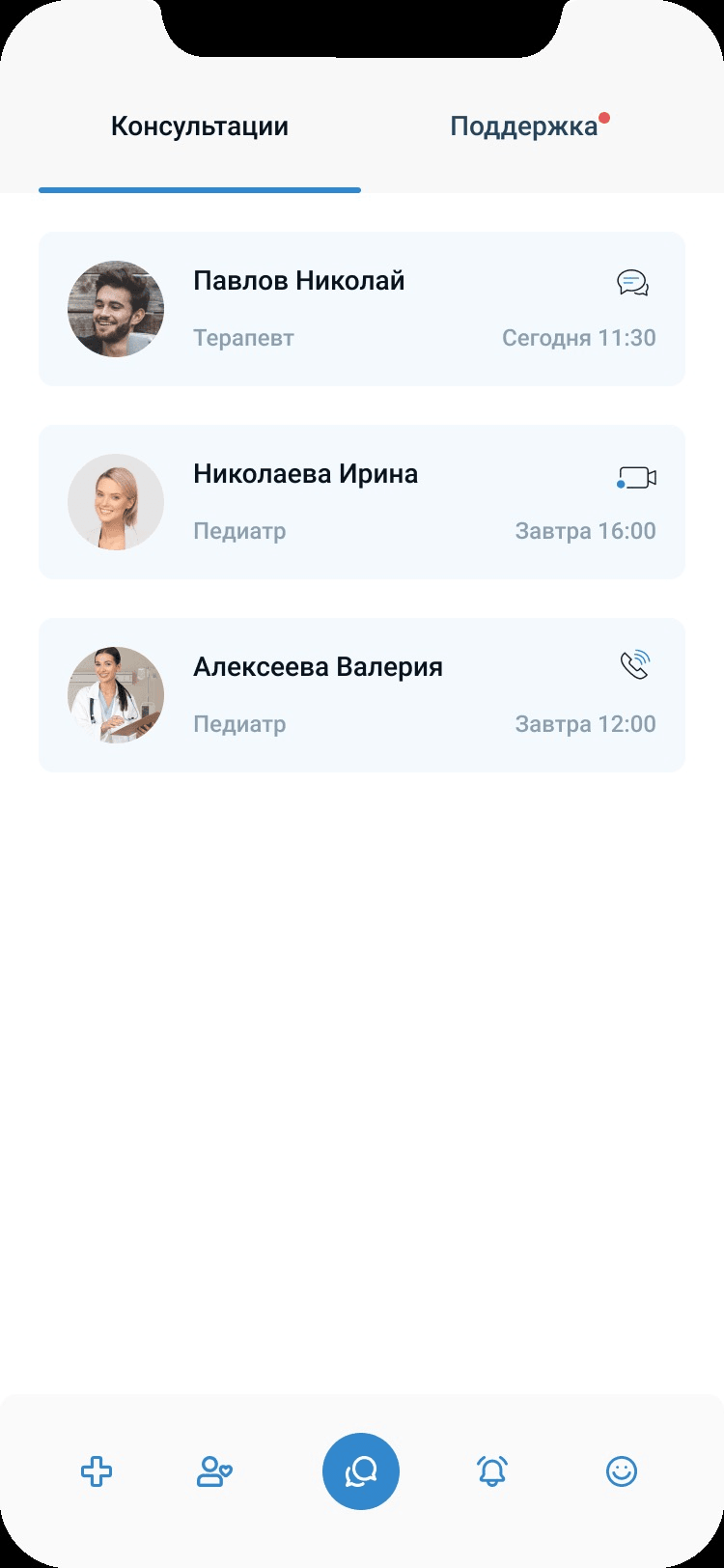
Chats, consultations, video calls, notifications
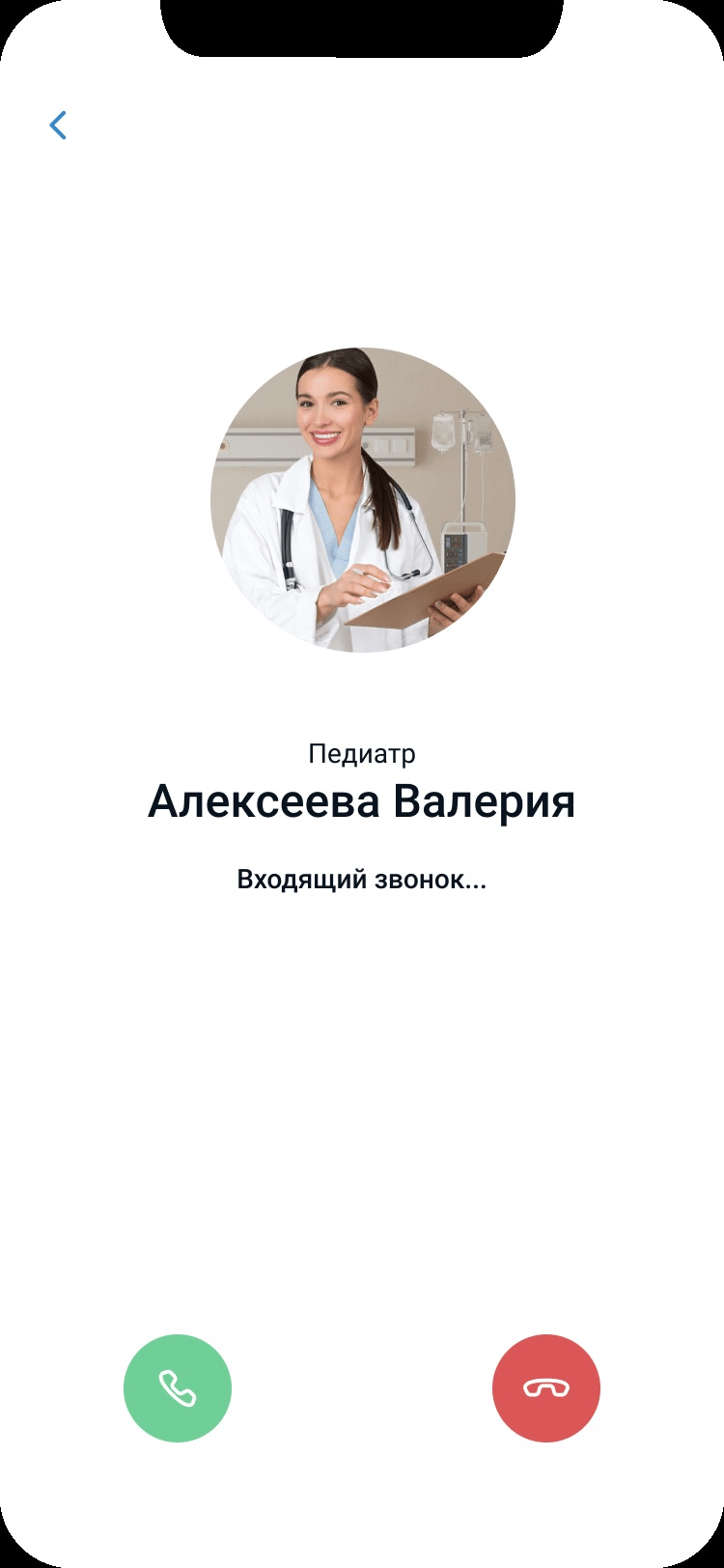
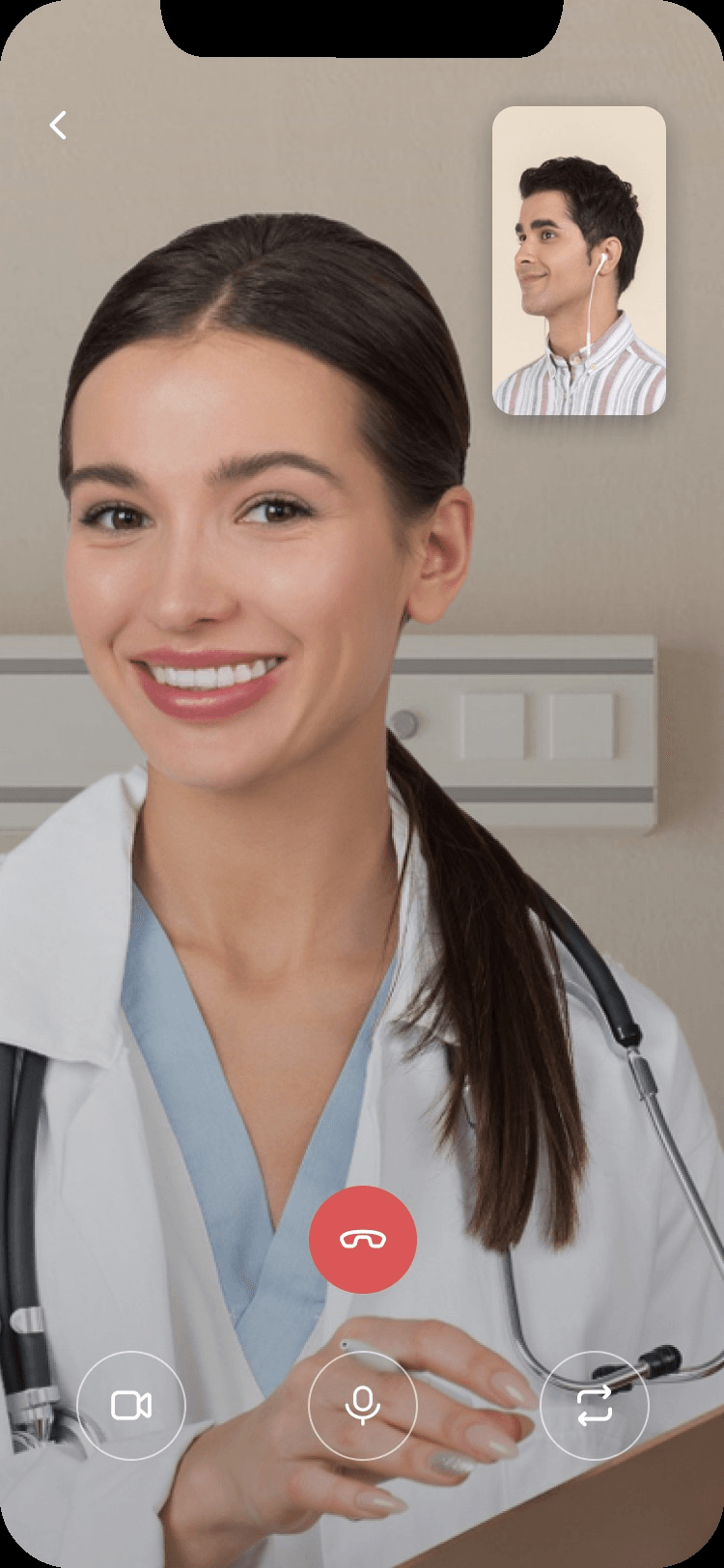
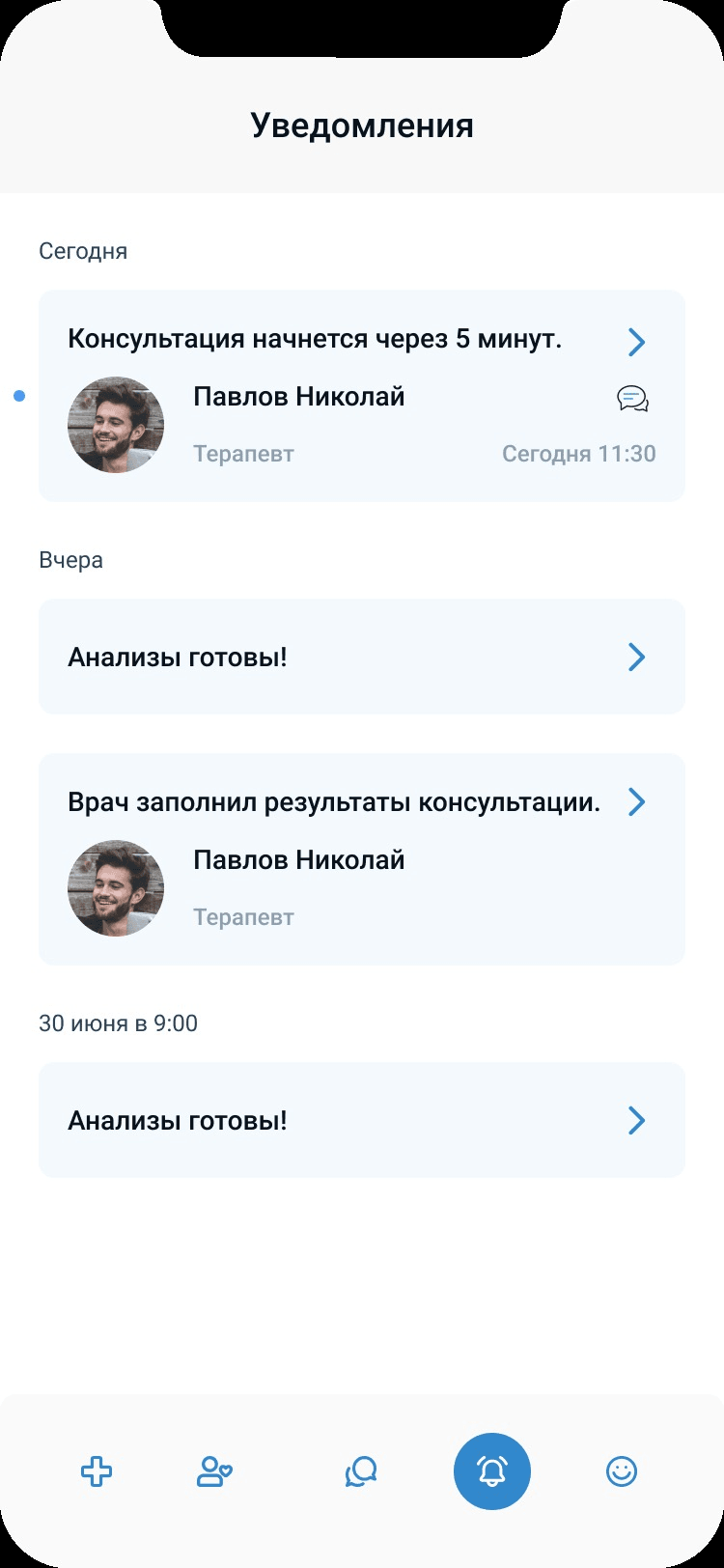
Every consultation type lives in the same place: a chat with the doctor, the consultation list, incoming and active video calls, and notifications for what is next.
A system for operators, doctors and administrators
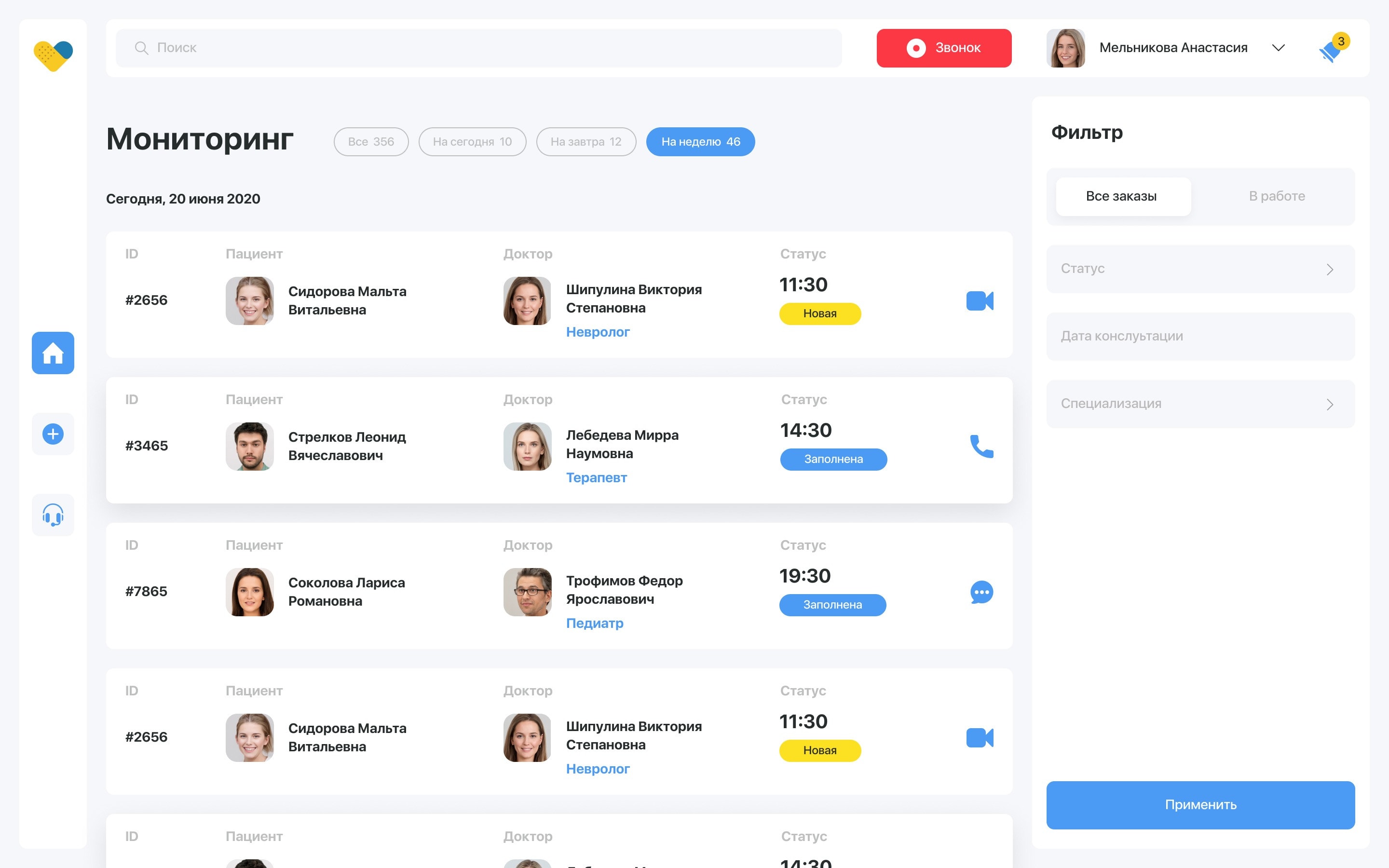
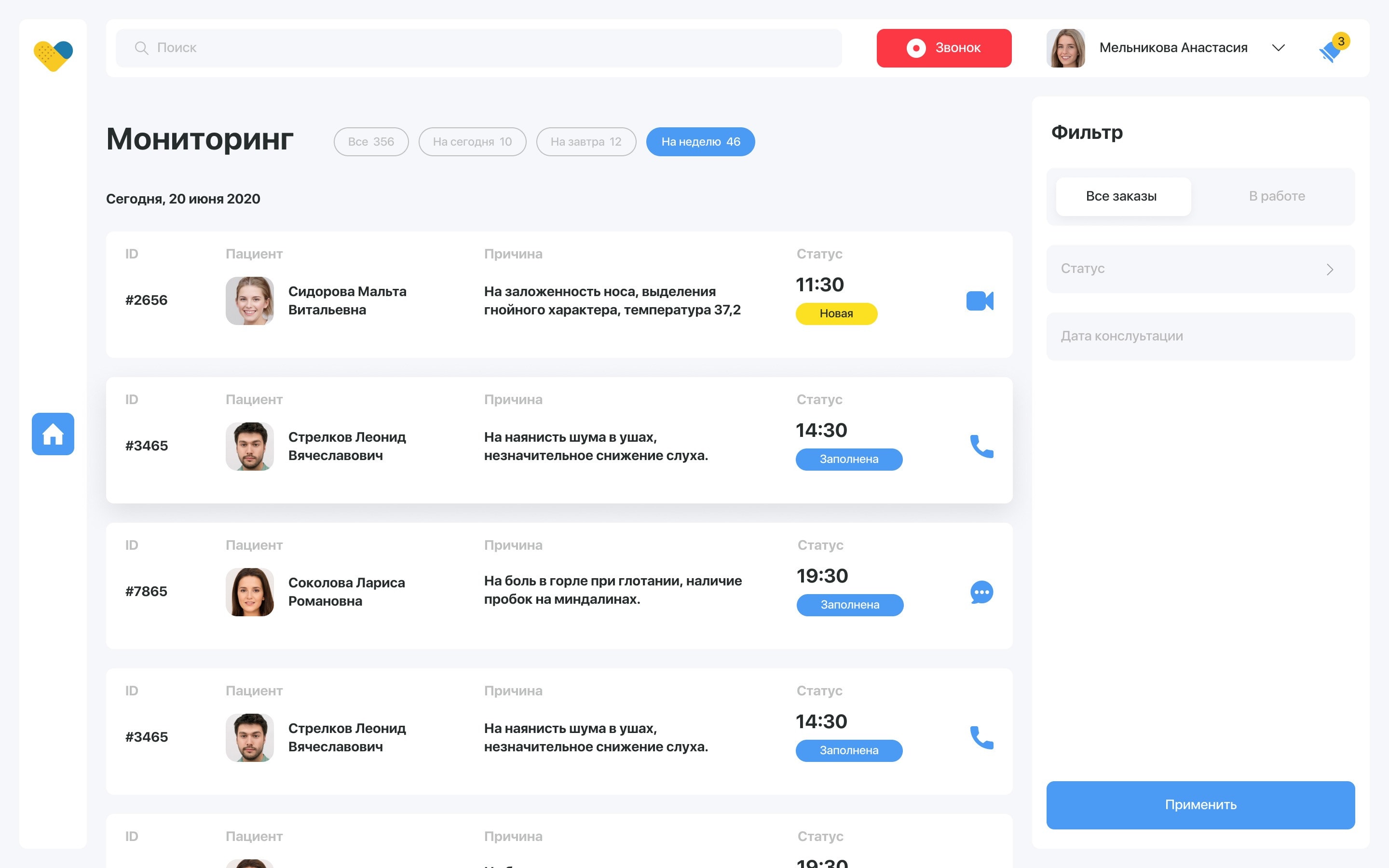
Alongside the patient app, a web service where the clinic runs the consultations: operators monitor and book them, doctors hold them, administrators manage the staff.
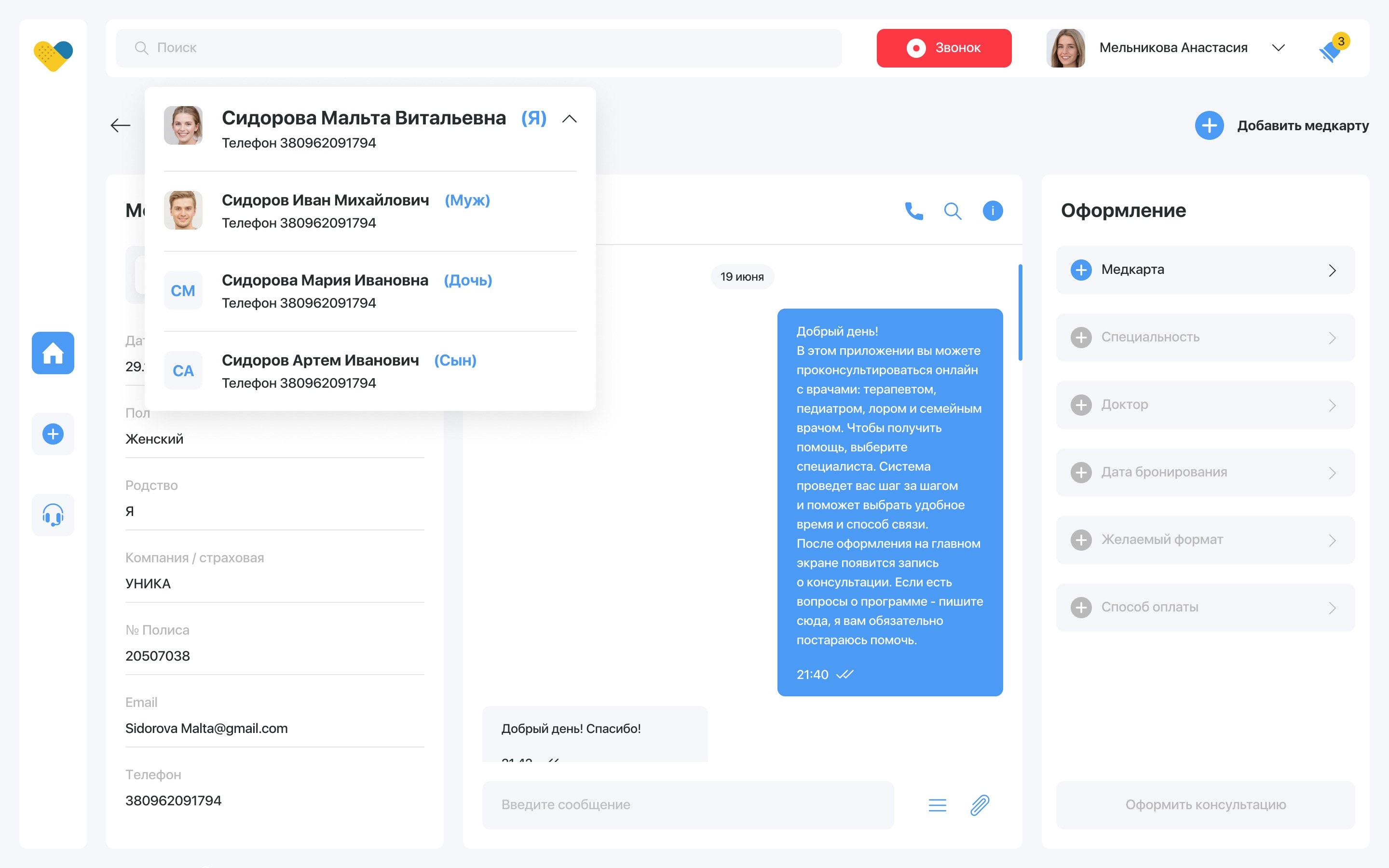
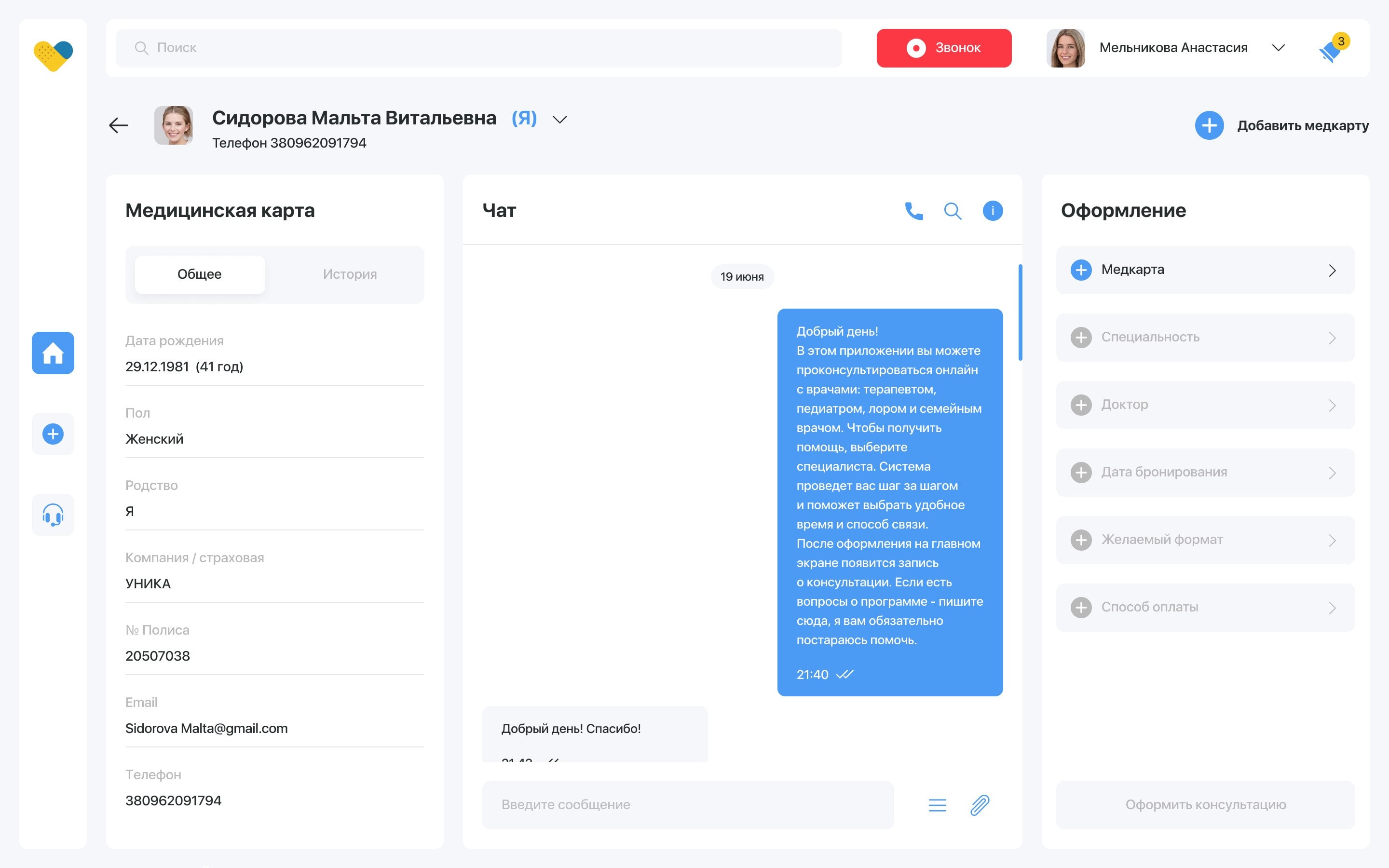
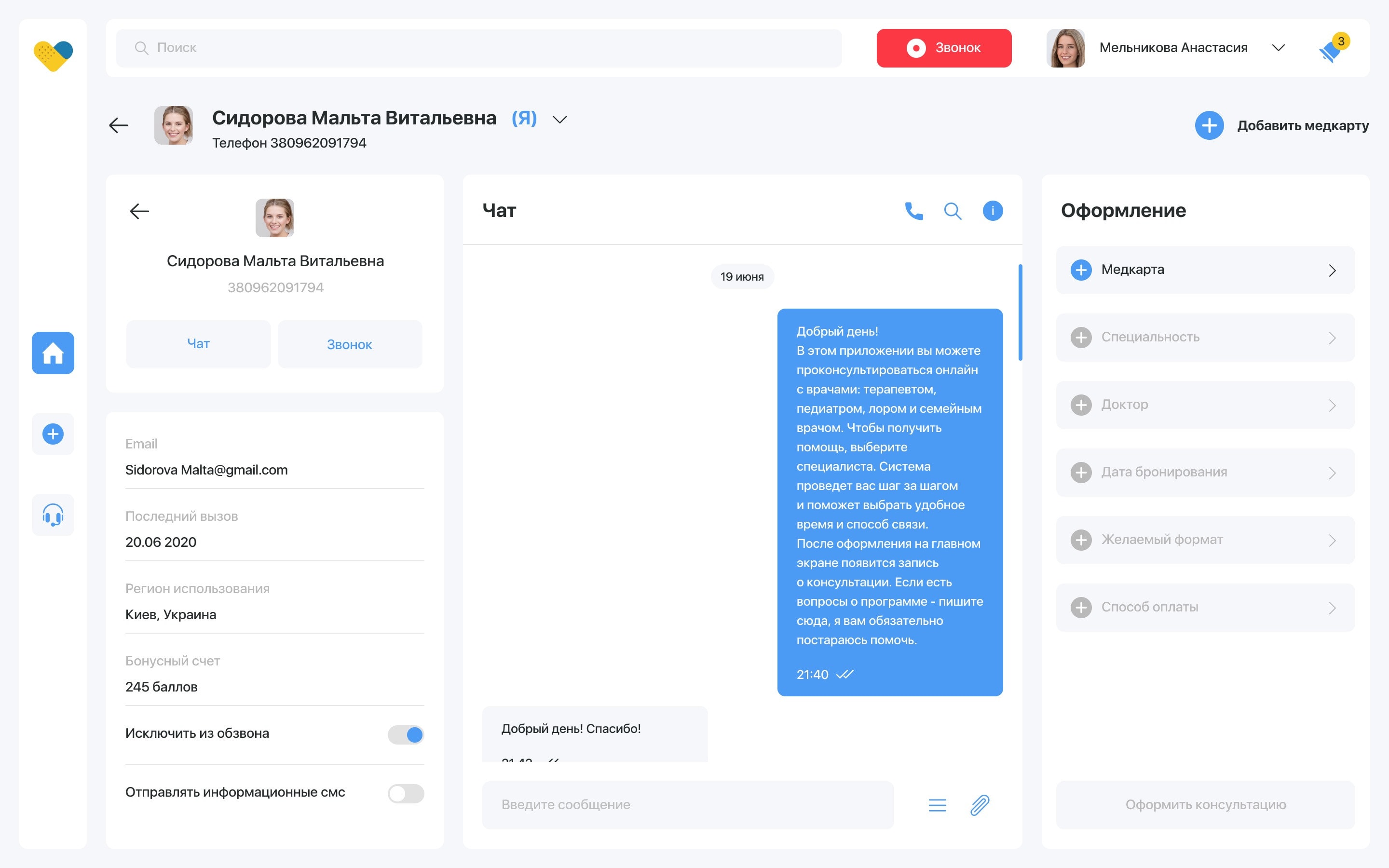
Working with a client and the medical card
The operator fills in the client’s medical data, signs the client up for a consultation and issues invoices for payment.
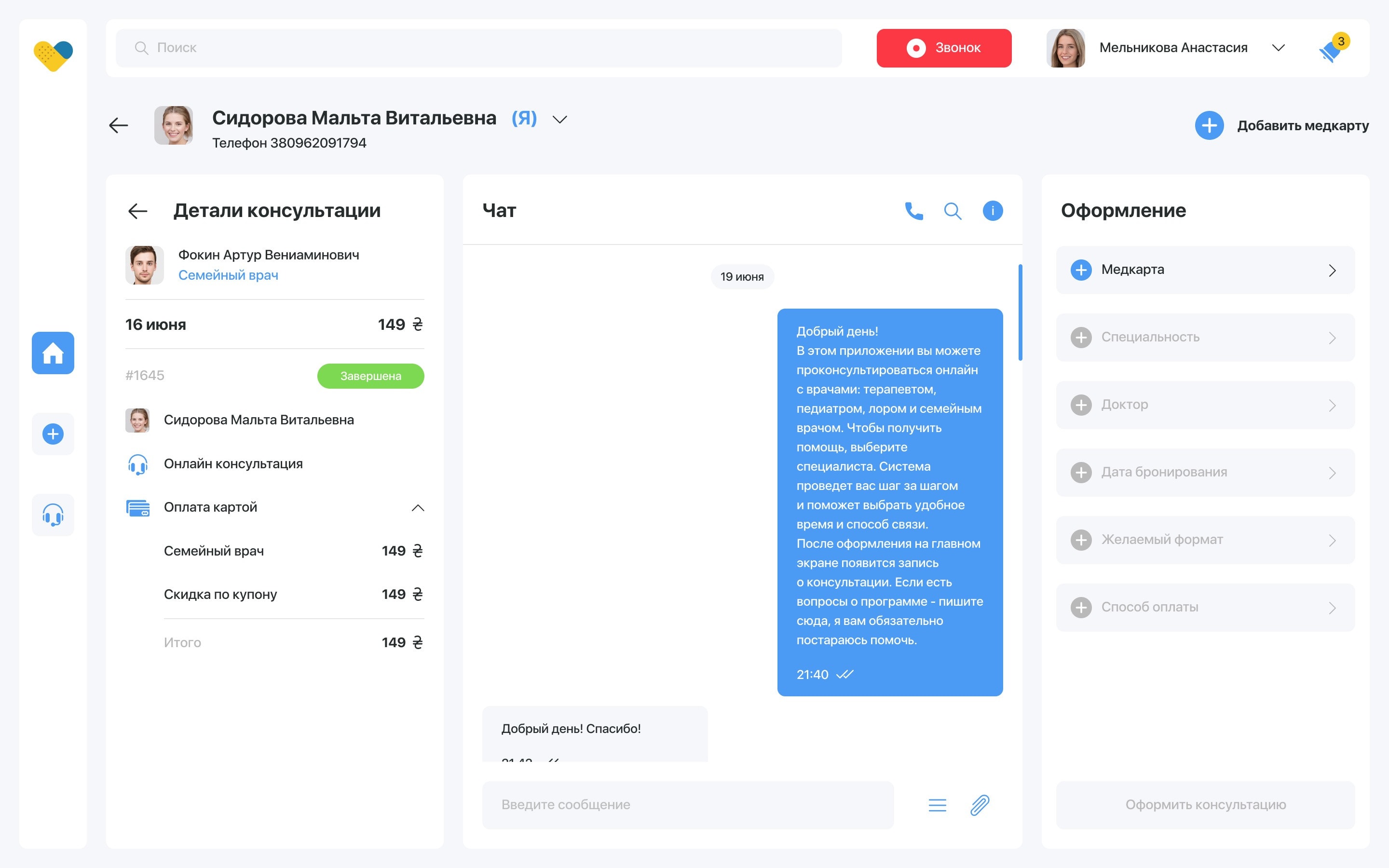
Creating a new patient consultation
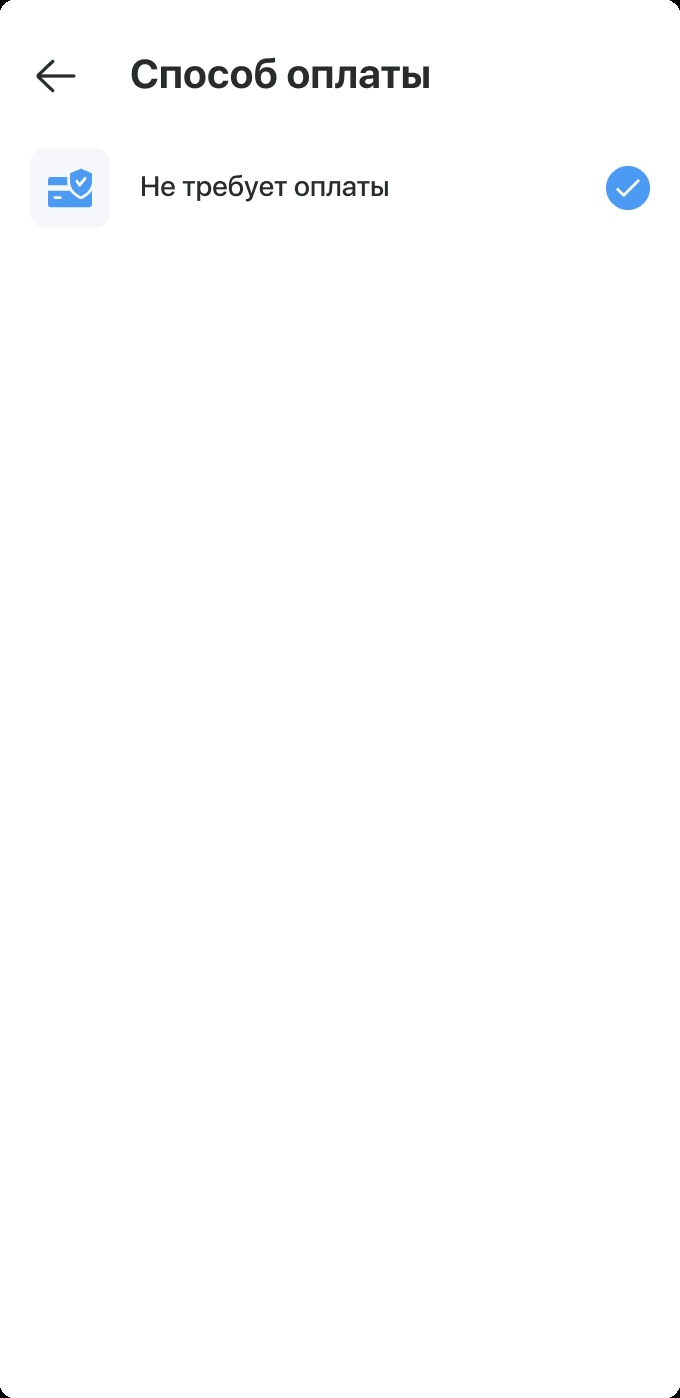
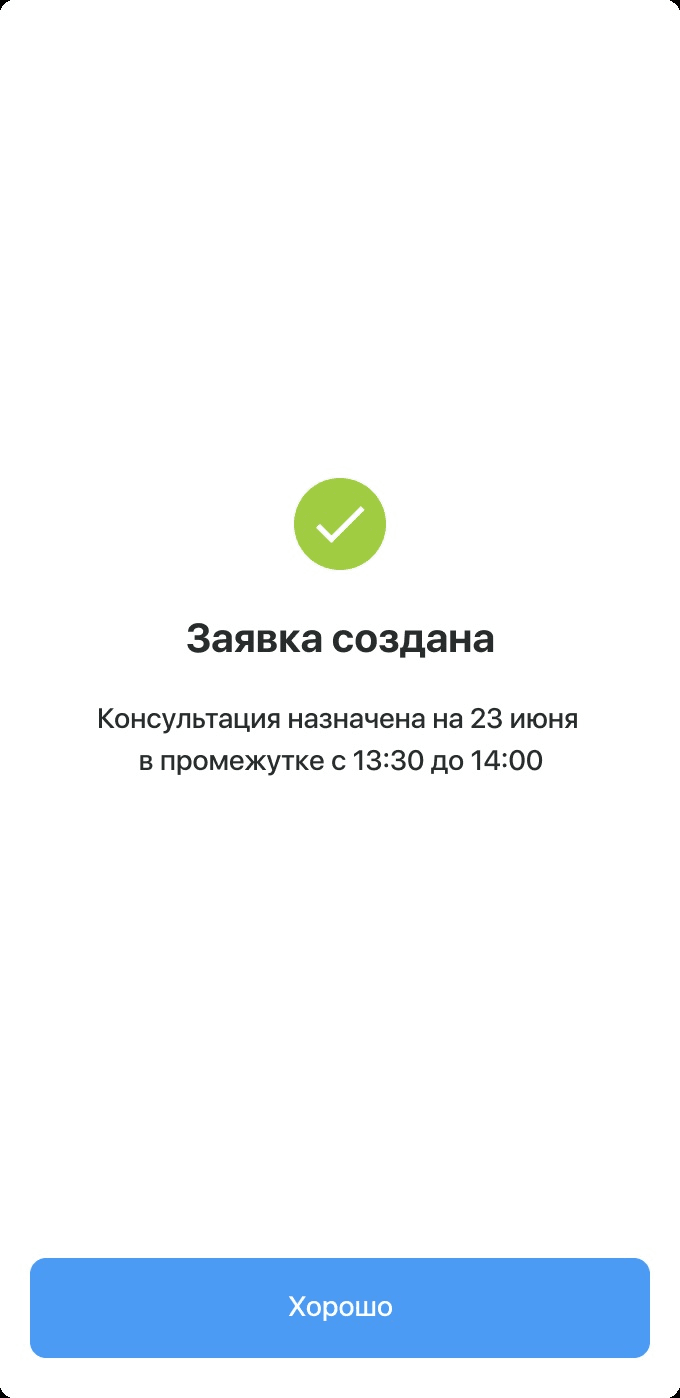
A nine-step wizard: booking date, summary, doctor list, format, doctor, speciality, medical card, payment — and the created consultation.
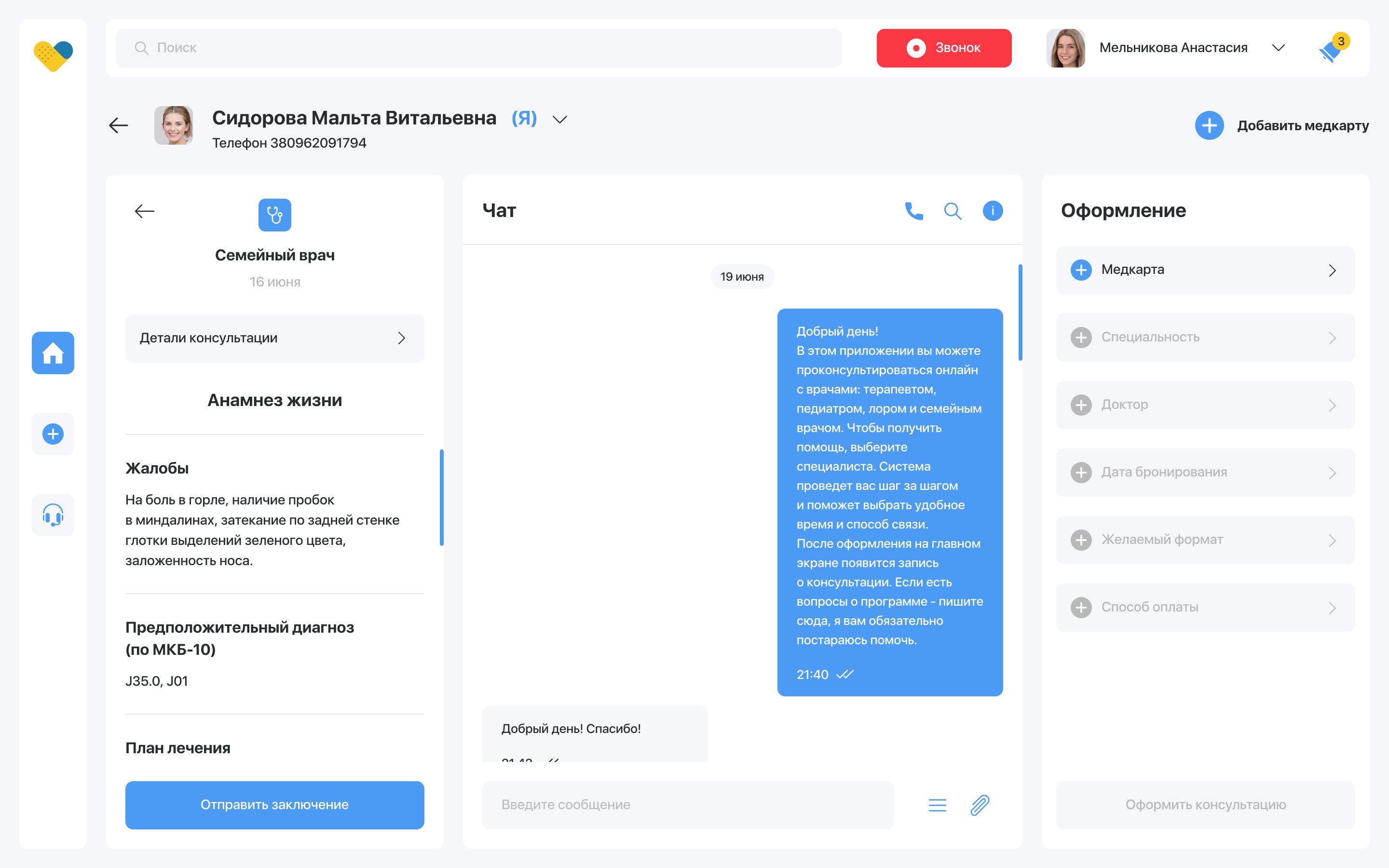
The doctor’s interface
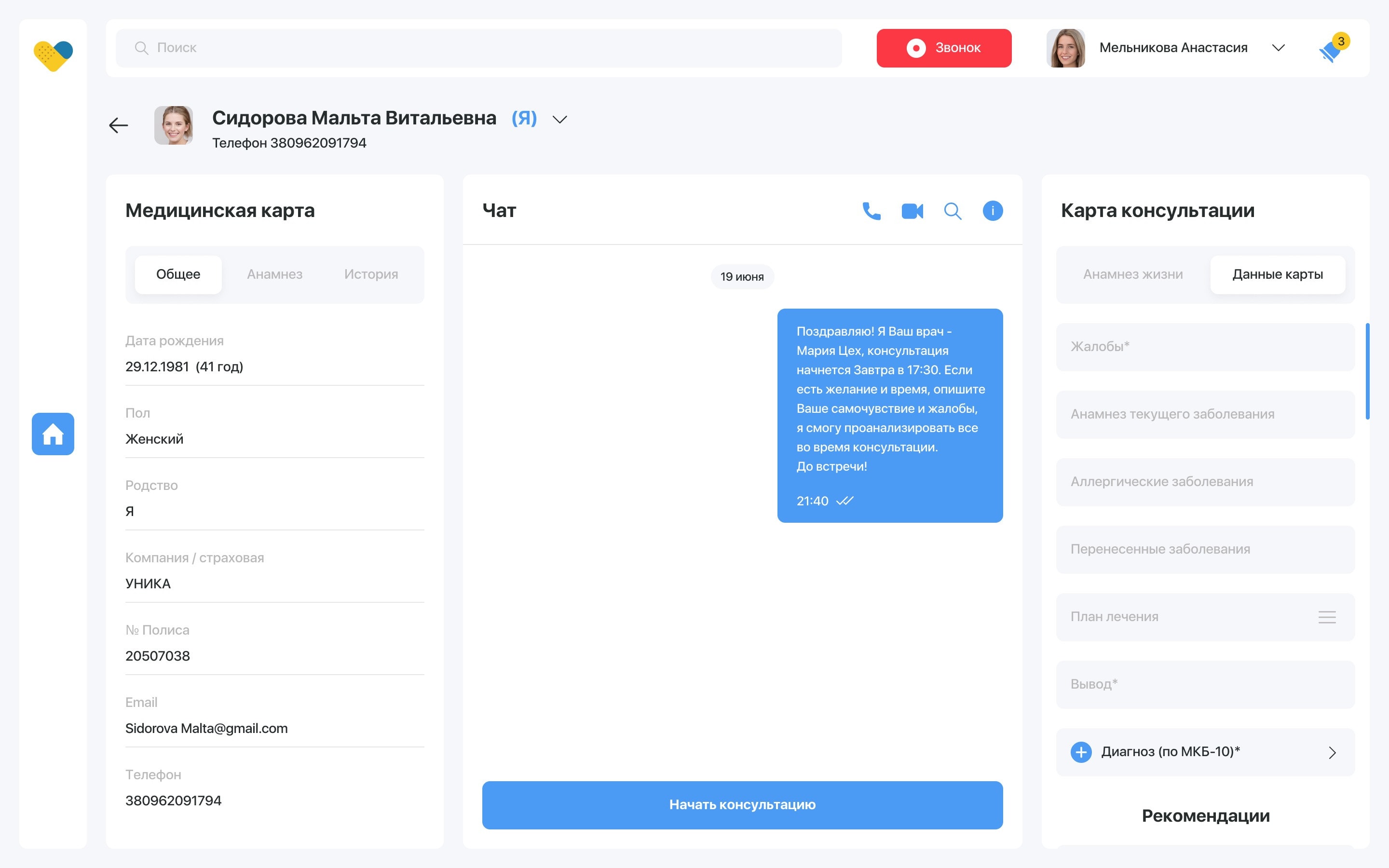
The doctor keeps track of the schedule, fills out medical certificates and advises patients online via chat, audio call or video call. In the patient’s card the doctor records the diagnosis, prescriptions for examinations, tests and medication.
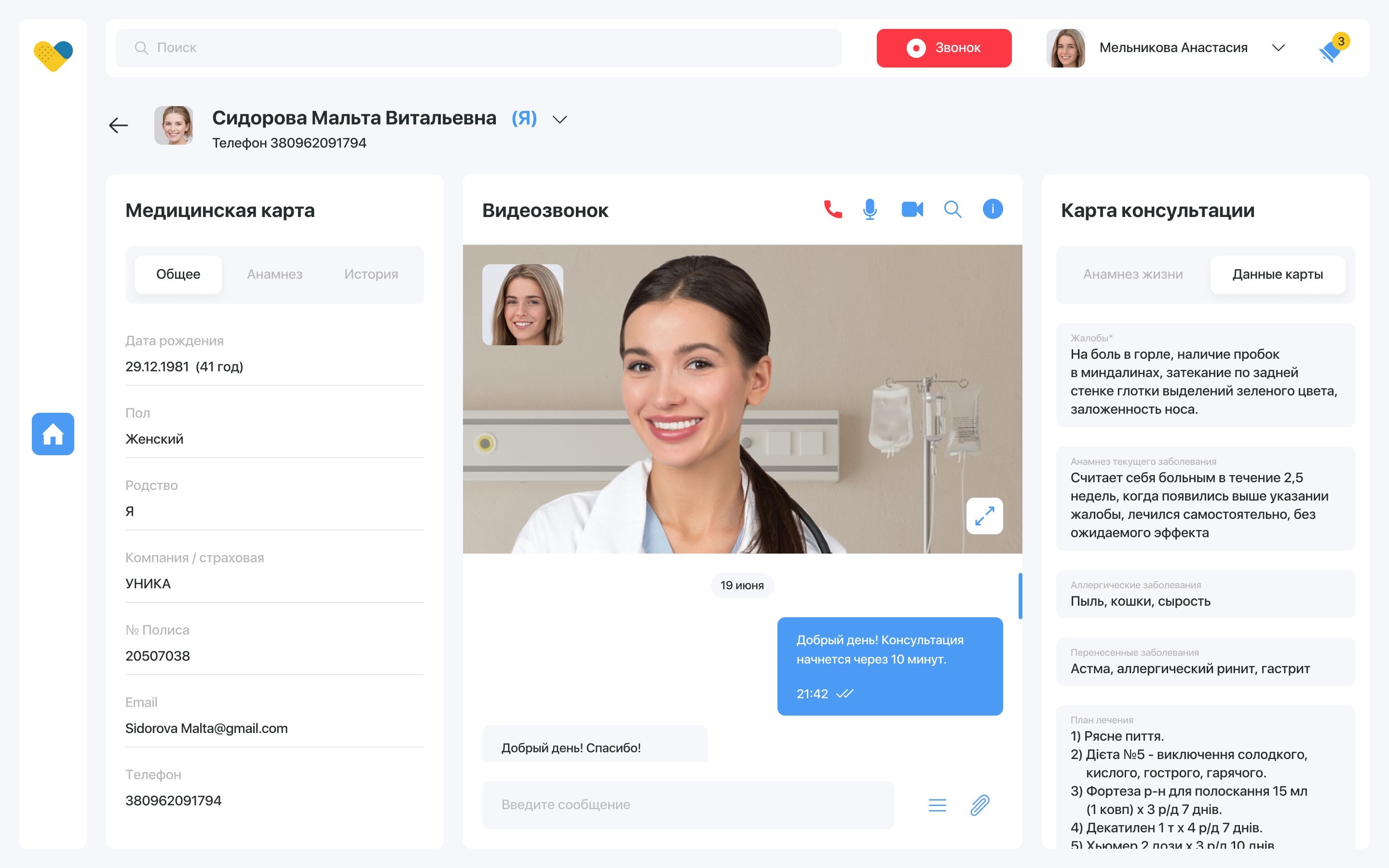
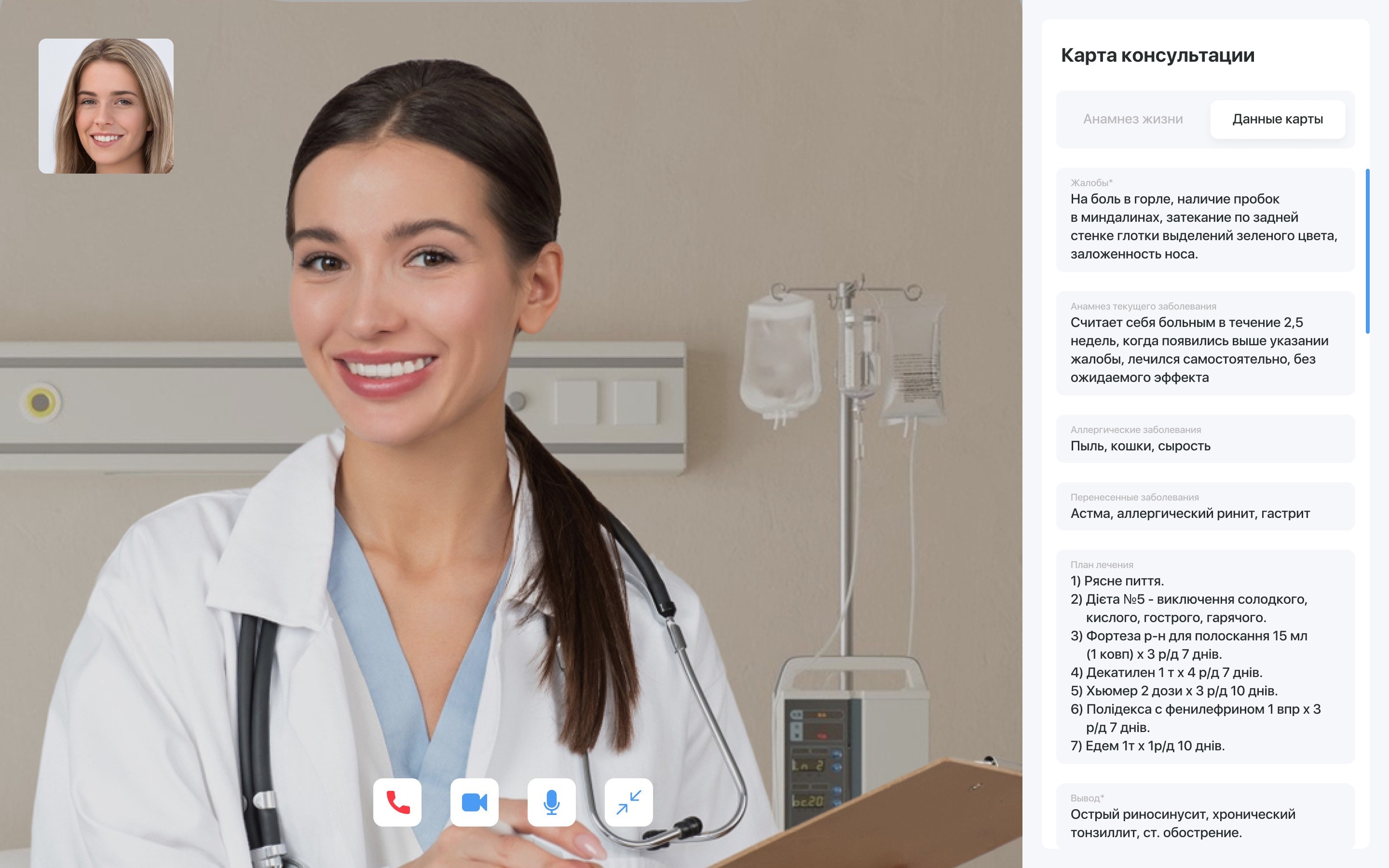
Online consultation
The video call sits next to the medical card and the consultation card, so the doctor writes the conclusion while talking.
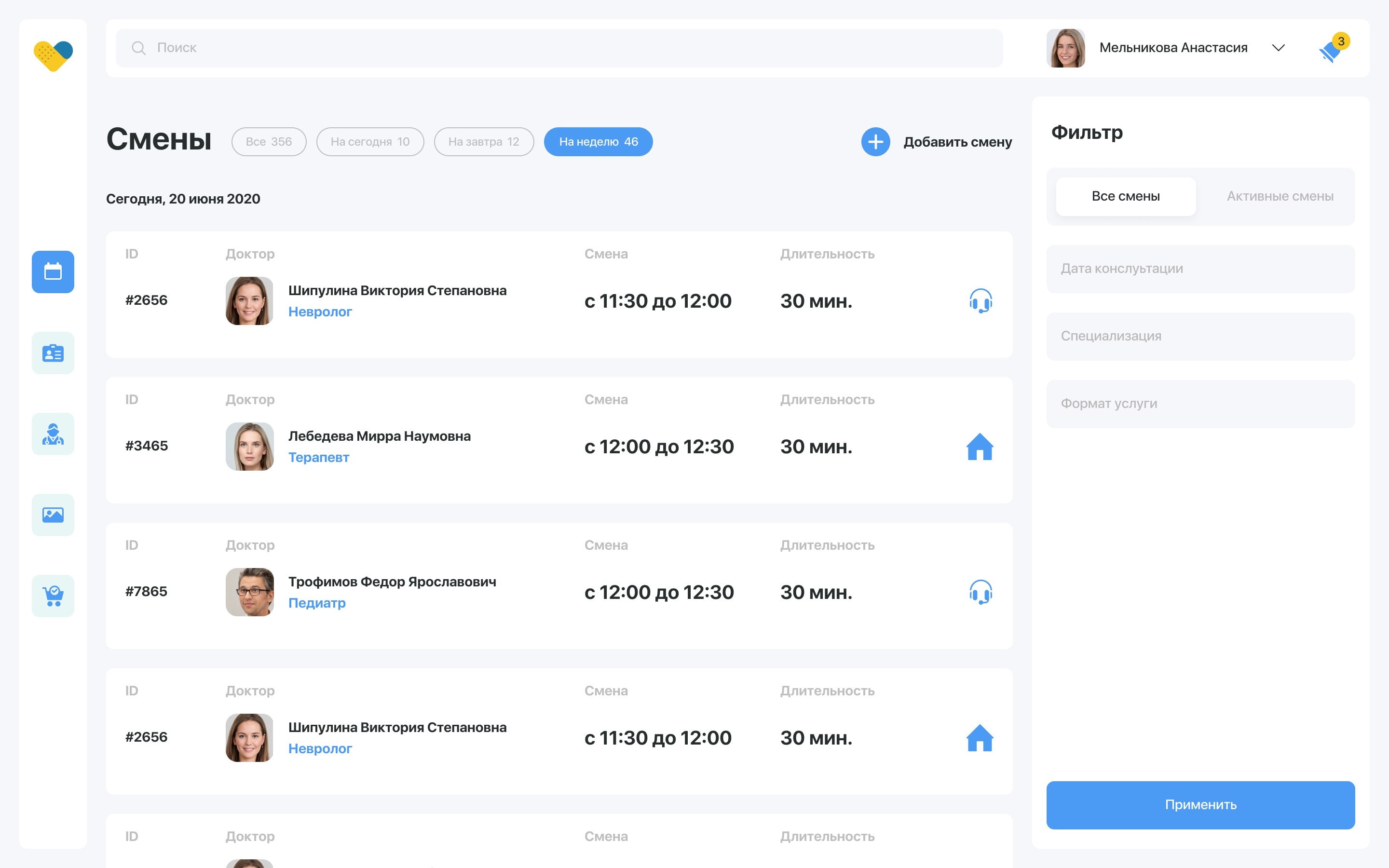
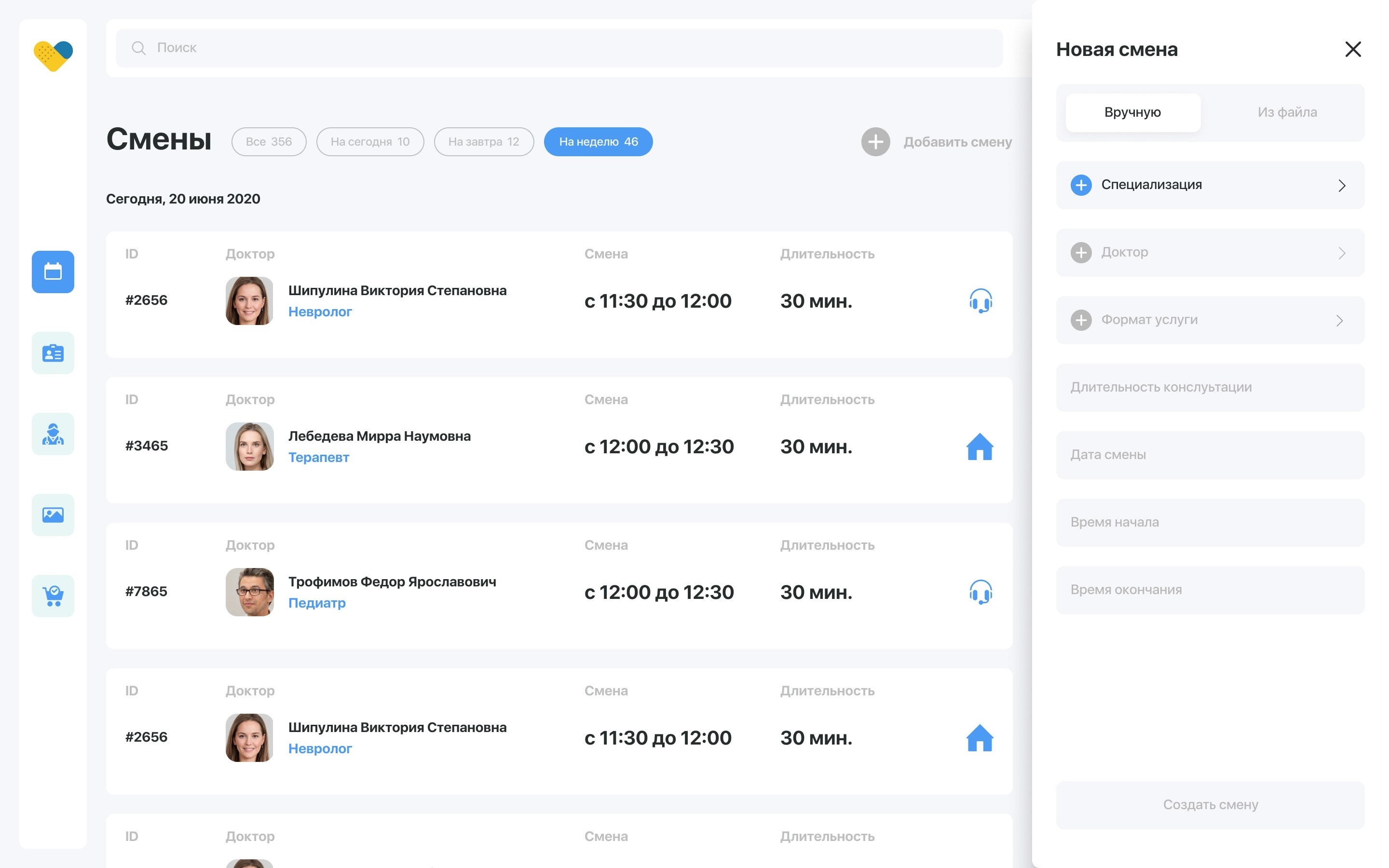
Staff, shifts and subscriptions
The administrator adds new employees to the system, manages doctor shifts and specialisations, and manages patient subscriptions — with tariffs for companies and for individual users.
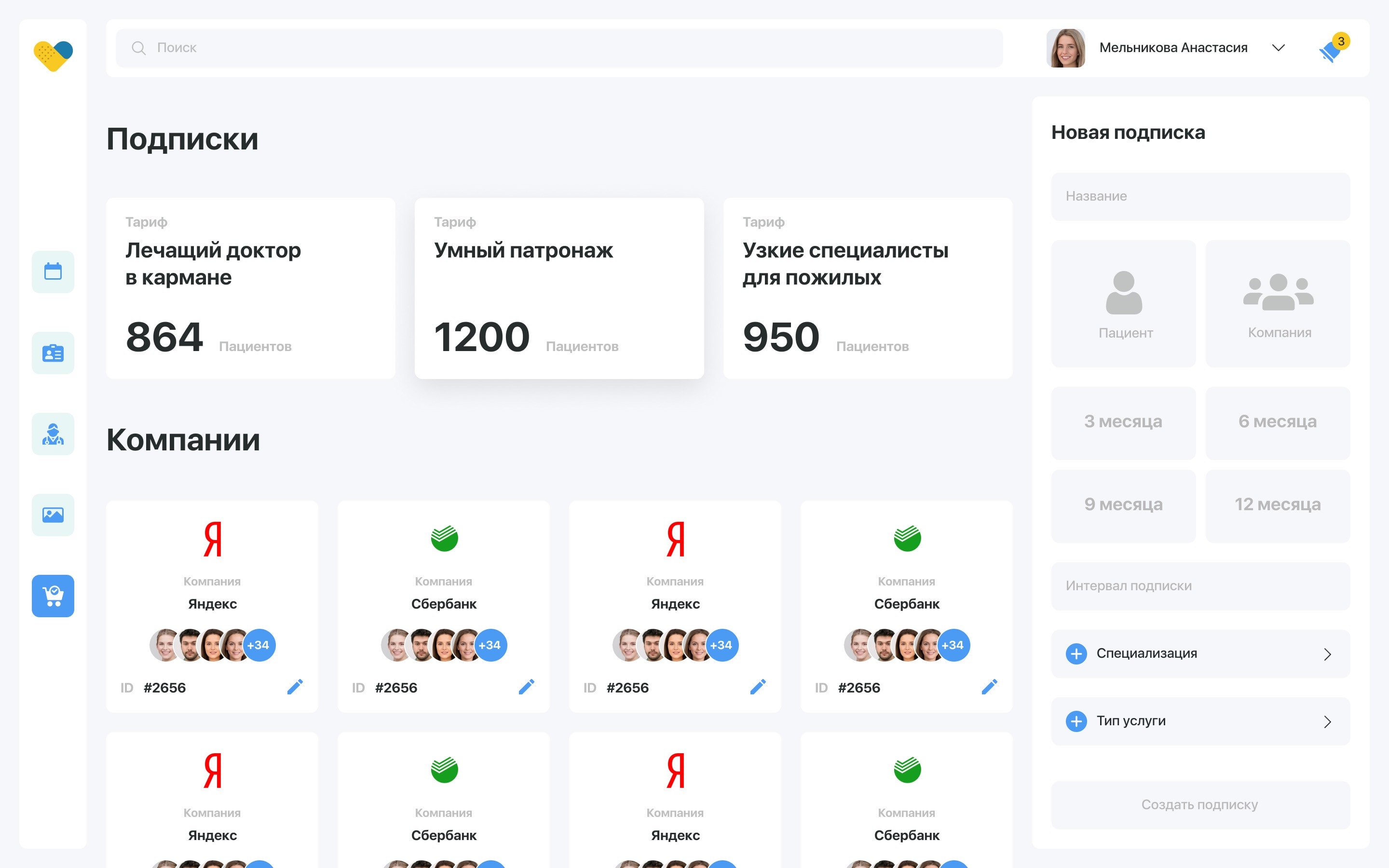
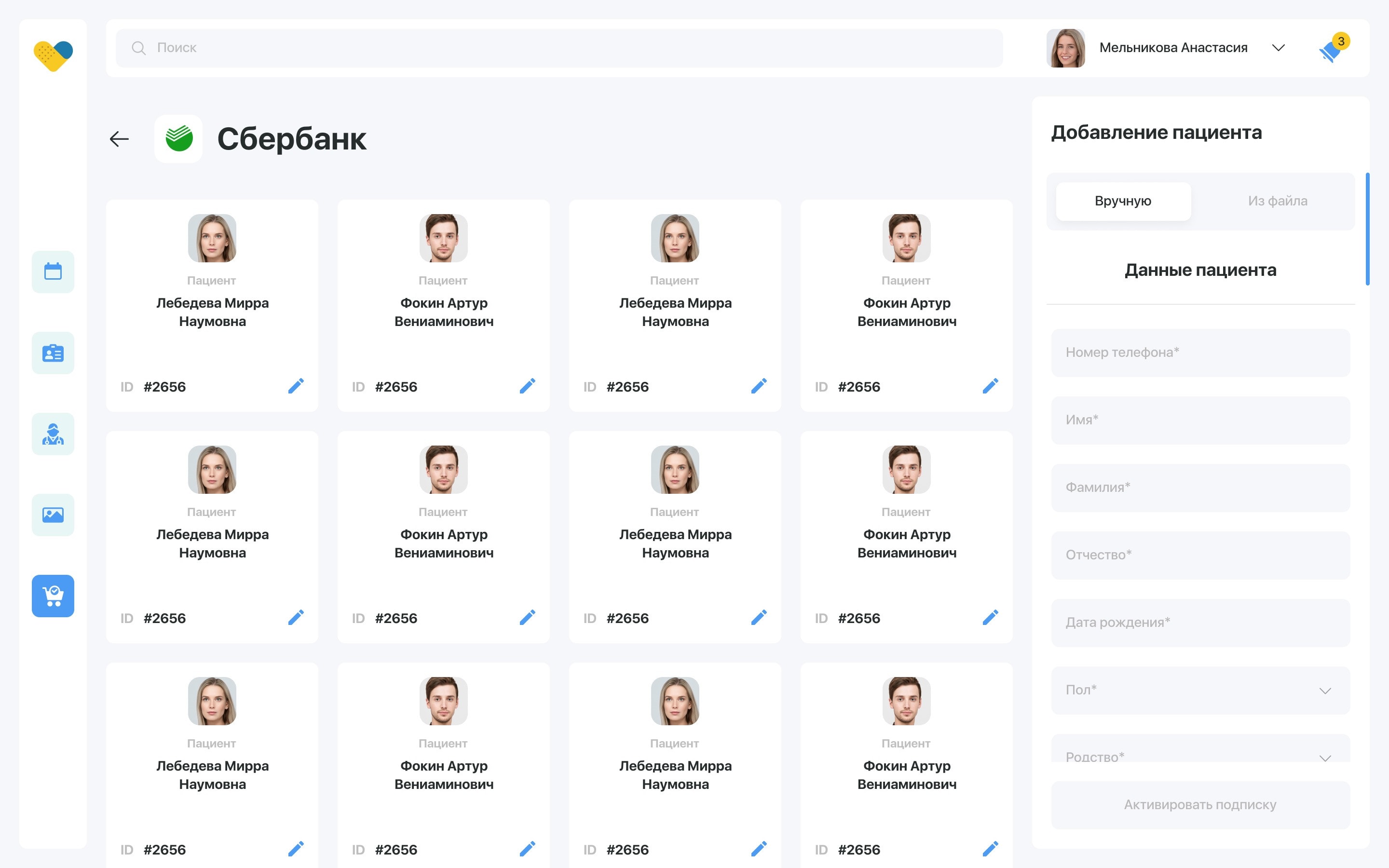
252 interface screens
During the development of the application and the web service for employees, more than 252 interface screens were created.
DobroDoc × Jellyworkz
A telemedicine platform in two products: the patient app and the web service the clinic runs it on. Served more than 10,000 consultations in its first year.
The challenge
Patients needed access to verified doctors without travelling to a clinic, and the clinic needed a way to run those consultations at scale. That meant two products at once: a patient-facing app and the internal tooling for operators, doctors and administrators behind it.
What we built
A patient mobile app covering phone-number registration with a PIN, onboarding, the clinic catalogue, consultation booking, a medical card, lab results, chat and video consultations, and push notifications. Alongside it, a web platform where operators monitor consultations, doctors work through their queue and patient cards, and administrators manage doctors and shift schedules. 114 mobile screens and 138 web screens in total.
Outcome
The platform served more than 10,000 consultations in its first year and cut the average booking time by 60% compared with the previous process.