Кейс

IoT Cooling Platform

IoT та підключені пристрої · Мобільний застосунок (лише розробка)

Companion app for smart outdoor cooling towers: Wi-Fi pairing, fan and LED control, and consumable reordering. Development by Jellyworkz, design by the client.

DevelopmentMobile appIoTClient withheld under NDA

IoT Cooling Platform. Better than weather

  • Mobile app
  • Wi-Fi devices
  • In-app store
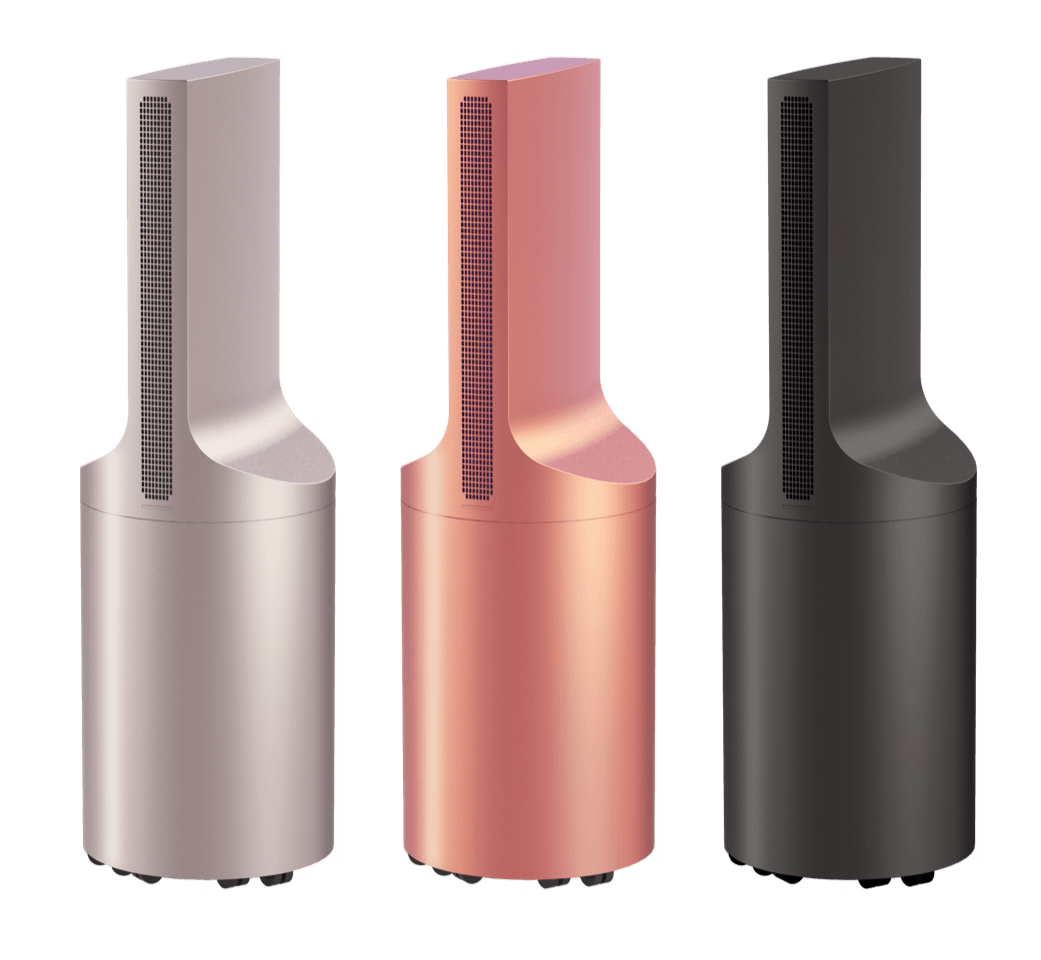
The three outdoor cooling tower finishes — gold, rose and black
Intro

A smart outdoor cooling system for bars, restaurants and hotels

The app pairs with every tower on site, so staff can set the fan mode, LED colour and Wi-Fi from a phone, watch tank levels and maintenance, and reorder tanks and capsules before they run out.

With the app you can

  • Pair a new device over Wi-Fi in a few steps
  • Watch tank level, battery and maintenance
  • Set fan mode, LED colour and device names
  • Order tanks and capsules from the in-app store
  • Run the account as a business, with a team and roles
Onboarding & pairing

First launch, a short welcome, then the device is paired over Wi-Fi

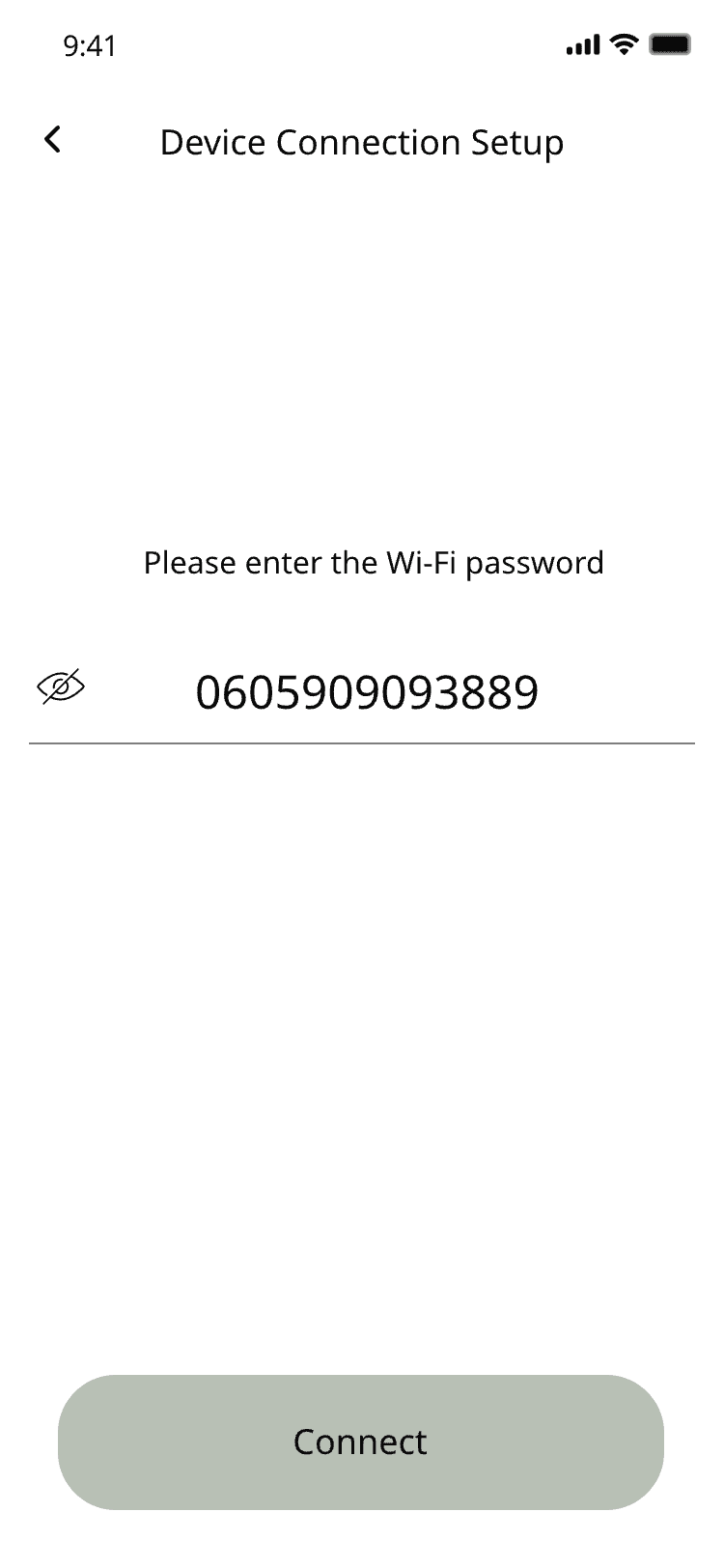
The tower broadcasts its own network. The app walks the user through joining it, entering the venue’s Wi-Fi password, and naming the device — no manual setup on the tower itself.
Splash screen with the IoT Cooling Platform name over a palm-leaf pattern
Splash
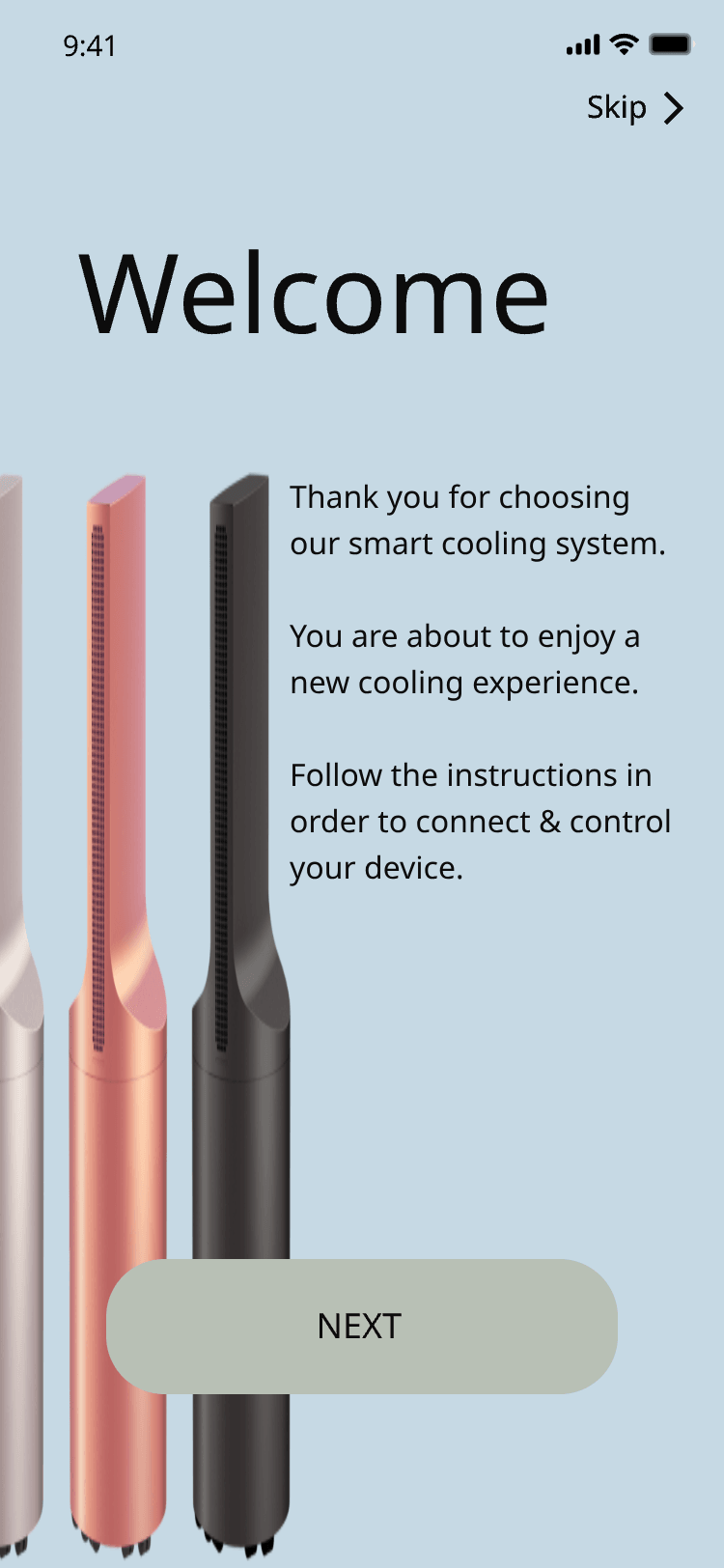
Welcome screen with the cooling tower render and a short introduction
Welcome
Device connection setup asking for the Wi-Fi password
Wi-Fi password
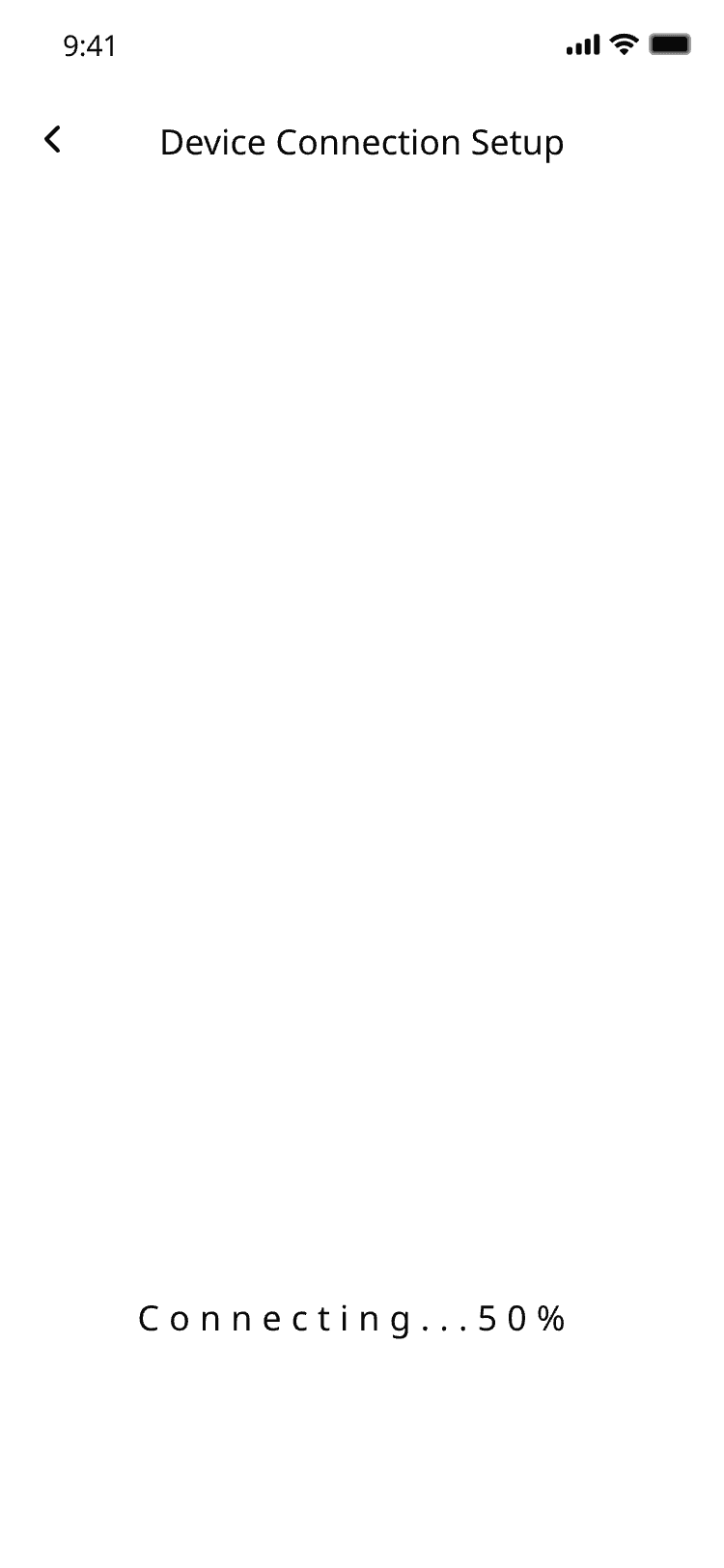
Device connection setup showing a connecting progress of 50%
Connecting
My devices

Every tower on site in one list

Tank level, battery, fan mode and maintenance state, per device.
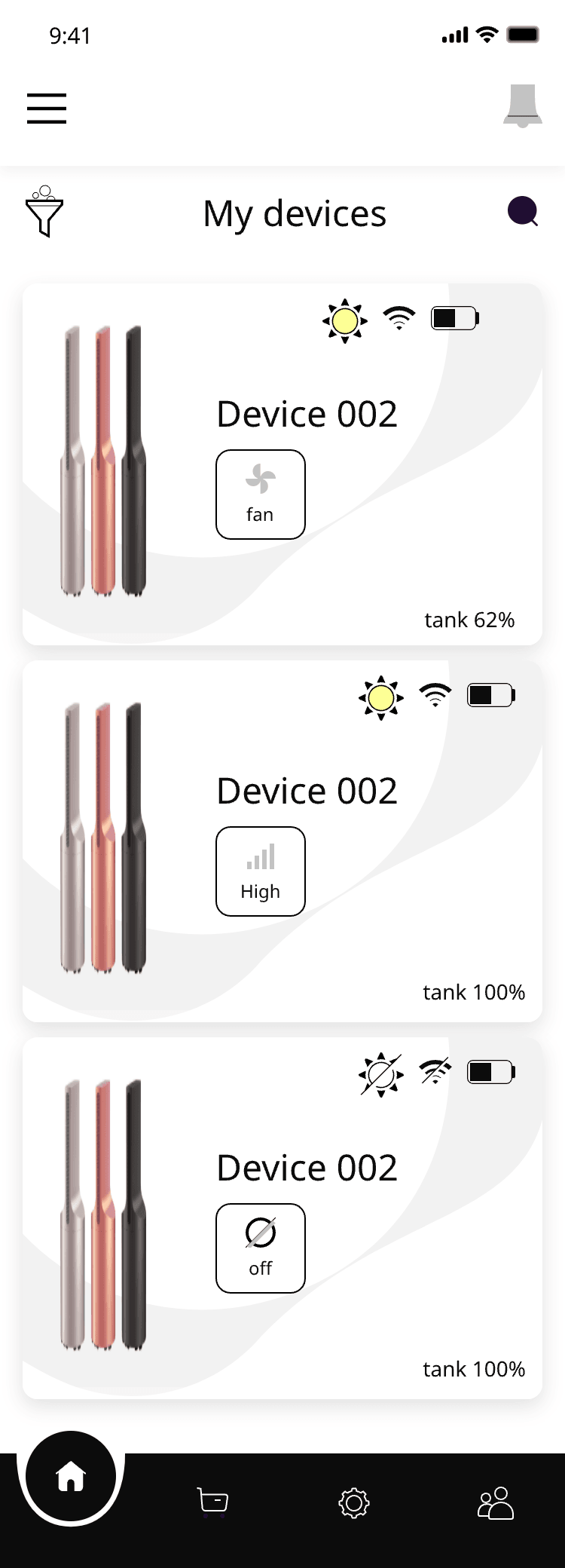
My devices — the list of towers with fan, LED, signal and tank level per device
My devices
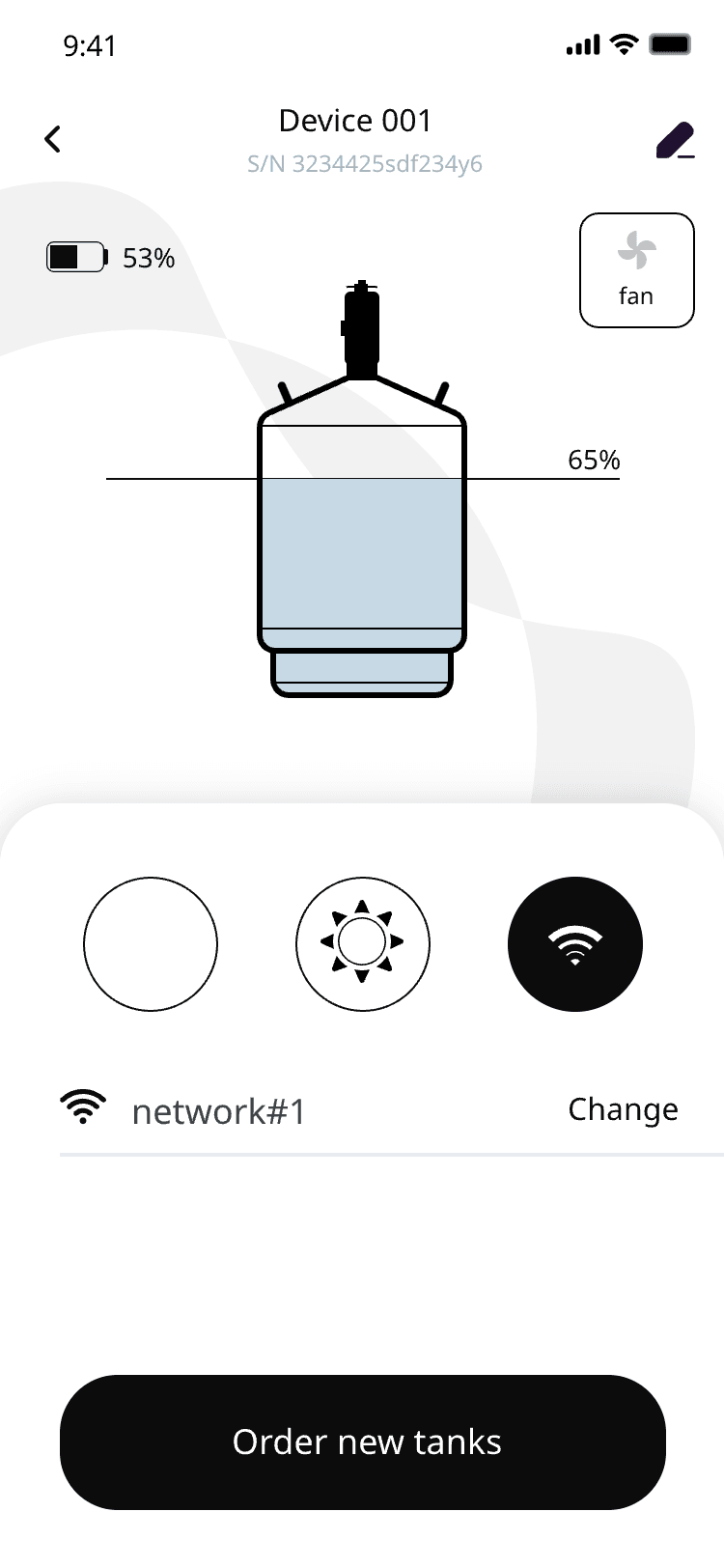
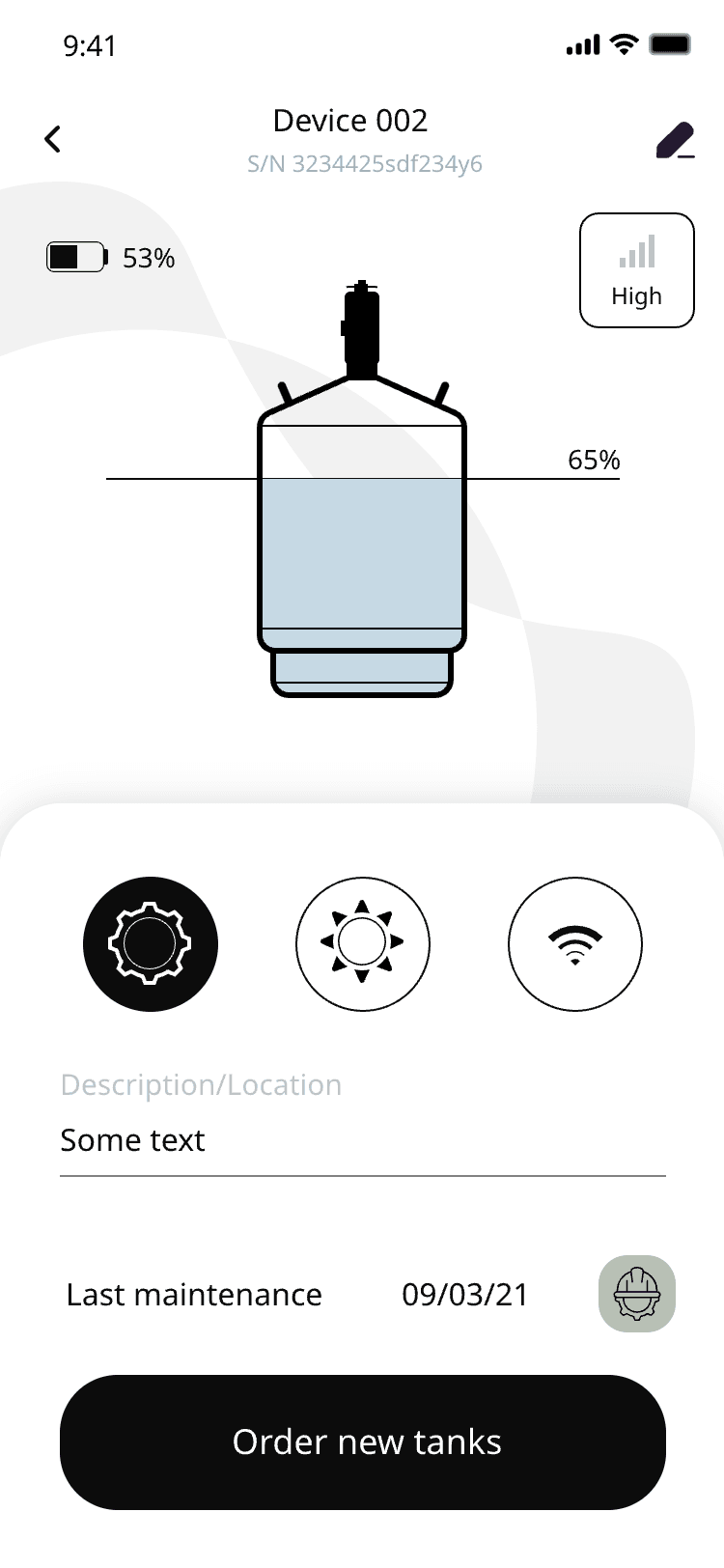
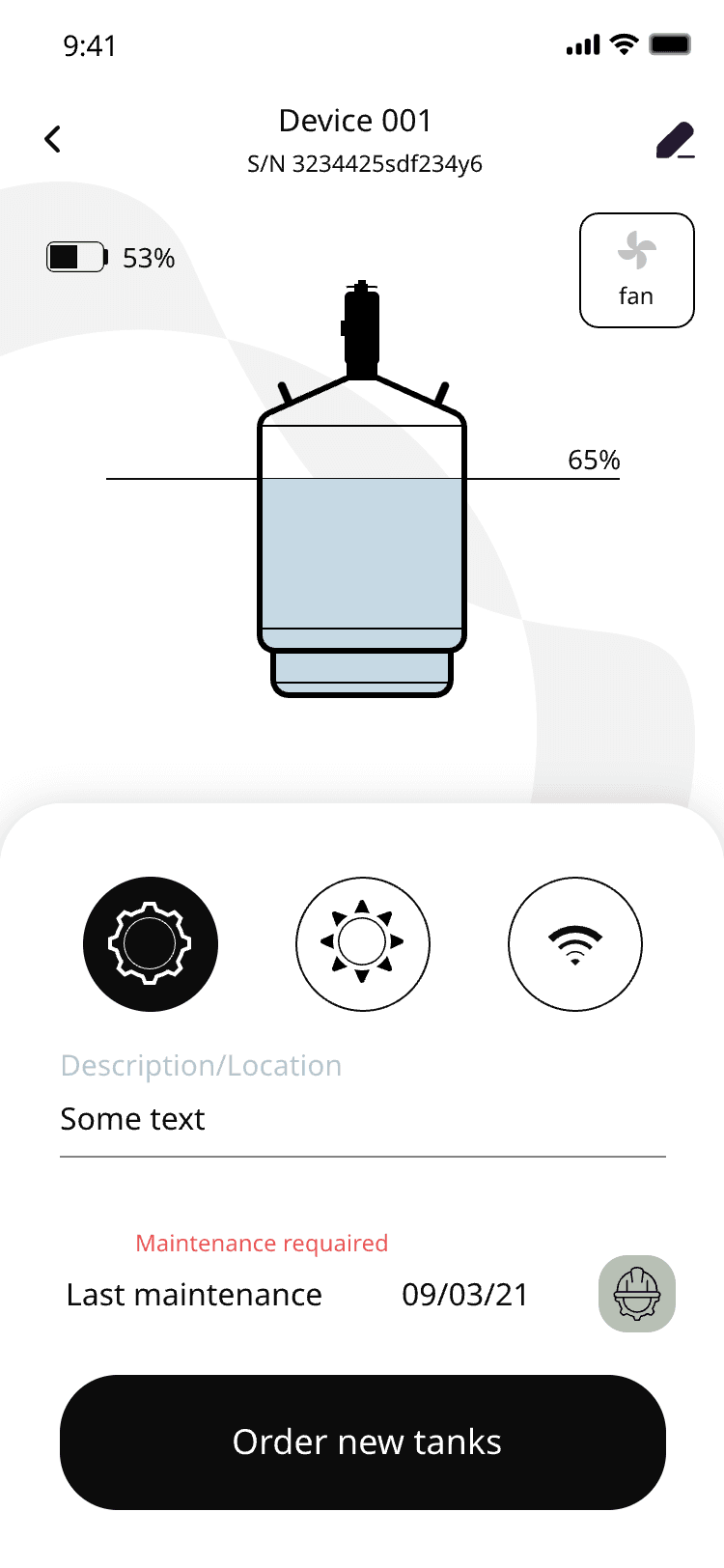
Device view with the tank at 65%, mode buttons and a maintenance date
Tank level
Device 002 with last-maintenance date and description
Maintenance
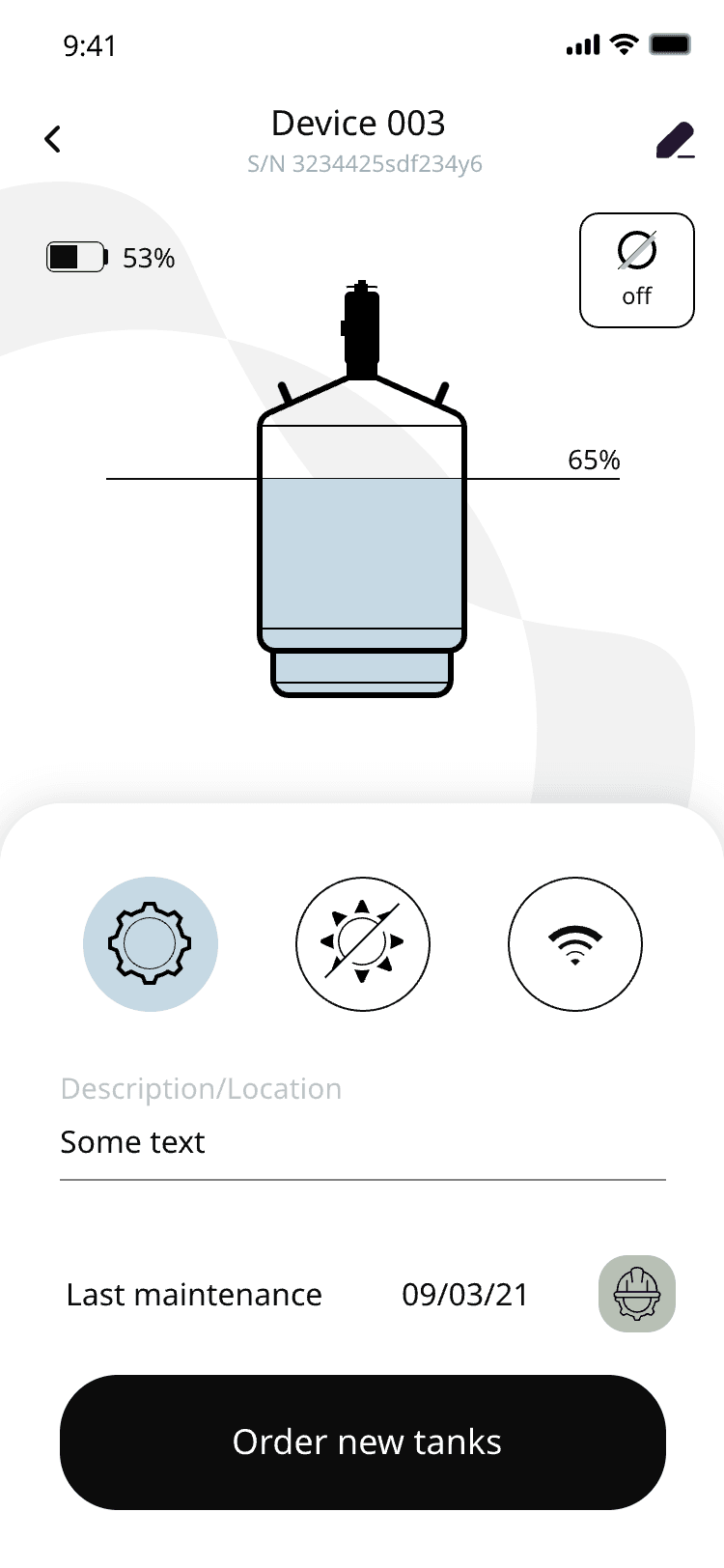
Device 003 switched off, with the order-new-tanks button
Device off
Device control

Fan mode, LED colour, Wi-Fi and naming

Per device, or synced across the whole site.
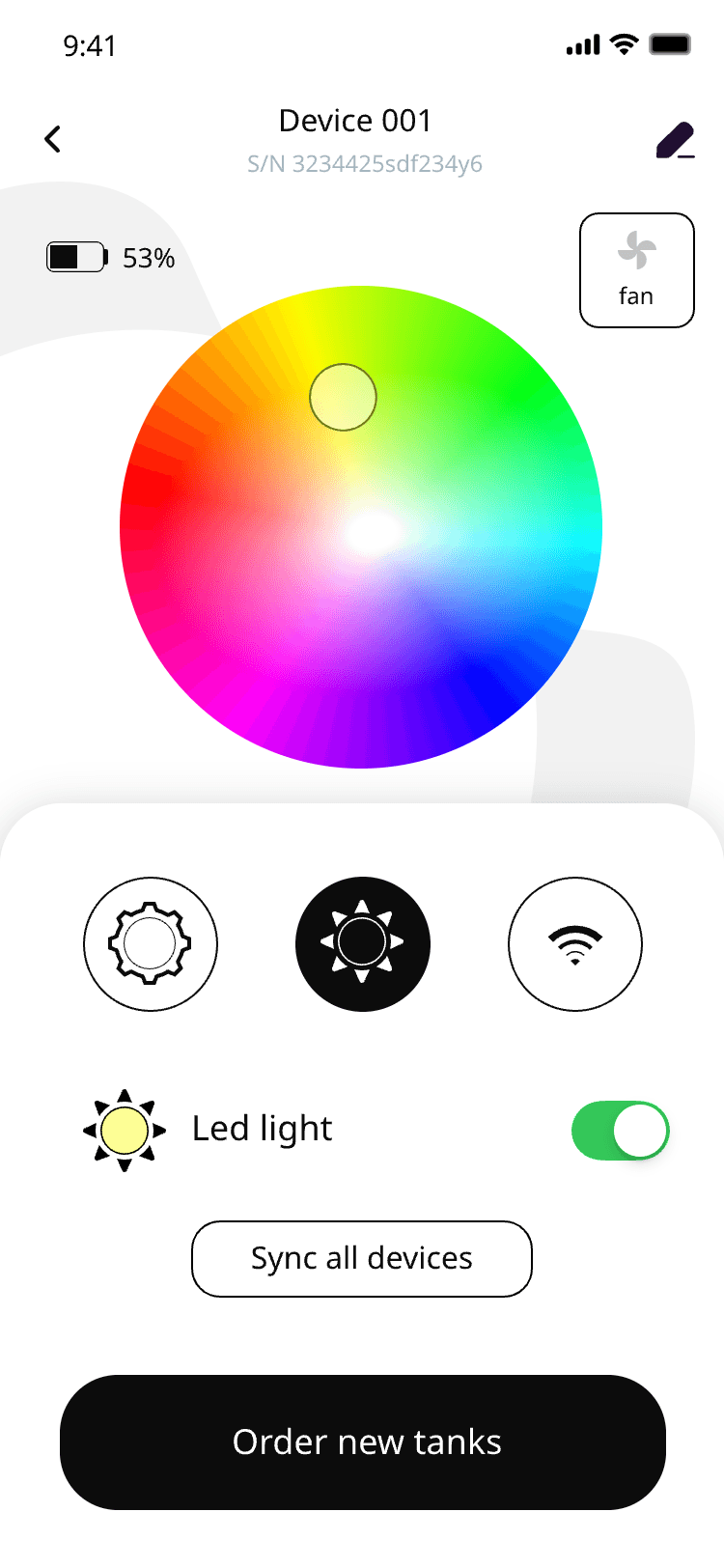
Device control with the LED colour wheel, fan modes and the LED light toggle
LED colour and fan
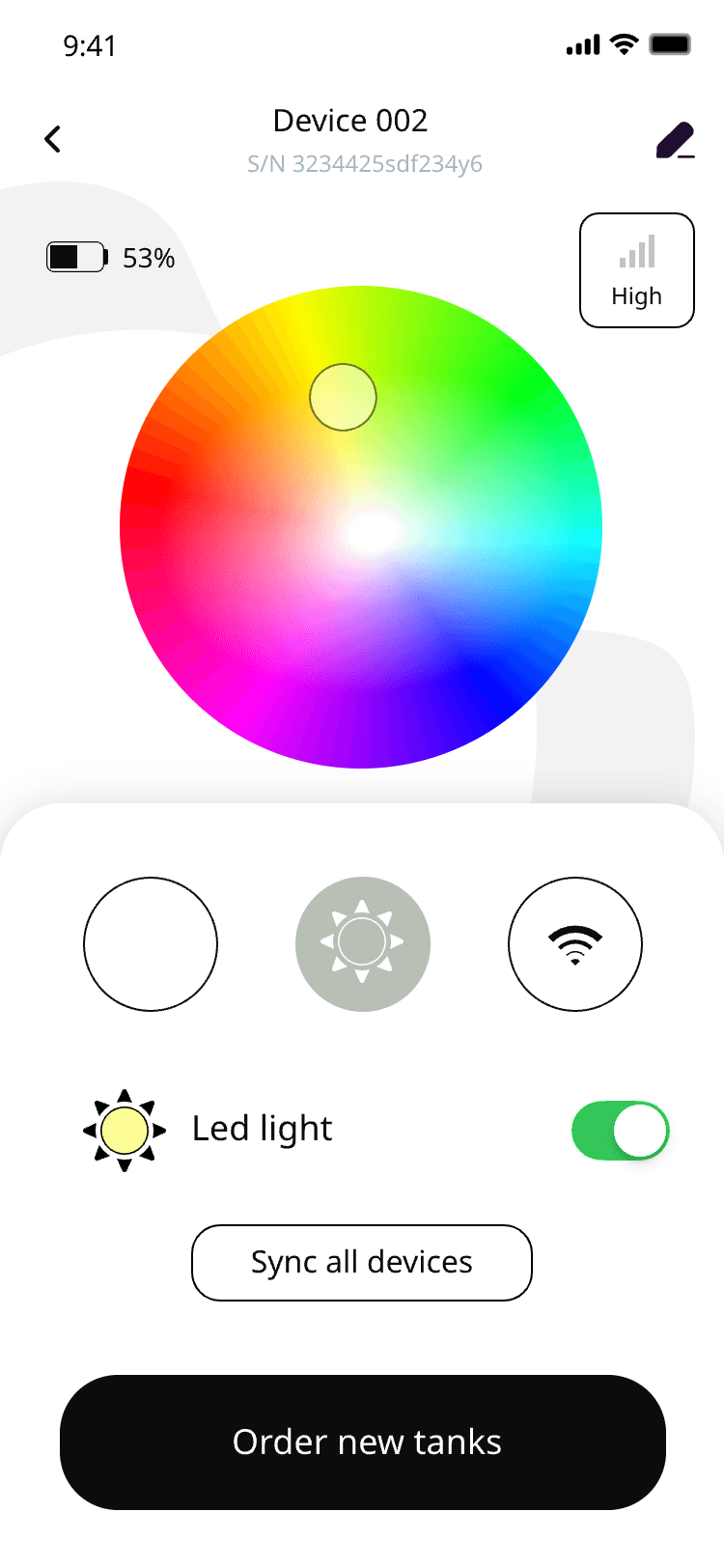
Device 002 colour wheel with the sync-all-devices control
Sync all devices
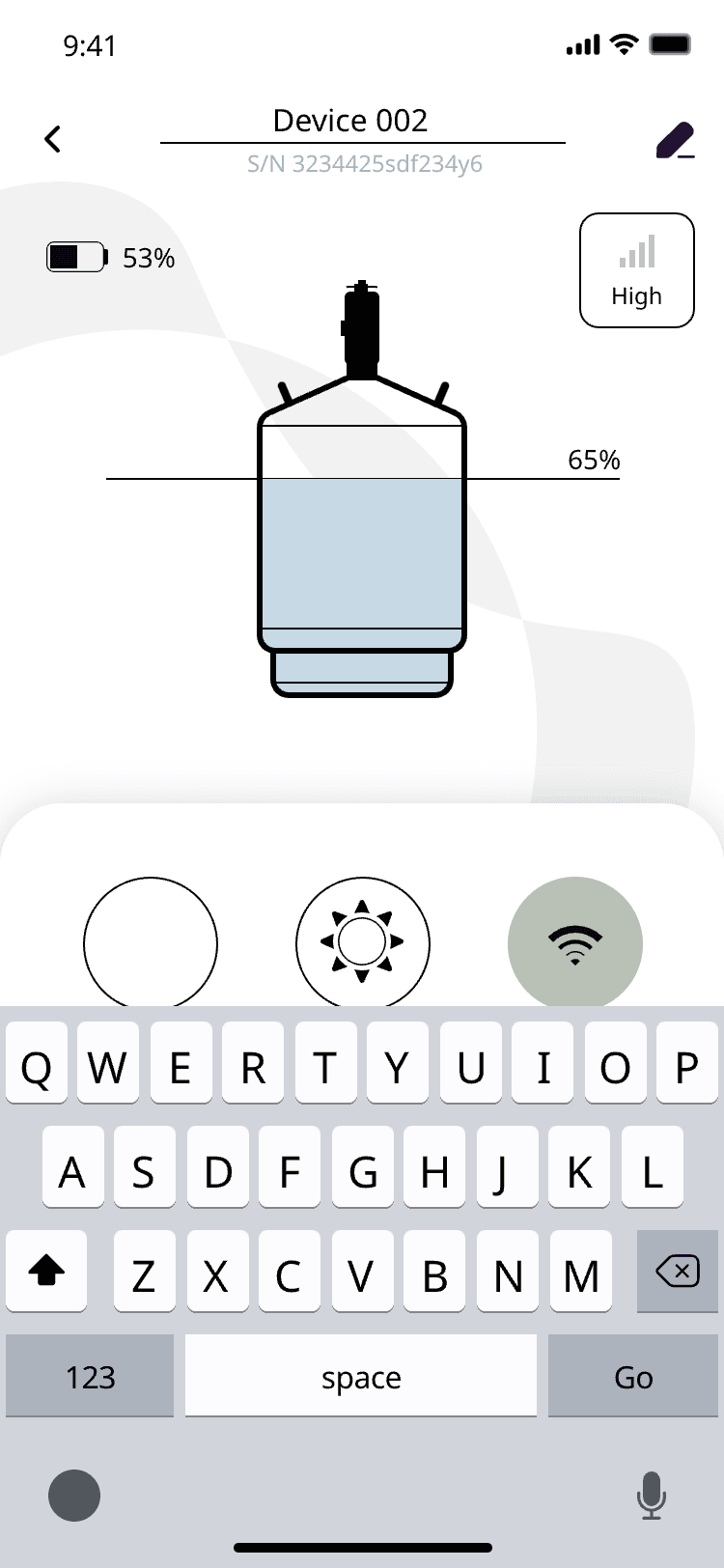
Changing the Wi-Fi network of a device with the keyboard open
Change network
Device 001 tank view with the order-new-tanks button
Order from the device
Store

Tanks and capsules reordered from the app

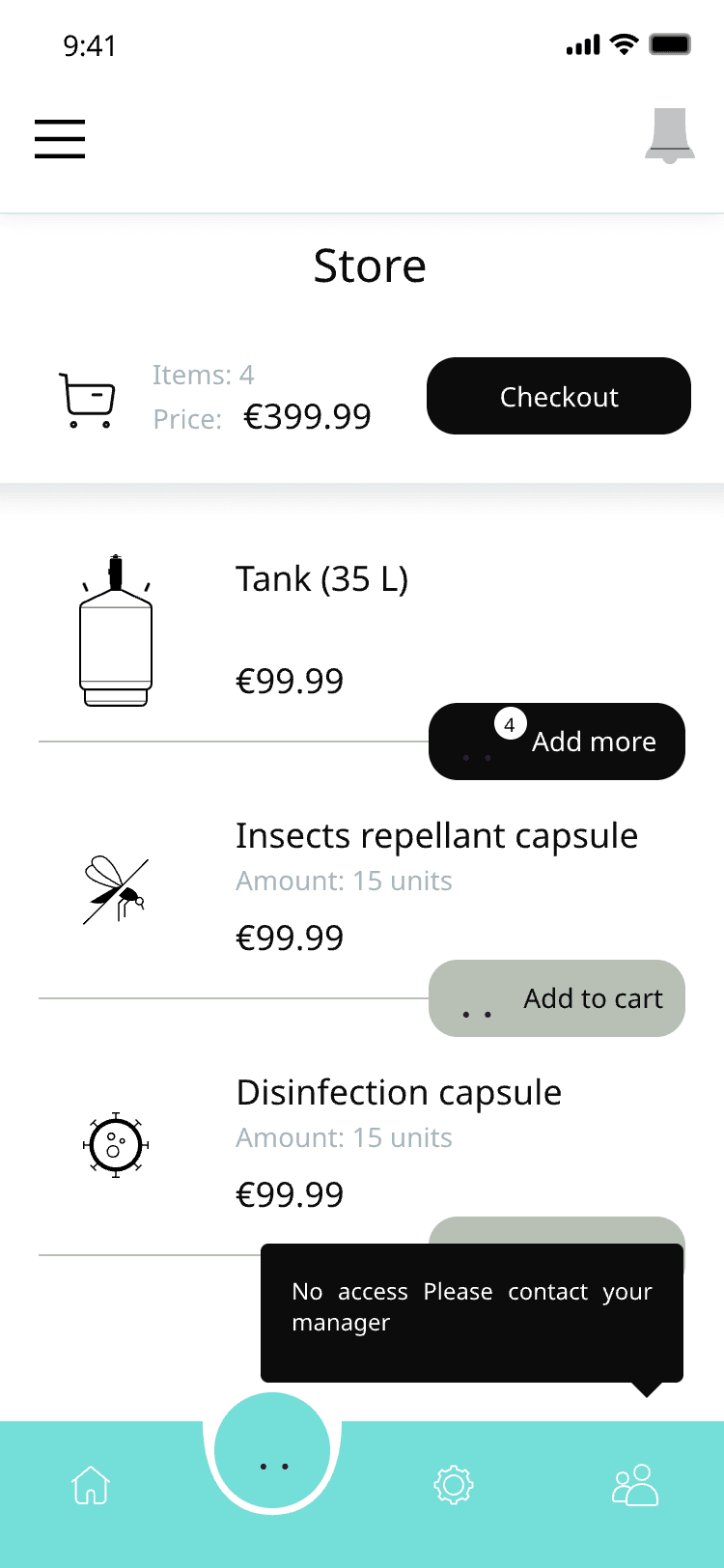
With role-based access for staff: a staff account sees the catalogue, only a manager can order.
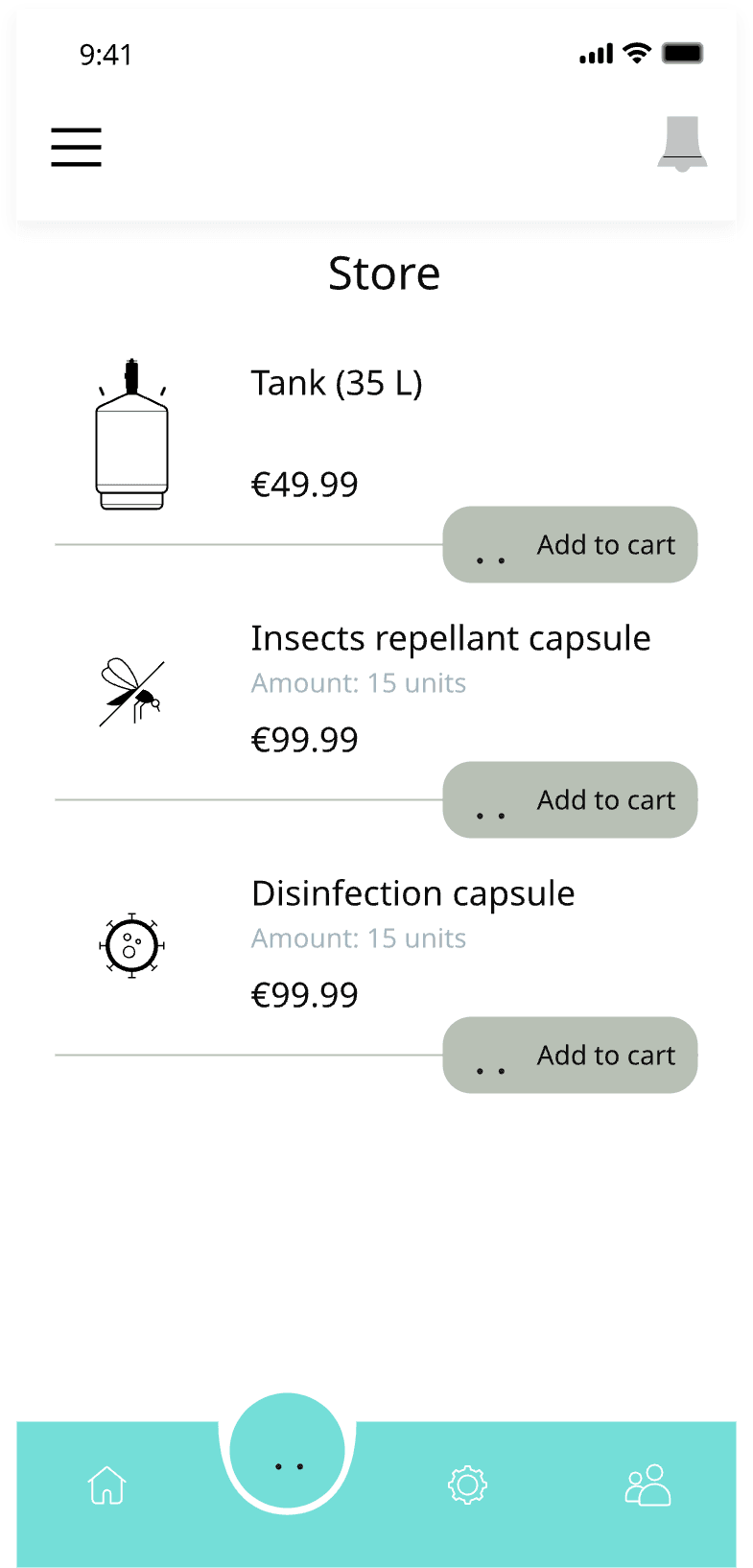
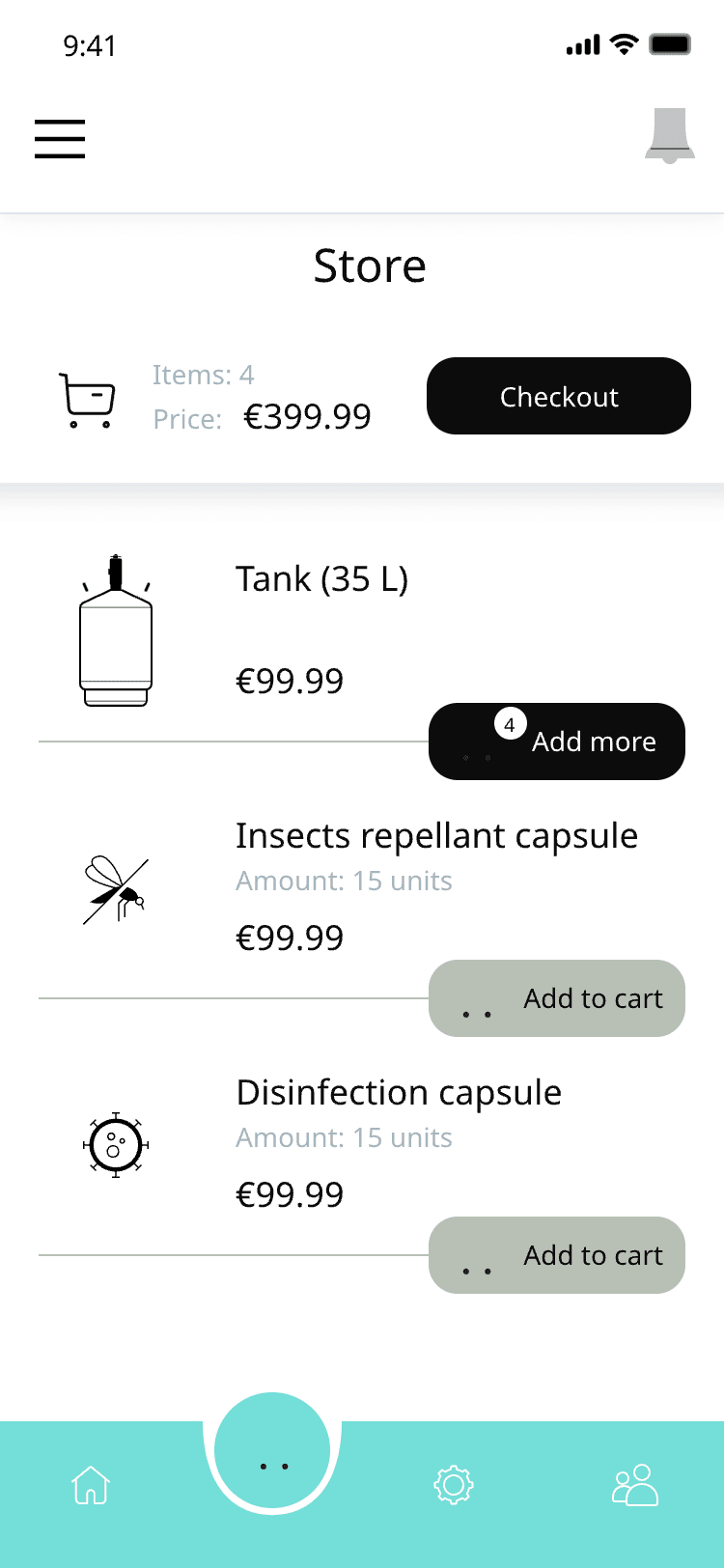
Store — tanks and capsules with prices and add-to-cart buttons
Catalogue
Store with two items in the cart and a checkout button
Cart
Store with a "No access, please contact your manager" notice for a staff account
Role-based access
Checkout & payment

A delivery window, an itemised cart and card payment

Without leaving the app.
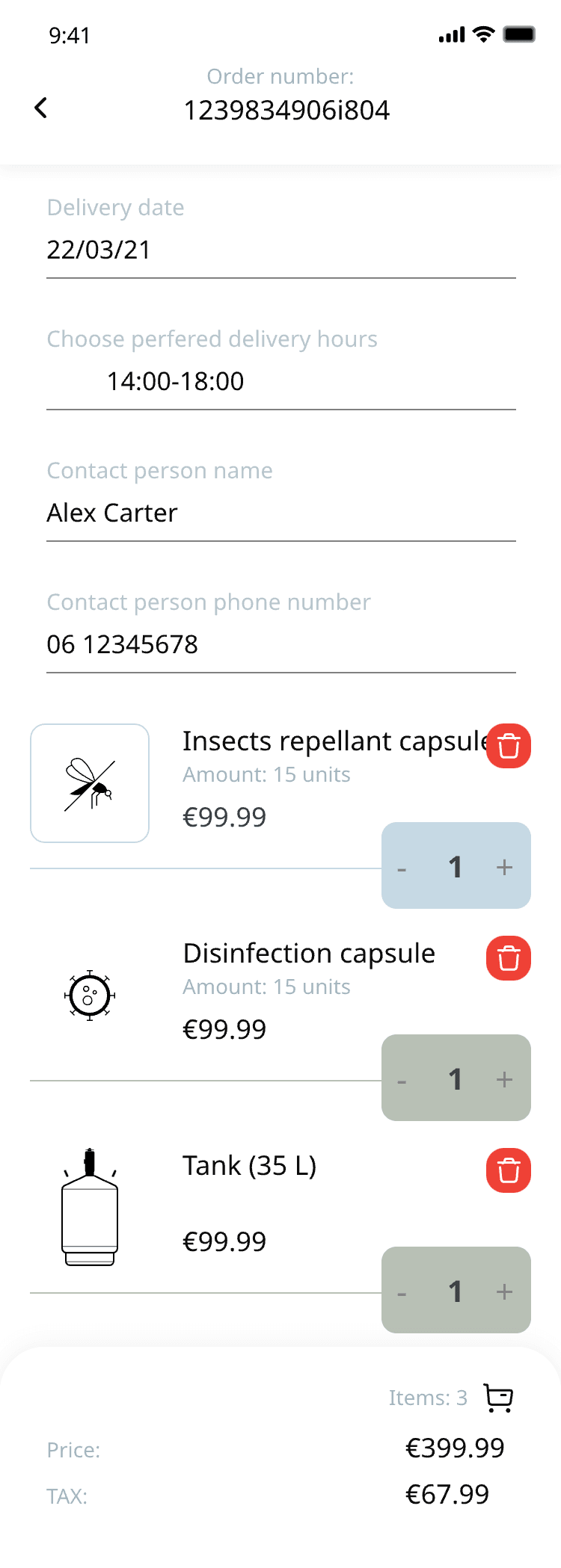
Checkout — order number, delivery date, preferred hours and contact details
Delivery window
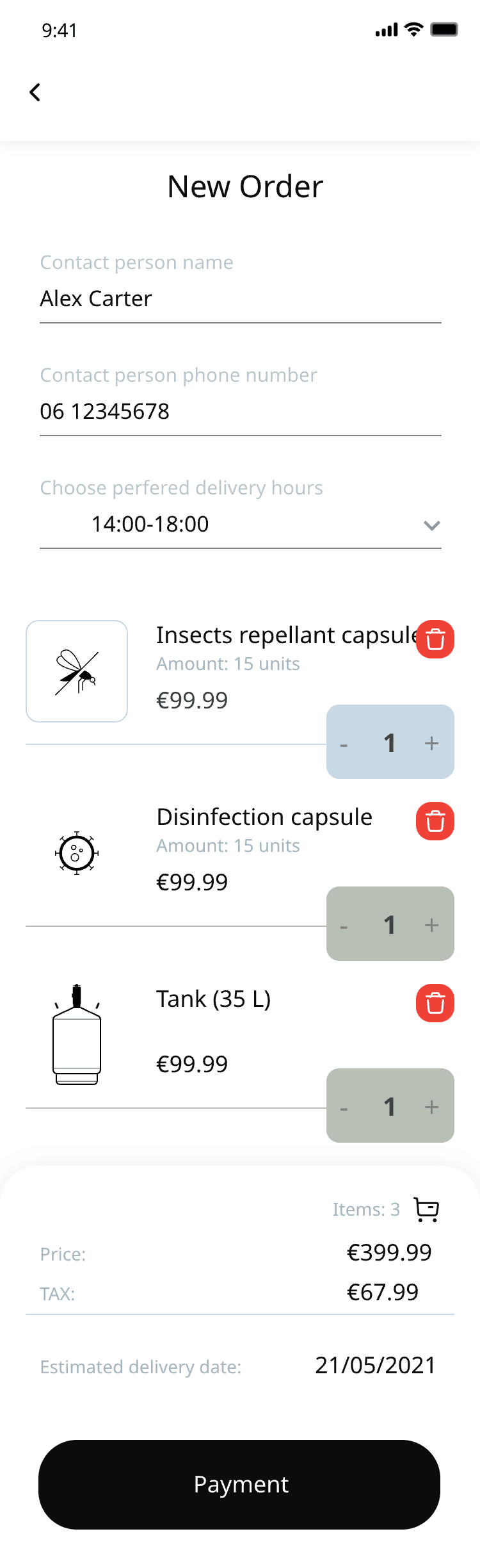
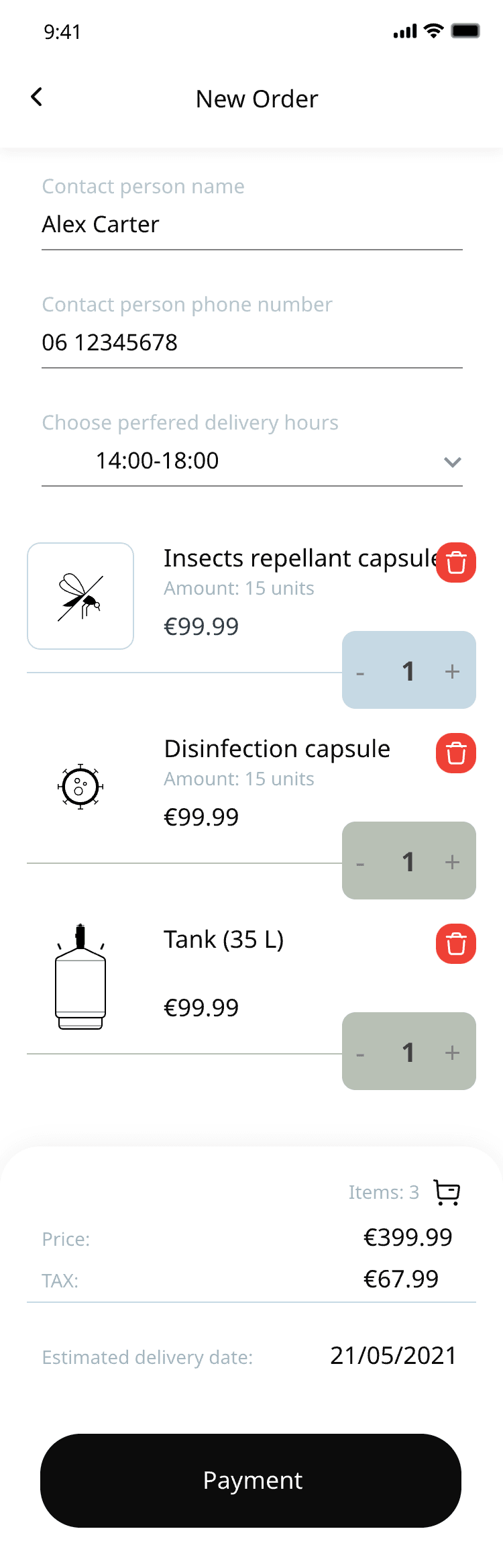
New order form with contact person, phone and preferred delivery hours
Itemised cart
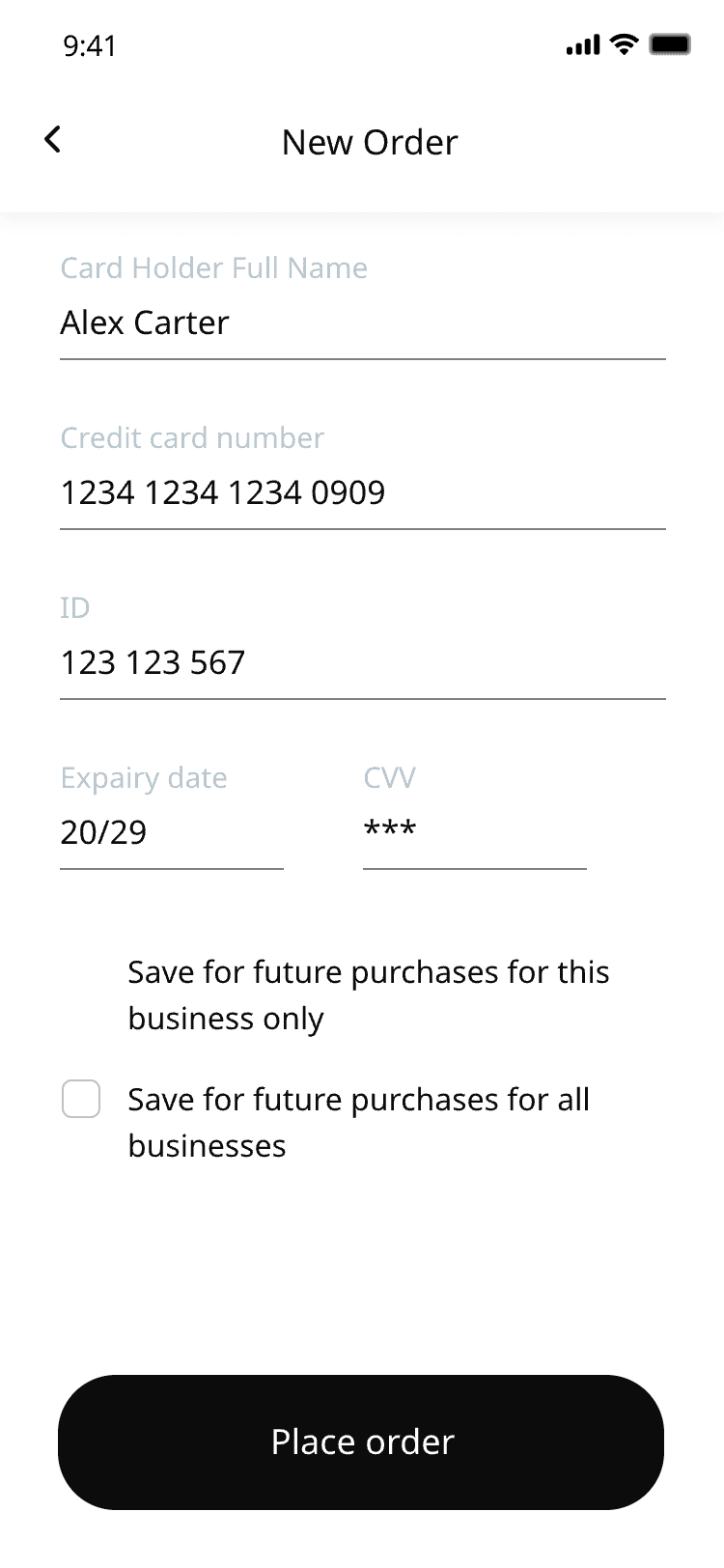
Card details form with the option to save the card for the business
Card payment
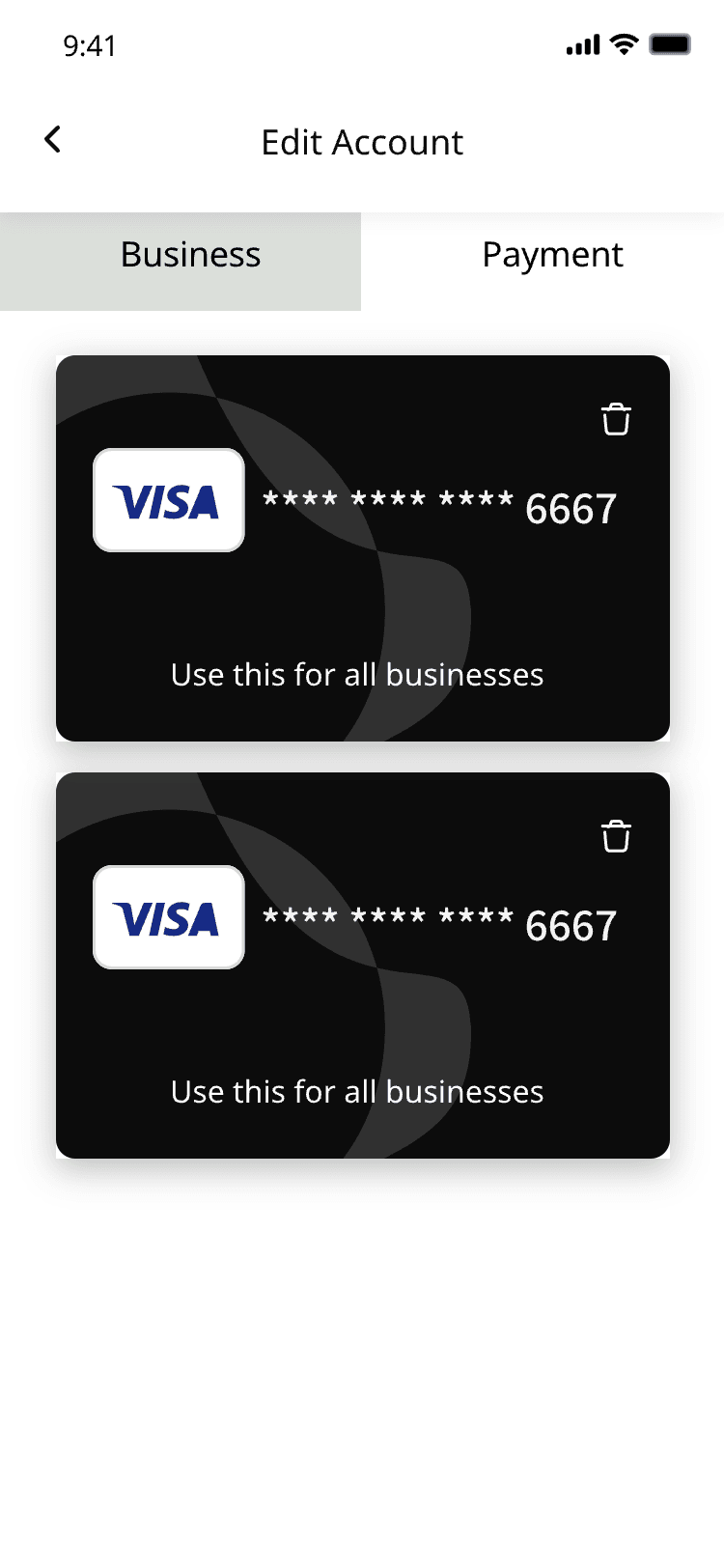
Saved Visa cards on the payment tab of the account
Saved cards
Orders & notifications

Confirmation, order history and push notifications

For every delivery.

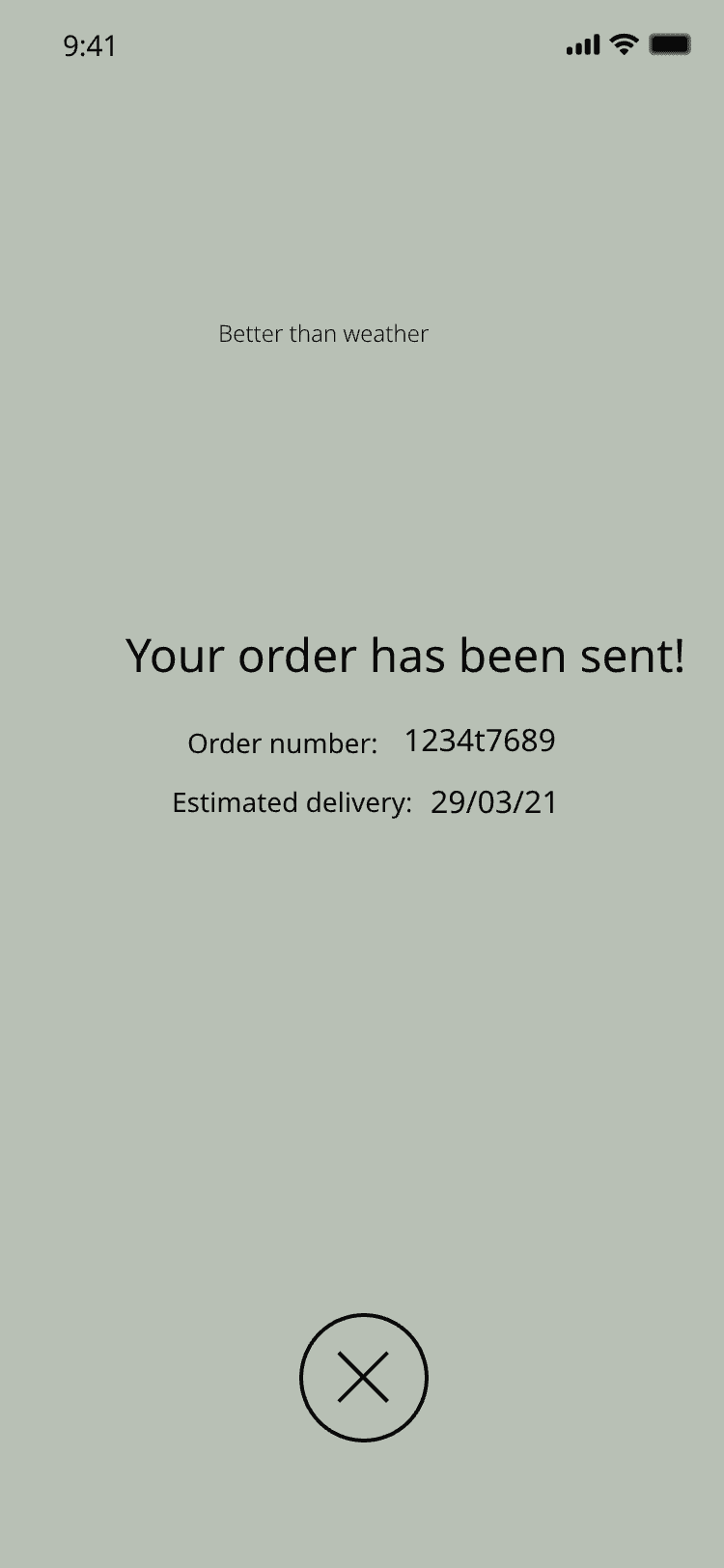
Confirmation that the order has been sent, with order number and estimated delivery
Confirmation
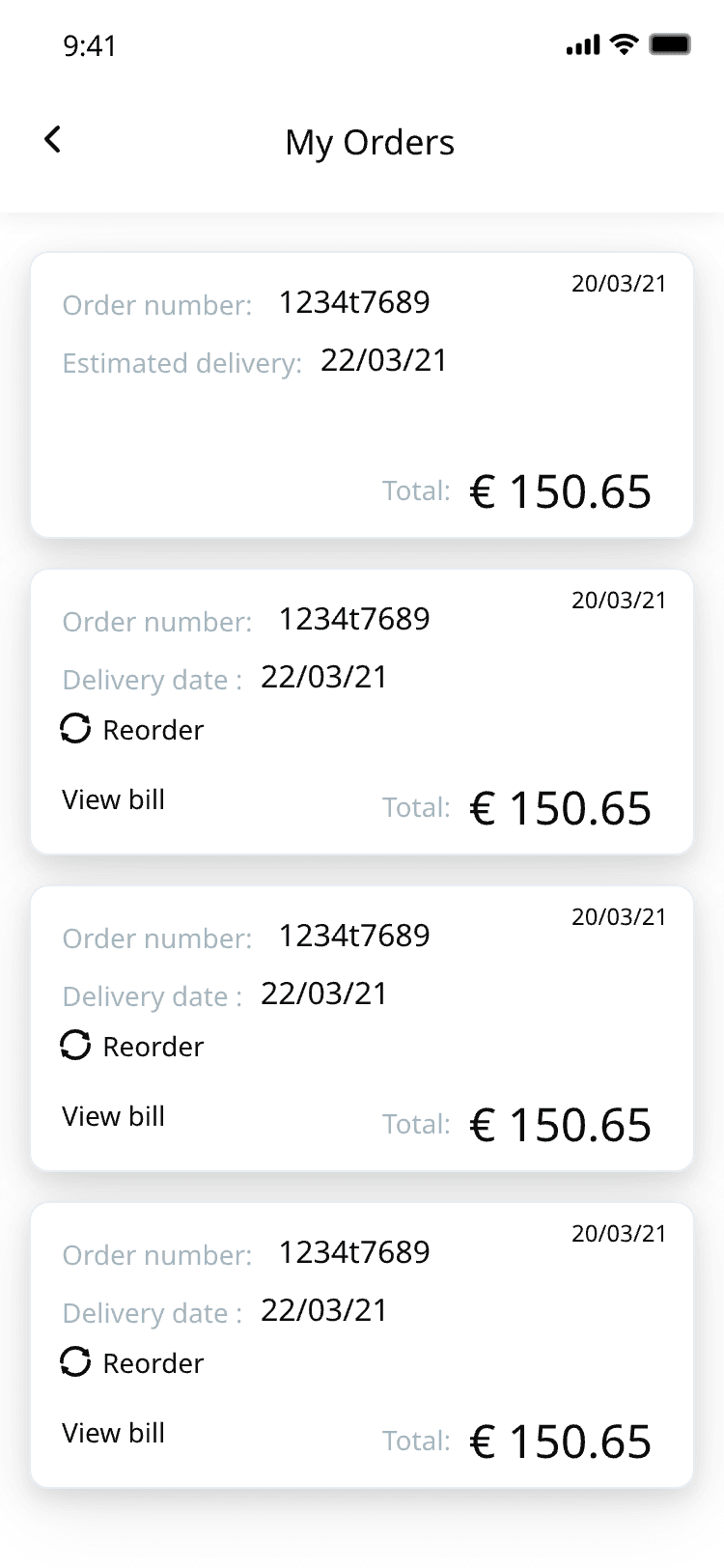
My orders — order history with totals, reorder and view-bill actions
Order history
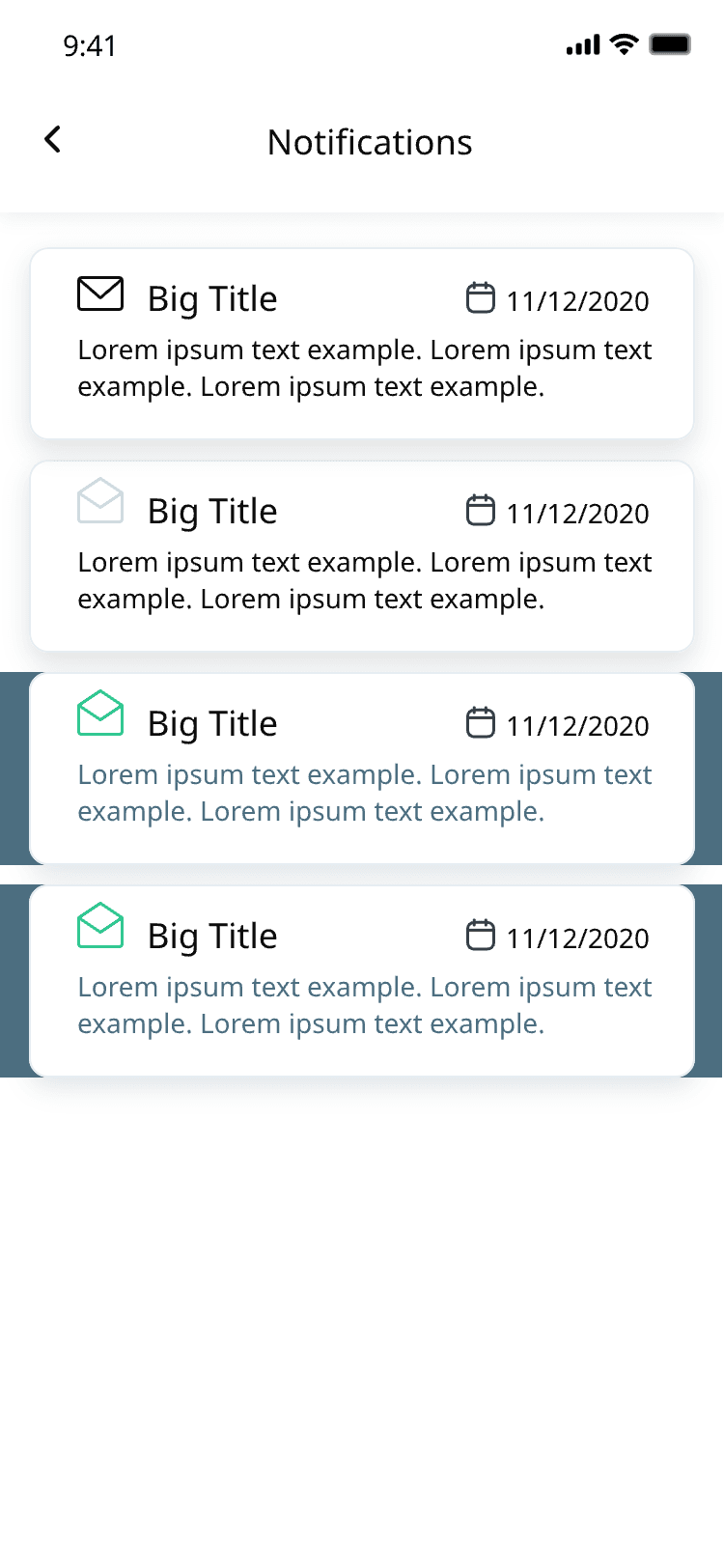
Notifications list
Push notifications
Bills & reorder

Track an order in progress, open the bill, and repeat a past order

In one tap.
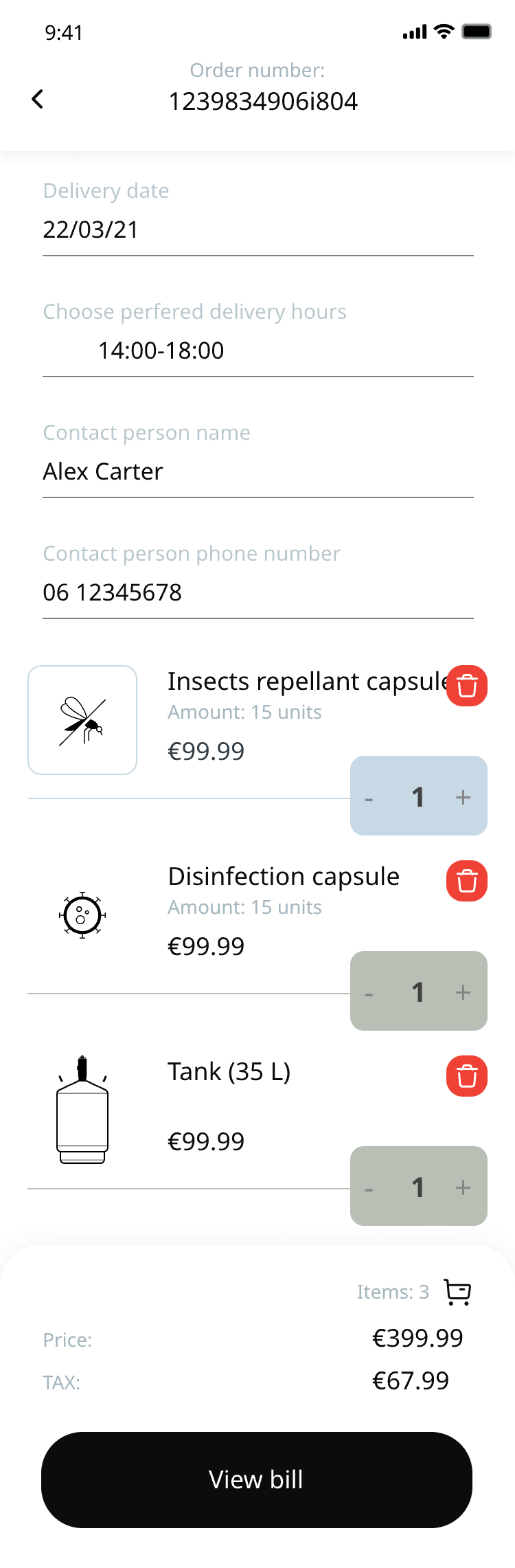
An order in progress with its delivery details
Order in progress
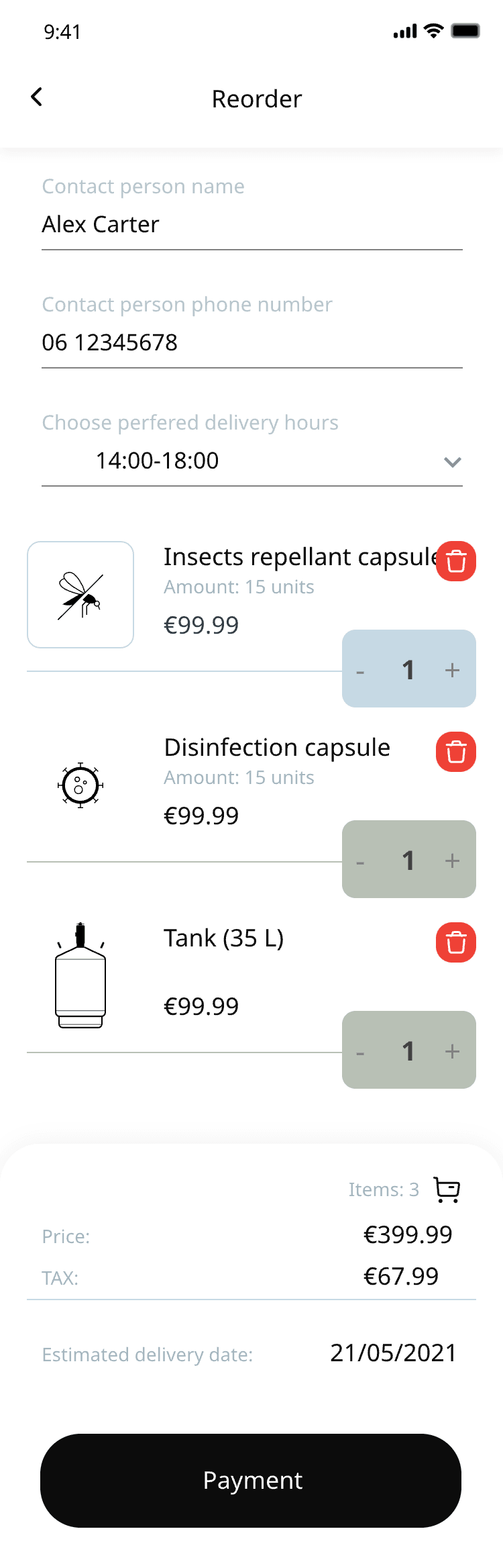
Reorder screen prefilled from a previous order
Repeat a past order
New order with the items from the last basket
Itemised bill
Account & team

Business profile, saved cards, and team management with invitation codes

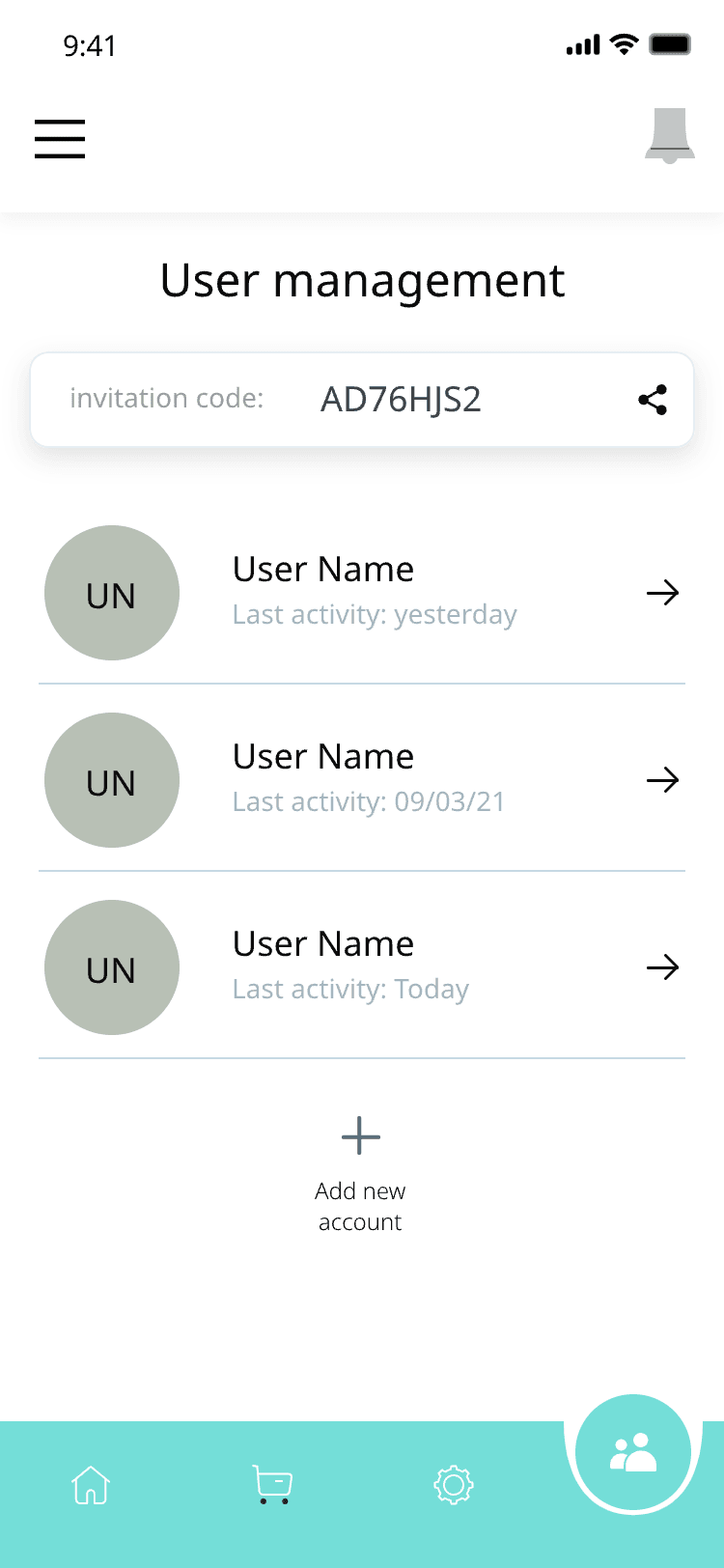
The product is sold to businesses, not households. A manager invites staff with a short code and decides who may order stock — everyone else sees the store in read-only mode.
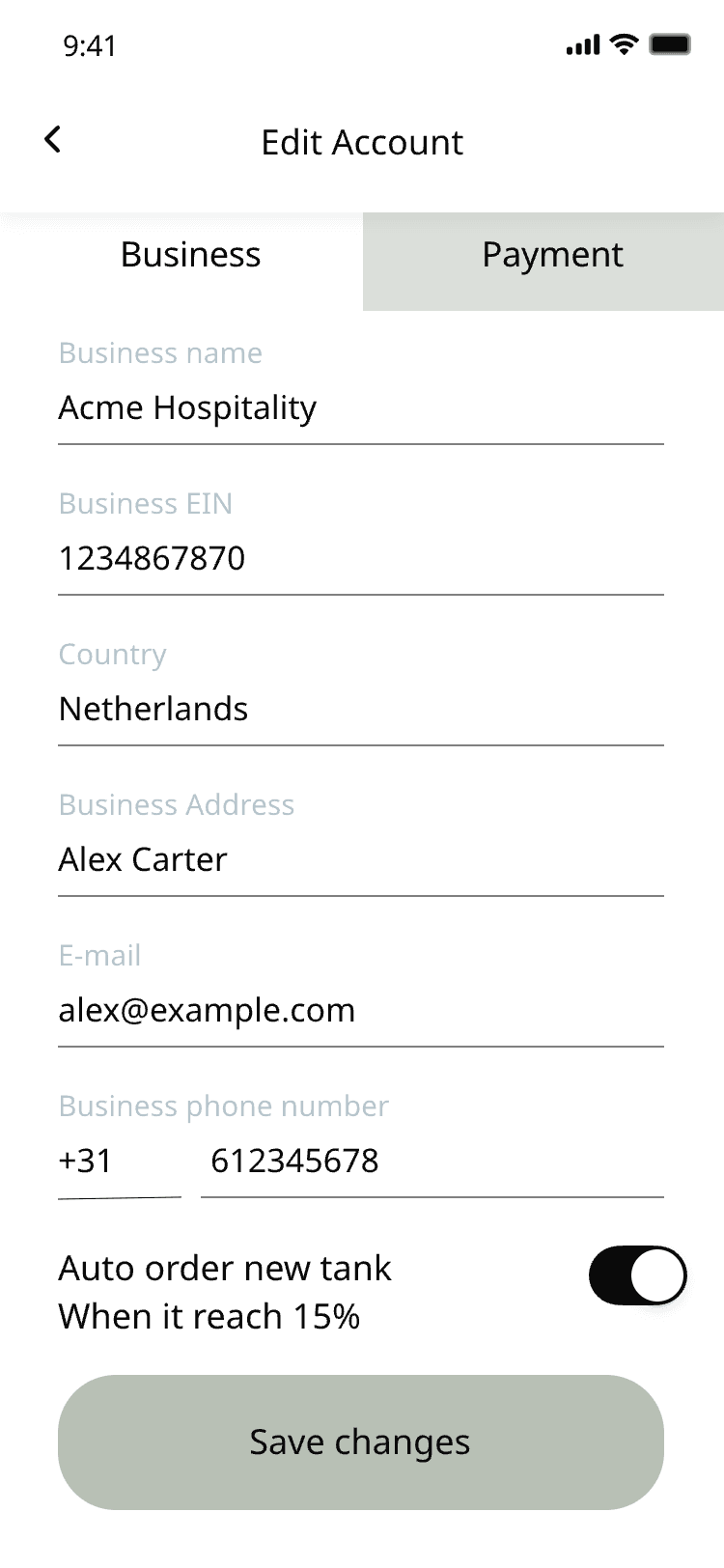
Edit account — business tab with company name, EIN, country and address
Business profile
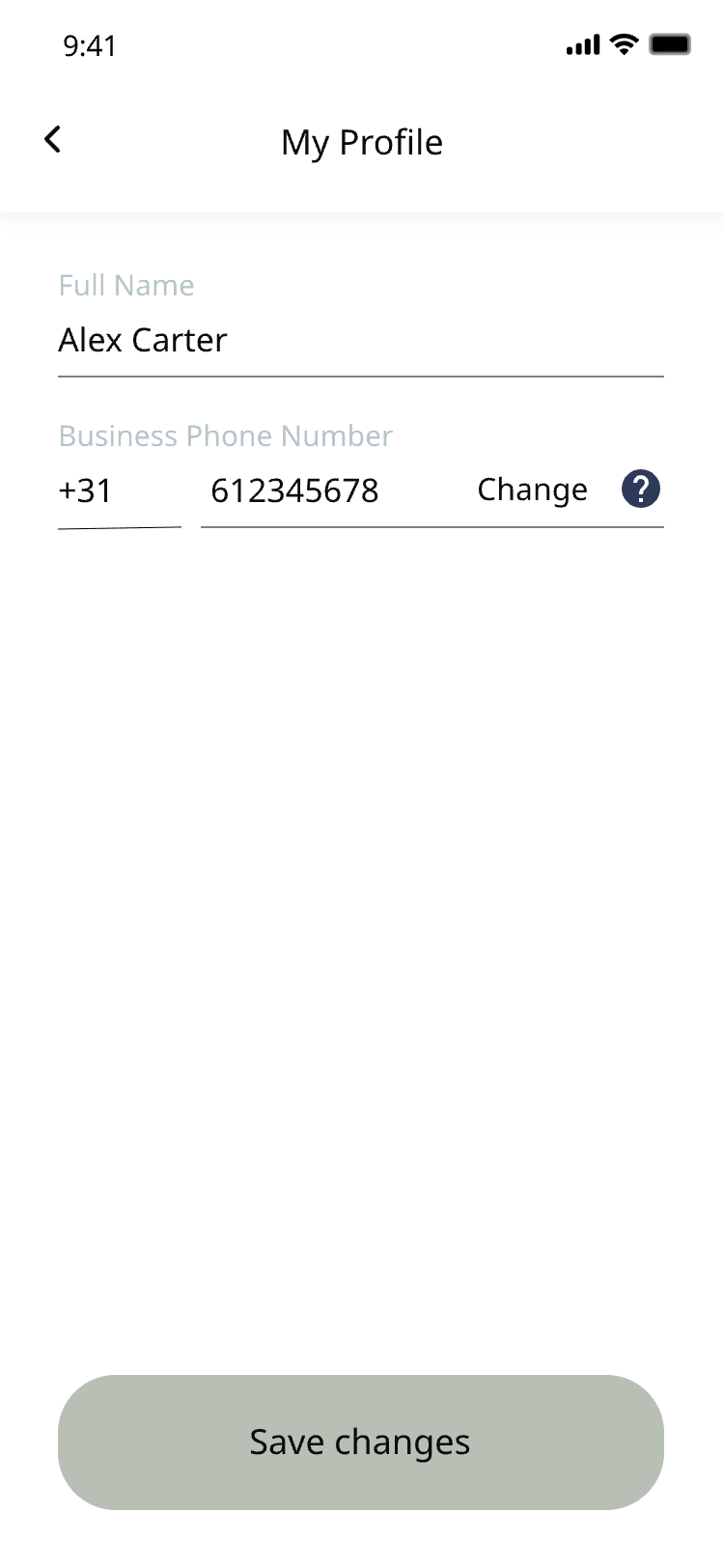
My profile with name and business phone number
Profile
User management with the invitation code and the list of users
Users and invites
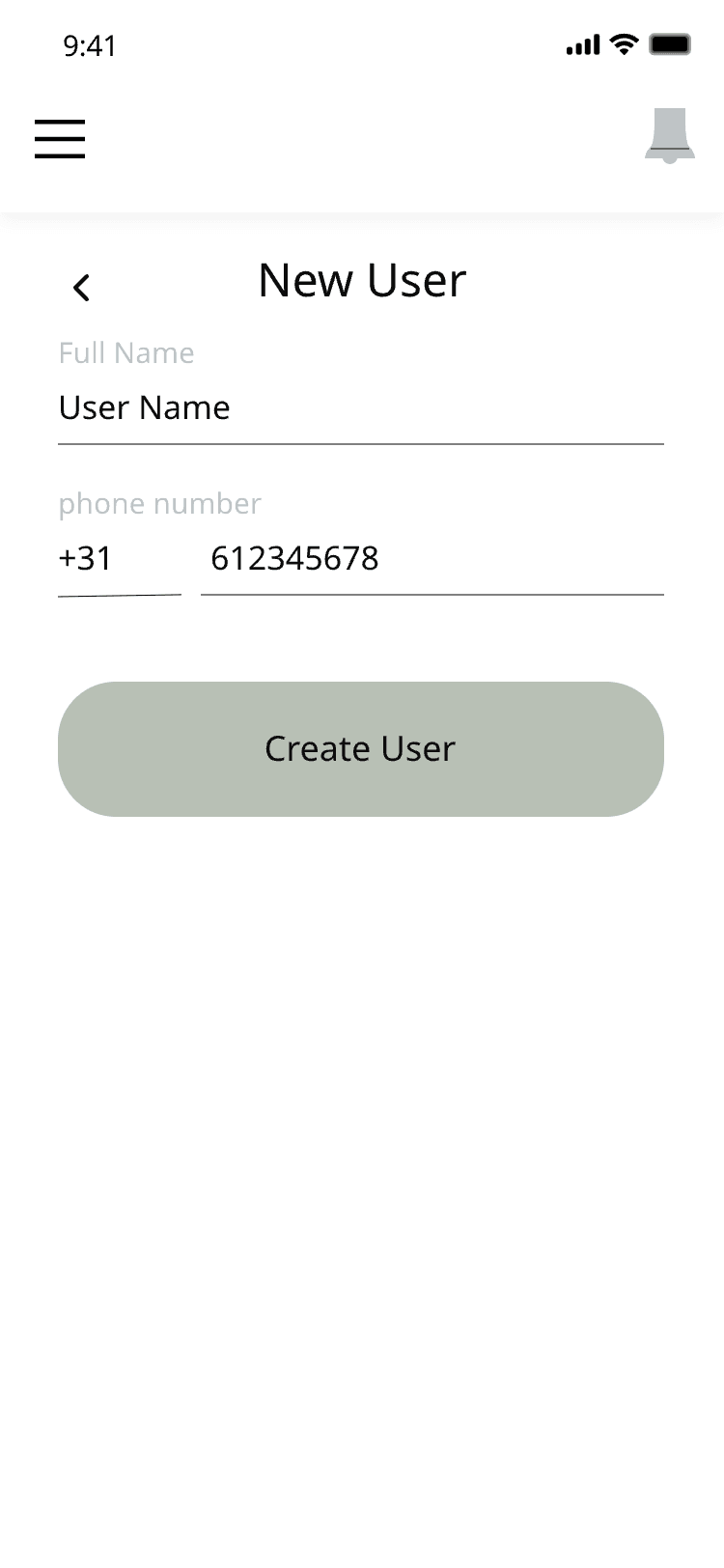
New user form with name and phone
Add a user
Settings & support

Auto-reorder thresholds, language, and a direct line to the call centre

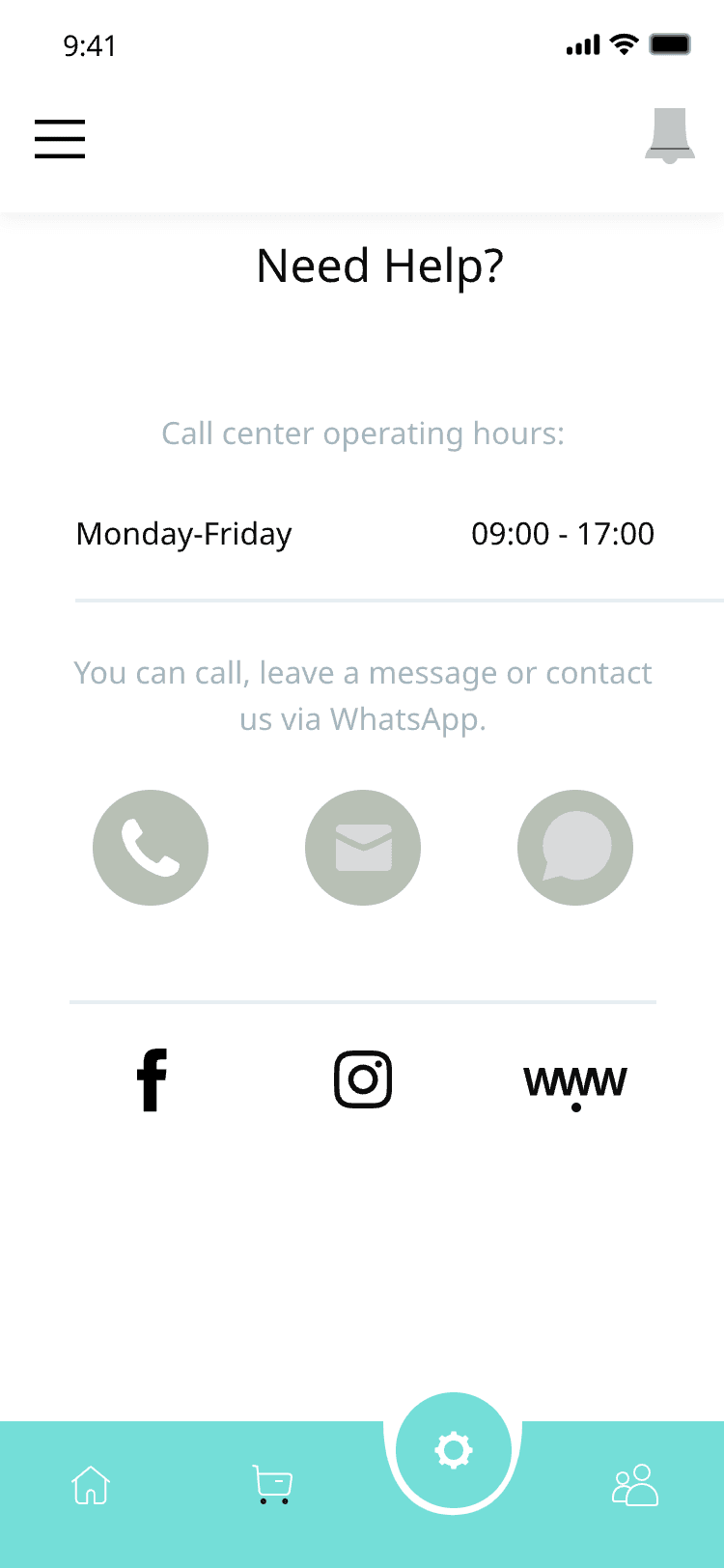
Never run dry: auto-order puts a new tank on the way as soon as the level drops past a threshold the venue sets. Support is one tap away — call, message or WhatsApp, with the call-centre hours on screen.
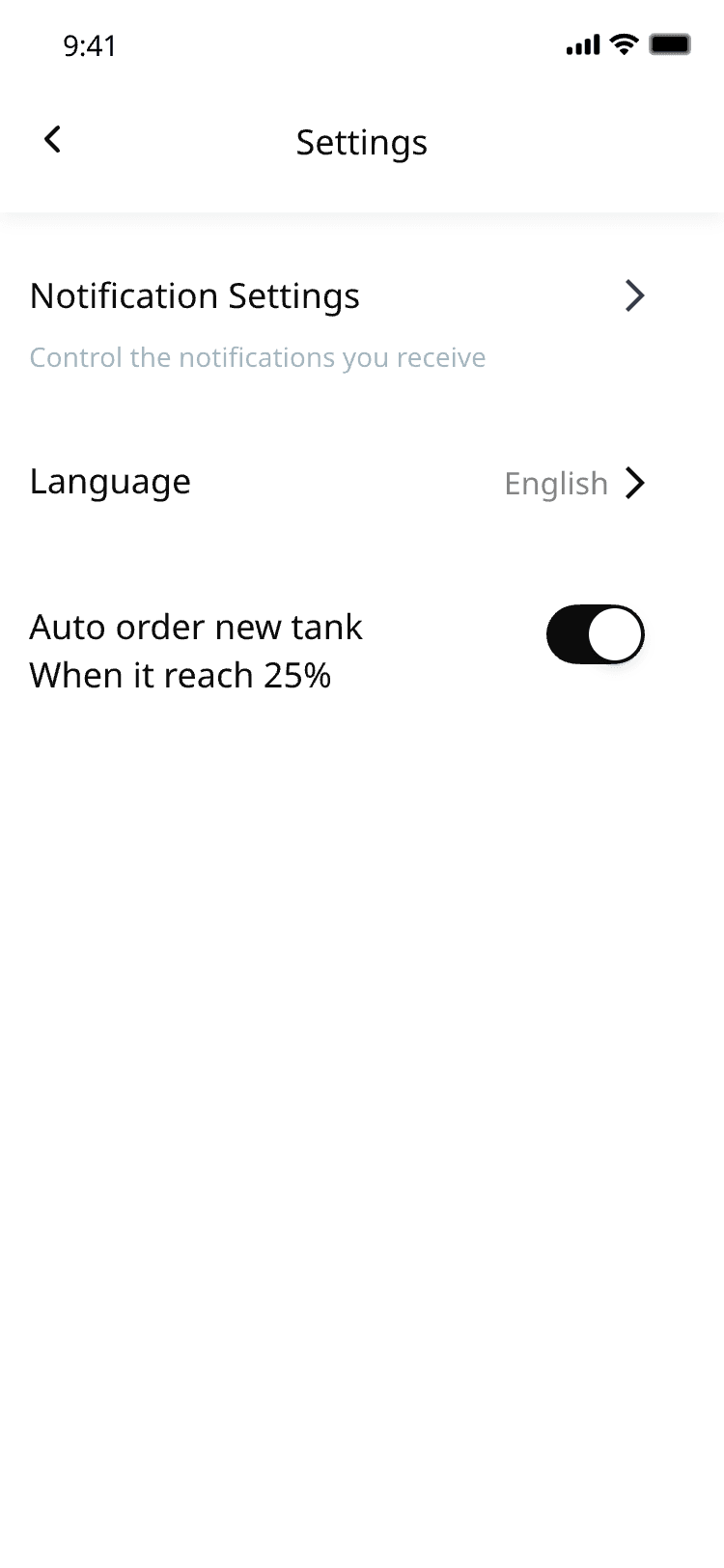
Settings — notifications, language and the auto-order threshold
Settings
Need help? — call-centre hours, phone, WhatsApp and social links
Support
Screens

38 interface screens from the client’s designs

Across onboarding, device control, the store and the back office — the full app as delivered.

Splash screen with the IoT Cooling Platform name over a palm-leaf pattern
Welcome screen with the cooling tower render and a short introduction
Device connection setup asking for the Wi-Fi password
Device connection setup showing a connecting progress of 50%
My devices — the list of towers with fan, LED, signal and tank level per device
Device view with the tank at 65%, mode buttons and a maintenance date
Device 002 with last-maintenance date and description
Device 003 switched off, with the order-new-tanks button
Device control with the LED colour wheel, fan modes and the LED light toggle
Device 002 colour wheel with the sync-all-devices control
Changing the Wi-Fi network of a device with the keyboard open
Device 001 tank view with the order-new-tanks button
Store — tanks and capsules with prices and add-to-cart buttons
Store with two items in the cart and a checkout button
Store with a "No access, please contact your manager" notice for a staff account
Checkout — order number, delivery date, preferred hours and contact details
New order form with contact person, phone and preferred delivery hours
Card details form with the option to save the card for the business
Saved Visa cards on the payment tab of the account
Confirmation that the order has been sent, with order number and estimated delivery
My orders — order history with totals, reorder and view-bill actions
Notifications list
An order in progress with its delivery details
Reorder screen prefilled from a previous order
New order with the items from the last basket
Edit account — business tab with company name, EIN, country and address
My profile with name and business phone number
User management with the invitation code and the list of users
New user form with name and phone
Settings — notifications, language and the auto-order threshold
Need help? — call-centre hours, phone, WhatsApp and social links

IoT Cooling Platform × Jellyworkz

Design by the client’s design team. Development by Jellyworkz. Brand names and customer data are withheld under NDA.

Client
Withheld under NDA
Work
Mobile development
Design
Client's design team
Screens
38

The challenge

Bars, restaurants and hotels run these cooling towers across a venue, and staff had no single place to set them up, control them or keep them stocked. The app had to make pairing a device as simple as joining Wi-Fi, and reordering consumables something a manager could do in a few taps.

What we built

A mobile app covering the whole lifecycle: onboarding and Wi-Fi pairing, a device list with per-device status, and controls for fan mode, LED colour, brightness and timers. An in-app store handles tanks and capsules with cart, checkout and payment; orders, notifications, invoices and one-tap reordering keep venues supplied. Business accounts add team management with user roles and access levels, alongside notification and language settings and in-app support. 38 screens in total.

Our role

Jellyworkz handled development only — the product design came from the client’s design team. Brand names and customer data have been withheld under NDA.